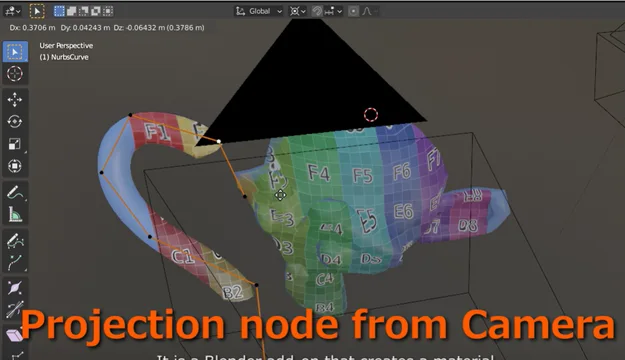


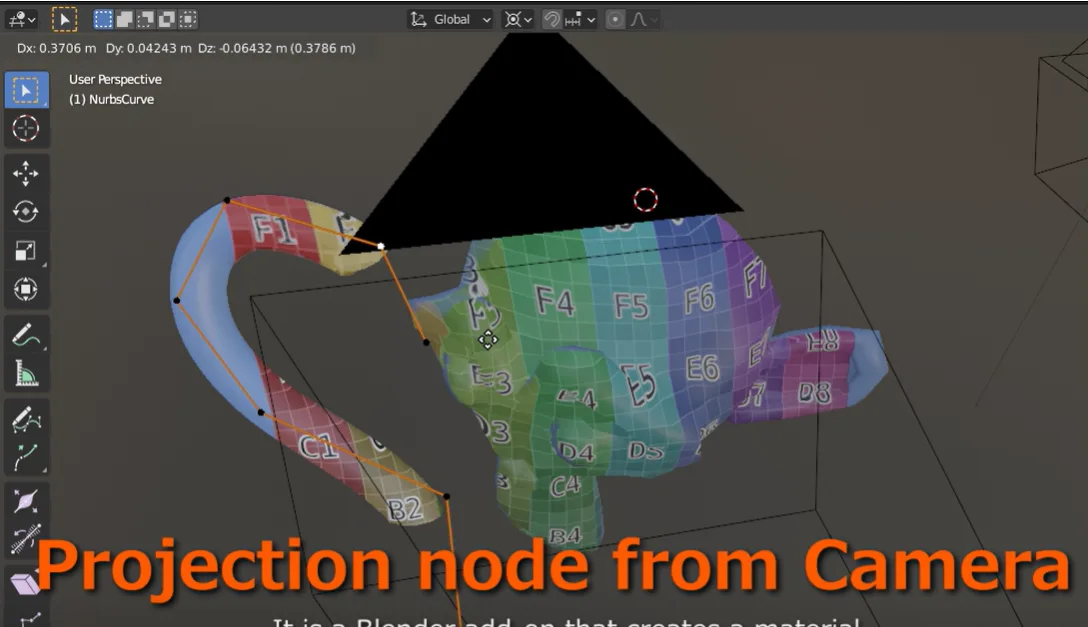
资源介绍
Creates a material specified in the Background Image of Camera
Compatibility: Blender 4.2.0+
官方介绍(中文整理)
创建相机背景图像中指定的材料。
这是一个添加点, 创建一个节点, 根据相机“ 后台” 设置的图像的外观来投影相机地图。
加用基本用量
添加面板显示在着色器编辑器上方侧边栏的节点标签中
选择要从相机下拉后投影的相机, 并选择您要使用的背景。 如果没有为指定相机设置背景图像, “ 背景” 下的项目将不会被显示。 在用草图集指定相机后, 请从草图下拉下图中选择您想要使用的图像。 当您按下 Make 相机投影节点按钮时, 将会以 [相机名称] _ [图像名称]_ projection 等名称创建节点组。
如果材料显示在着色器编辑器中, 则在材料中加入创建的节点组。 如果材料没有显示, 或者您想用其他材料使用, 请从“ 添加” 菜单中的组项中选择。
如何使用节节点组
将所创建节点组的颜色输出与阴影器的颜色输入连接 图像将按照草图中指定的方式从相机中投影。
如果您对草图使用带有 Alpha 的透明图像,颜色输入中指定的颜色或与图像结合的颜色将是输出。
当相机与预测表面之间的角大于所指定的限制角时,还有一个函数使用颜色输入值。您可以将角度限制之间的界限设定为模糊设置中的梯度。
查看官方原文摘要(English)
This is an add-on that creates a node that projects a camera map according to the appearance of the image set in the camera's "background".
Basic usage of add-ons
The add-on panel appears in the node tab of the sidebar above the shader editor
Select the camera you want to use for projection from the camera pulldown and select the background you want to use. If no background image is set for the specified camera, items under "Background" will not be displayed. After specifying the camera with the sketch set, select the image you want to use from the sketch dropdown. When you press the Make CameraProjection Nodes button A node group will be created with a name such as [camera name]_[image name]_Projection.
If the material is displayed in the shader editor, add the created node group to the material If the material is not displayed or you want to use it with another material, Select from the group items in the Add menu.
How to use NodeGroup
By connecting the color output of the created node group to the color input of the shader The image will be projected from the camera as specified in the sketch.
If you use an image transparent with alpha for the sketch, The color specified in the color input or the color combined with the image will be output.
There is also a function that uses the color input value when the angle between the camera and the projected surface is larger than the limit angle specified. You can set the boundary between angle restrictions to be a gradation in the blur settings.
安装方法
- 打开 Blender「编辑 → 偏好设置 → 获取扩展(Get Extensions)」,搜索 ProjectionNode from Camera,可直接从官方库安装。
- 手动安装时,选择适合当前 Blender 版本与系统的 ZIP 包,在「获取扩展」右上角菜单选择「从磁盘安装(Install from Disk)」,选中 ZIP 文件,无需解压。
- 安装后,在偏好设置的「插件(Add-ons)」中确认已启用,并按作者说明使用。
下载安装包
请选择与你的 Blender 版本和操作系统相符的文件,下载由 Blender 官方扩展库提供。
正在加载安装包…
来源与许可
- 作者 / 维护者:Yukimituki
- 许可:SPDX:GPL-2.0-or-later
- 来源:Blender 官方扩展库


![[搬运]超级粘液资产合集-魔酷网](https://i.blender.kim/wp-content/uploads/2026/01/20260131142748712.png)


暂无评论内容