

Blender 官方扩展库收录Blender 插件
资源介绍
Put the buttons in timeline to other animation related editors
Compatibility: Blender 4.2.0+
官方介绍(中文整理)
将按钮放在其他动画相关编辑的时间线上。
时线按钮
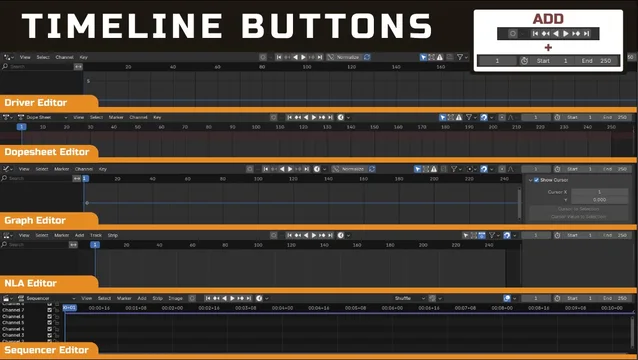
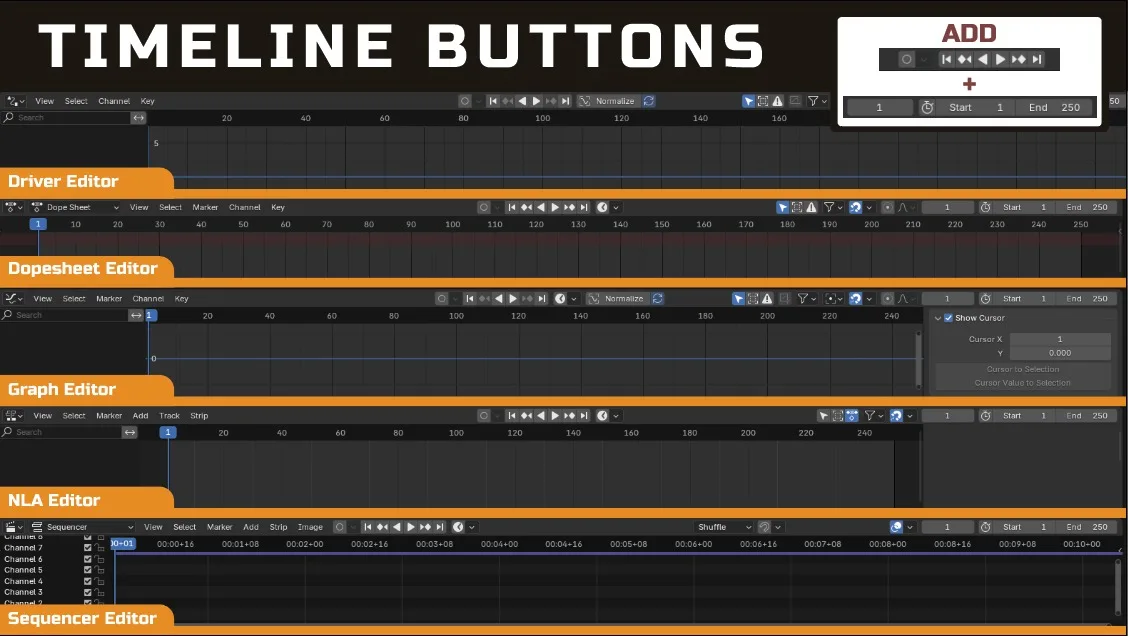
从时间线编辑器到其它动画相关编辑器添加按钮
播放按钮、 暂停按钮、 自动键选项和框架范围被添加
受影响的编辑器
- 序列序列编辑器
- Dopepeshe 编辑器编辑器
- 图表编辑器
- 司机编辑器
- NLA 编辑器
注意 : 许多更大的动画编辑器附加件可能也会执行此特性, 因此您可能需要检查您是否已有包含此特性的其他附加件。
查看官方原文摘要(English)
Timeline Buttons
Add Buttons From Timeline Editor to Other Animation Related Editor
The Play Button, Pause Button, Autokey Options, and Frame Range are Added
Affected Editors
- Sequencer Editor
- Dopesheet Editor
- Graph Editor
- Driver Editor
- NLA Editor
Note: Many larger animation-editor add-ons might also implement this feature so you might need to check if you already have other addon that include this feature
安装方法
- 打开 Blender「编辑 → 偏好设置 → 获取扩展(Get Extensions)」,搜索 Timeline Buttons,可直接从官方库安装。
- 手动安装时,选择适合当前 Blender 版本与系统的 ZIP 包,在「获取扩展」右上角菜单选择「从磁盘安装(Install from Disk)」,选中 ZIP 文件,无需解压。
- 安装后,在偏好设置的「插件(Add-ons)」中确认已启用,并按作者说明使用。
下载安装包
请选择与你的 Blender 版本和操作系统相符的文件,下载由 Blender 官方扩展库提供。
正在加载安装包…
来源与许可
- 作者 / 维护者:tinkerboi
- 许可:SPDX:GPL-3.0-or-later
- 来源:Blender 官方扩展库
© 版权声明
本站除原创作品外的资源均收集于网络,只做学习和交流使用,版权归原作者所有,请在下载后24小时之内自觉删除。若作商业用途,请购买正版。
THE END


![[搬运]超级粘液资产合集-魔酷网](https://i.blender.kim/wp-content/uploads/2026/01/20260131142748712.png)


暂无评论内容