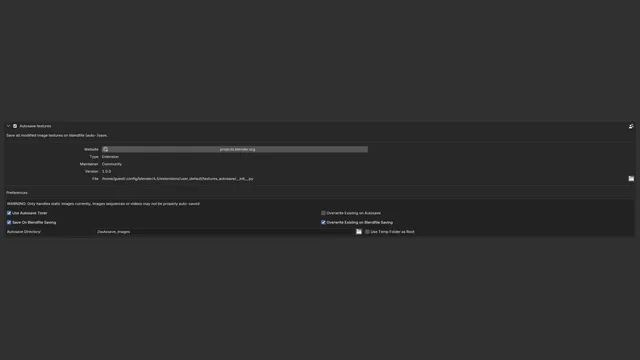


资源介绍
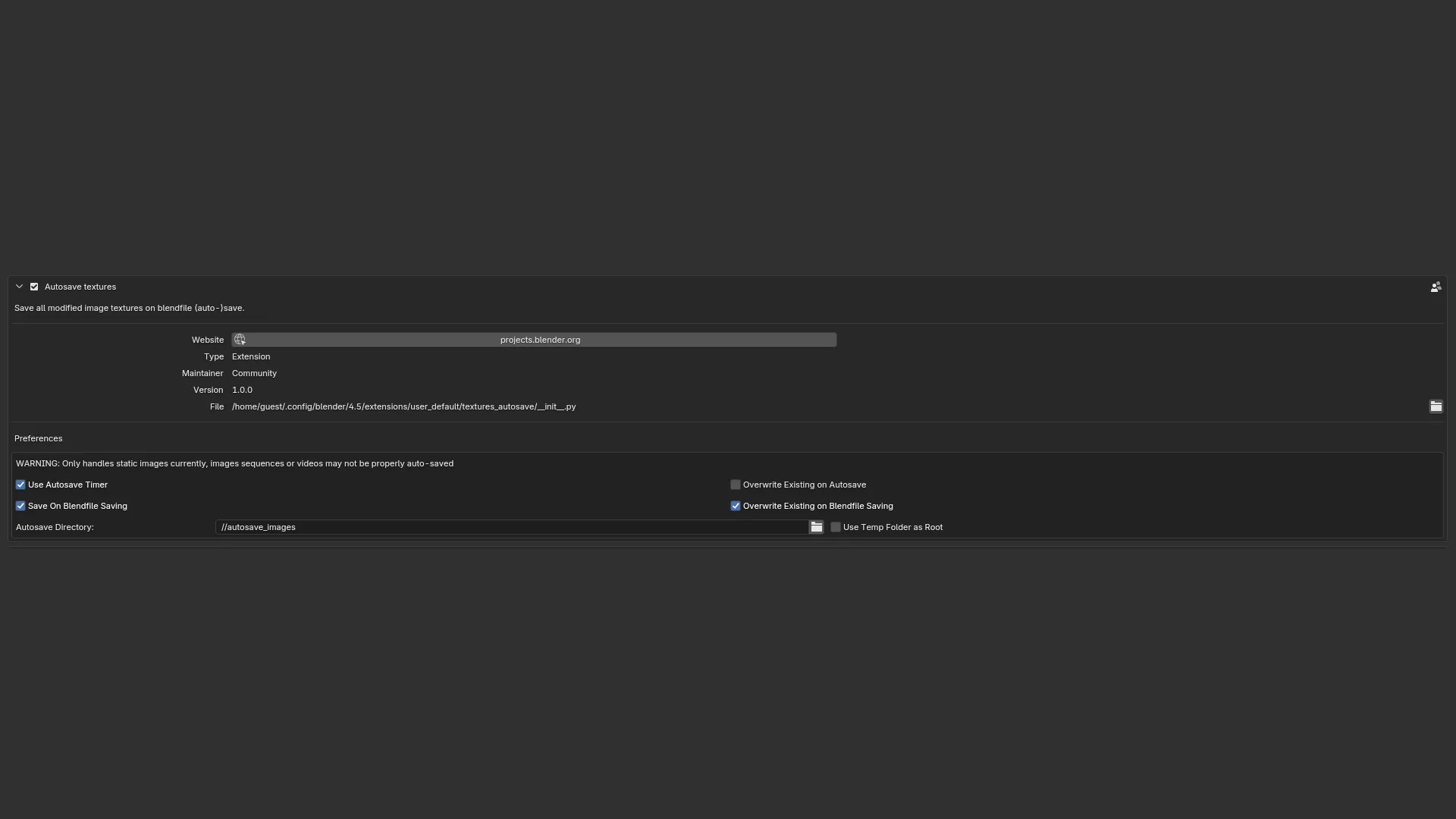
Save all modified image textures on blendfile (auto-)save
Compatibility: Blender 4.4.0+
官方介绍(中文整理)
将所有已修改的图像纹理保存在.blend 文件( 自动保存) 上。
自动保存纹理
添加此选项可以让一个类似.blend 文件自动保存的行为, 用于编辑图像和纹理。
图像可以在其现有的源文件(如果有的话)中被覆盖,或者总是作为副本写入专用目录。
手动保存混和文件时可以自动保存, 并且/ 或者定期保存, 使用与混和文件自动保存功能相同的间隔( 默认为2分钟 )。
只有 stil 图像得到支持, 没有支持视频或图像序列。
这笔追加资金是社区提供并维持的,没有预期支助。
查看官方原文摘要(English)
Autosave Textures
This add-on enables a behavior similar to blendfiles autosave, for edited images and textures.
Images can be overwritten in their existing source files (if any), or always written as copies into a dedicated directory.
Autosaving can happen when manually saving the blendfile, and/or periodically, using the same interval as the blendfile autosave feature (2 minutes by default).
[!WARNING] Only stil images are supported, there is no support for videos or image sequences.
This add-on is offered as it is and maintained by the community, no support expected.
安装方法
- 打开 Blender「编辑 → 偏好设置 → 获取扩展(Get Extensions)」,搜索 Autosave Textures,可直接从官方库安装。
- 手动安装时,选择适合当前 Blender 版本与系统的 ZIP 包,在「获取扩展」右上角菜单选择「从磁盘安装(Install from Disk)」,选中 ZIP 文件,无需解压。
- 安装后,在偏好设置的「插件(Add-ons)」中确认已启用,并按作者说明使用。
下载安装包
请选择与你的 Blender 版本和操作系统相符的文件,下载由 Blender 官方扩展库提供。
正在加载安装包…
来源与许可
- 作者 / 维护者:mont29
- 许可:SPDX:GPL-3.0-or-later
- 来源:Blender 官方扩展库


暂无评论内容