

资源介绍
All selections and more under a panel
Compatibility: Blender 4.2.0+
官方介绍(中文整理)
所有选择和更多在一个小组下。
一个选择面板, 包含布伦德的所有内嵌和更多
也增加了几条短条,
- 双击以选择一个岛
- Shift + Scroolwal 组合键以选择下一个
- Ctrl + Shift + 滚轮,以选择种植/缩小
这是可选的, 但我不想将代码与其他扩展的代码合并, 仅仅为免费配方提供一个 UI, 所以您需要使用此配方, 以及额外的功能 https://github.com/Borschberry/Adjacent-Selection 和我的公用设施, 使用我认为已经废弃的其他旧的配方代码。 希望这个代码也能尽快被上传到这里。 ZXurL1ZX
查看官方原文摘要(English)
A select panel with all of Blender's built-ins and a few more
It also adds a few shorcuts like:
- Double click to select an Island
- Shift + Scrolwheel to select next
- Ctrl + Shift + Scrollwheel to grow/shrink selection
This is optional, but I didn't want to merge code from other extensions, just to provide an UI for free addons, so you need to use this addon as well for extra functionality https://github.com/Borschberry/Adjacent-Selection As well as my utilities, which use some other old addons code that I considered abandoned. Hopefully that one will be uploaded here soon as well. https://github.com/xdanielc/blender-tools
安装方法
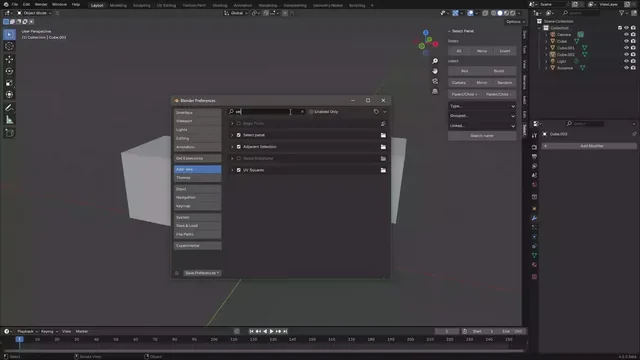
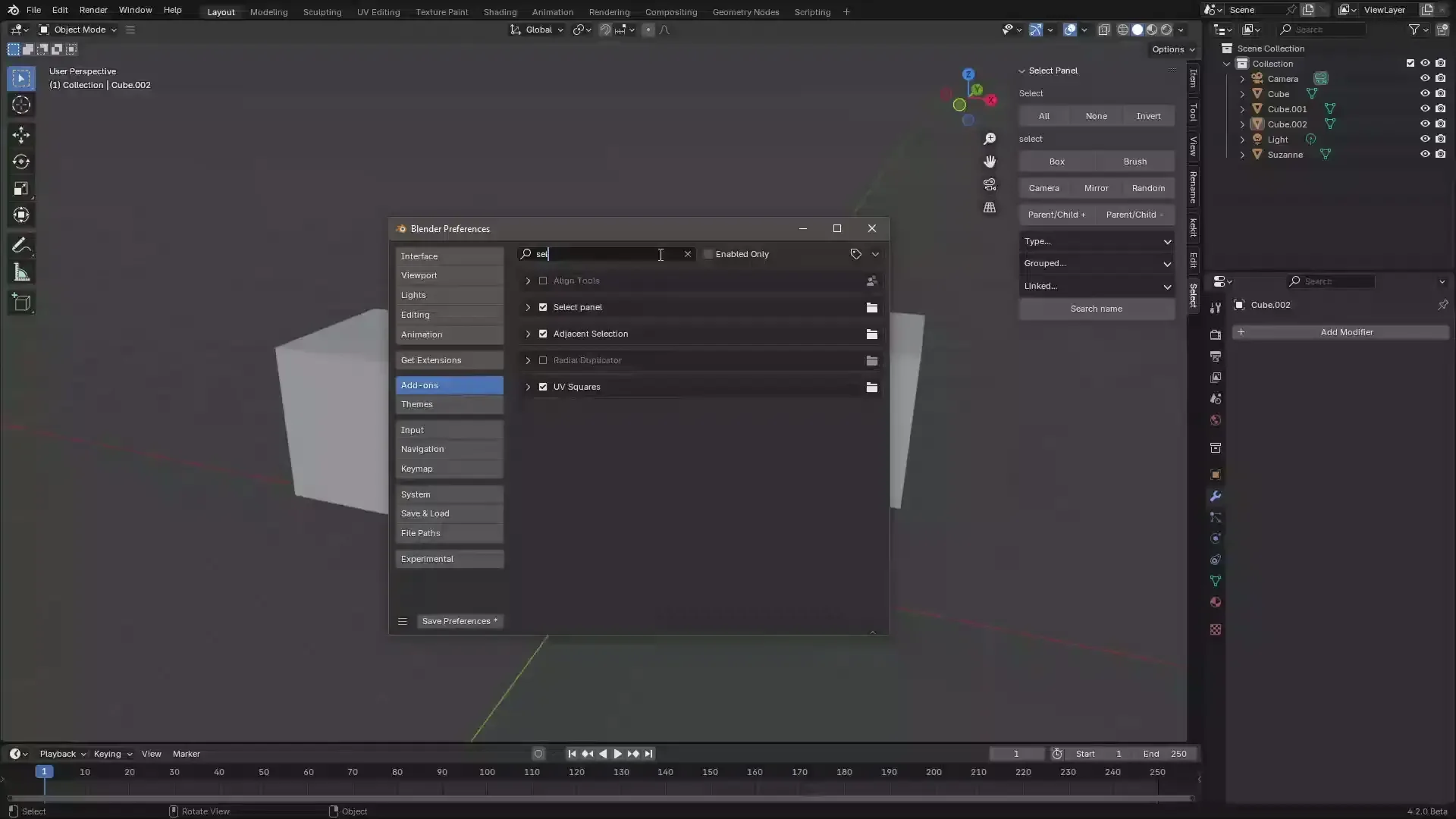
- 打开 Blender「编辑 → 偏好设置 → 获取扩展(Get Extensions)」,搜索 Select panel,可直接从官方库安装。
- 手动安装时,选择适合当前 Blender 版本与系统的 ZIP 包,在「获取扩展」右上角菜单选择「从磁盘安装(Install from Disk)」,选中 ZIP 文件,无需解压。
- 安装后,在偏好设置的「插件(Add-ons)」中确认已启用,并按作者说明使用。
下载安装包
请选择与你的 Blender 版本和操作系统相符的文件,下载由 Blender 官方扩展库提供。
正在加载安装包…
来源与许可
- 作者 / 维护者:xdanic
- 许可:SPDX:GPL-2.0
- 来源:Blender 官方扩展库


![[搬运]超级粘液资产合集-魔酷网](https://i.blender.kim/wp-content/uploads/2026/01/20260131142748712.png)


暂无评论内容