

资源介绍
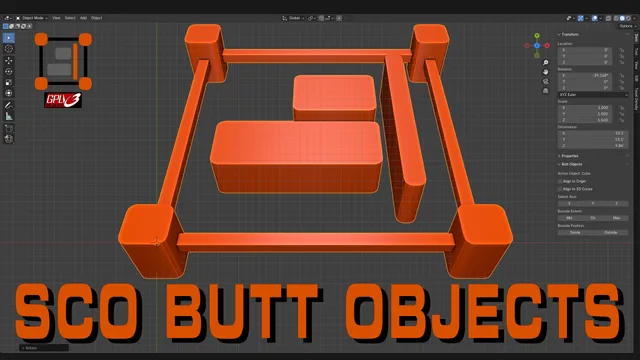
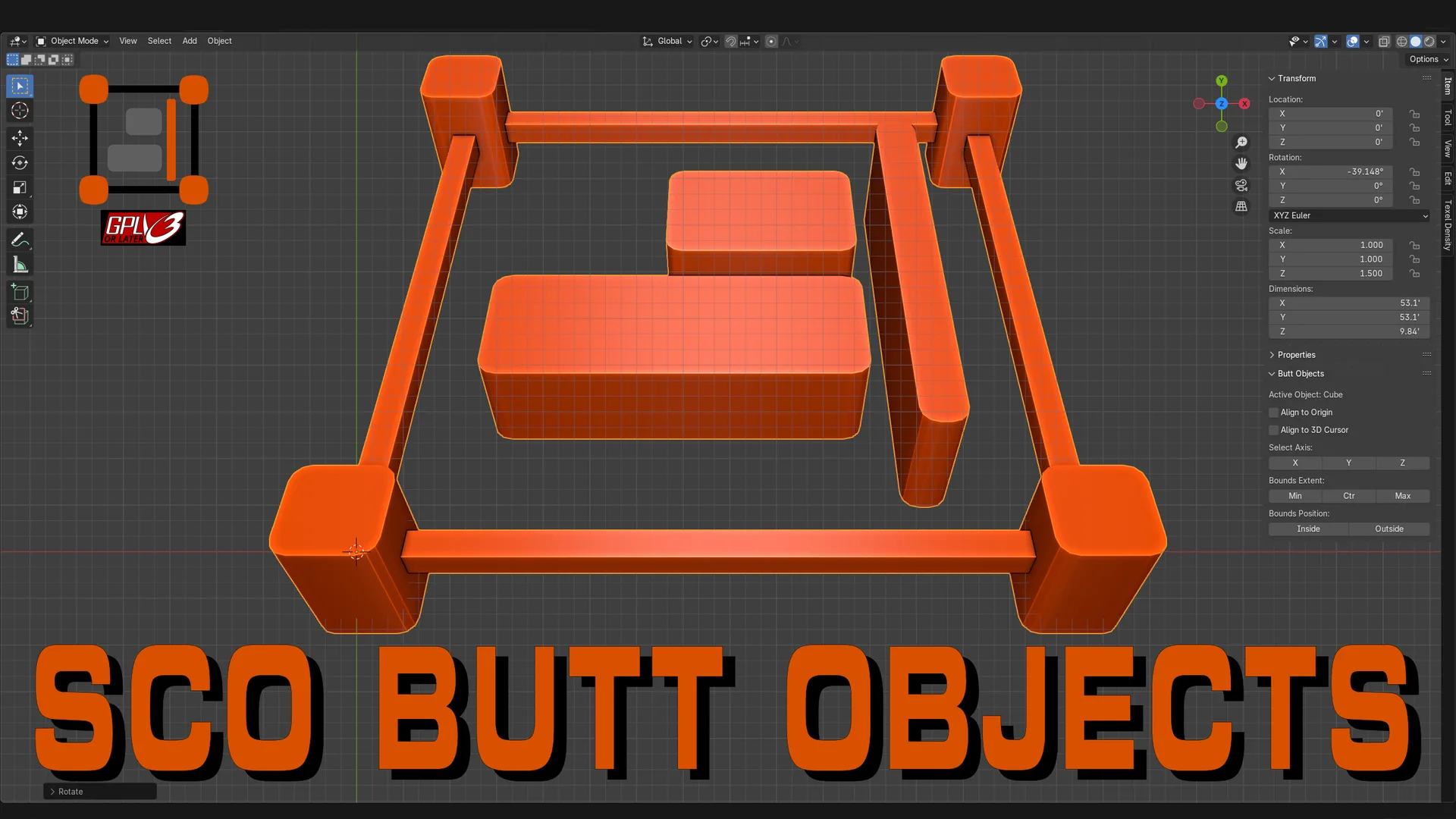
Easily align Objects in your scene by Active Object or 3D Cursor
Compatibility: Blender 4.2.0+
官方介绍(中文整理)
以活动对象或 3D 光标对齐。
上合组织 Blender 的按钮对象添加 – – 提供工具,使选定对象与活动对象、 3D 光标或活动对象的起源的边框保持一致。 用户可以沿 X、 Y 或 Z 轴对齐, 并选择与最小、 中或最大边框对齐, 可以选择内外对齐。 选择“ 与对象来源对齐 ” 时, 额外工具允许将活动对象的缩放和旋转复制到选定对象。 添加子还包含一个分布函数, 使用户能够在选择三个或三个以上对象时, 沿 X、 Y 或 Z 轴对齐选定对象。 3D Viewport Sidebar 的项目标签可访问该加号, 提供一个简化的界面, 用于精确的对齐、 分配和财产转移。
SCO 按钮对象( 对象模式下的对象对齐)
- 处理多个对象
- 与选定活动对象对齐
- 对齐到 3D 光标
- 与选定活动对象来源对齐
- 与 X、 Y 或 Z 轴对齐
- 与宽度对齐: Min, Ctr 或 Max
- 对齐边界位置:内部或外部
- 复制选中对象旋转
- 复制选中对象缩放
- 相等分配 3 或更多对象 – X、 Y 或 Z 轴
上合组织 按钮对象(编辑模式中的对象源 Shift)
- 将活动对象的起源移动到选定几何中心,不离开编辑模式
- 对多个对象简单重复此程序, 简化整个工作流程的源调整
查看官方原文摘要(English)
SCO ButtObjects add-on for Blender – provides tools for aligning Selected Objects to the bounds of the Active Object, the 3D Cursor, or the Origin of the Active Object. Users can align along the X, Y, or Z axis and choose to align to the Minimum, Center, or Maximum bounds, with options for Inside or Outside alignment. When "Align to Object Origin" is selected, additional tools allow copying the Active Object's Scale and Rotation to the Selected Objects. The addon also includes a Distribute function, enabling users to evenly space selected Objects along the X, Y, or Z axis when three or more Objects are selected. The addon is accessible in the Item tab of the 3D Viewport Sidebar, offering a streamlined interface for precise alignment, distribution, and property transfer.
SCO ButtObjects (Object Alignment in Object Mode)
- Processes Multiple Objects
- Align To Selected Active Object
- Align To 3D Cursor
- Align To Selected Active Object Origin
- Align To X, Y, or Z Axis
- Align To Bounds Extent: Min, Ctr, or Max
- Align To Bounds Position: Inside or Outside
- Copy Selected Object Rotation
- Copy Selected Object Scale
- Equally Distribute 3 or More Objects – X, Y, or Z Axis
SCO ButtObjects (Object Origin Shift in Edit Mode)
- Move the origin of the active object to the center of selected geometry without leaving Edit Mode
- Easily repeat this process for multiple objects, streamlining origin adjustments across your workflow
安装方法
- 打开 Blender「编辑 → 偏好设置 → 获取扩展(Get Extensions)」,搜索 SCO ButtObjects,可直接从官方库安装。
- 手动安装时,选择适合当前 Blender 版本与系统的 ZIP 包,在「获取扩展」右上角菜单选择「从磁盘安装(Install from Disk)」,选中 ZIP 文件,无需解压。
- 安装后,在偏好设置的「插件(Add-ons)」中确认已启用,并按作者说明使用。
下载安装包
请选择与你的 Blender 版本和操作系统相符的文件,下载由 Blender 官方扩展库提供。
正在加载安装包…
来源与许可
- 作者 / 维护者:BEAST_of_BURDEN
- 许可:SPDX:GPL-3.0-or-later
- 来源:Blender 官方扩展库


暂无评论内容