

Blender 官方扩展库收录Blender 插件
资源介绍
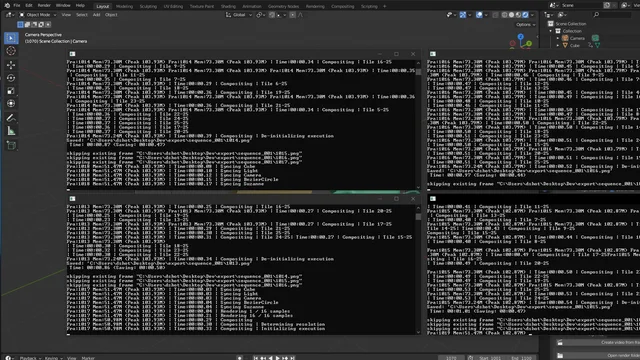
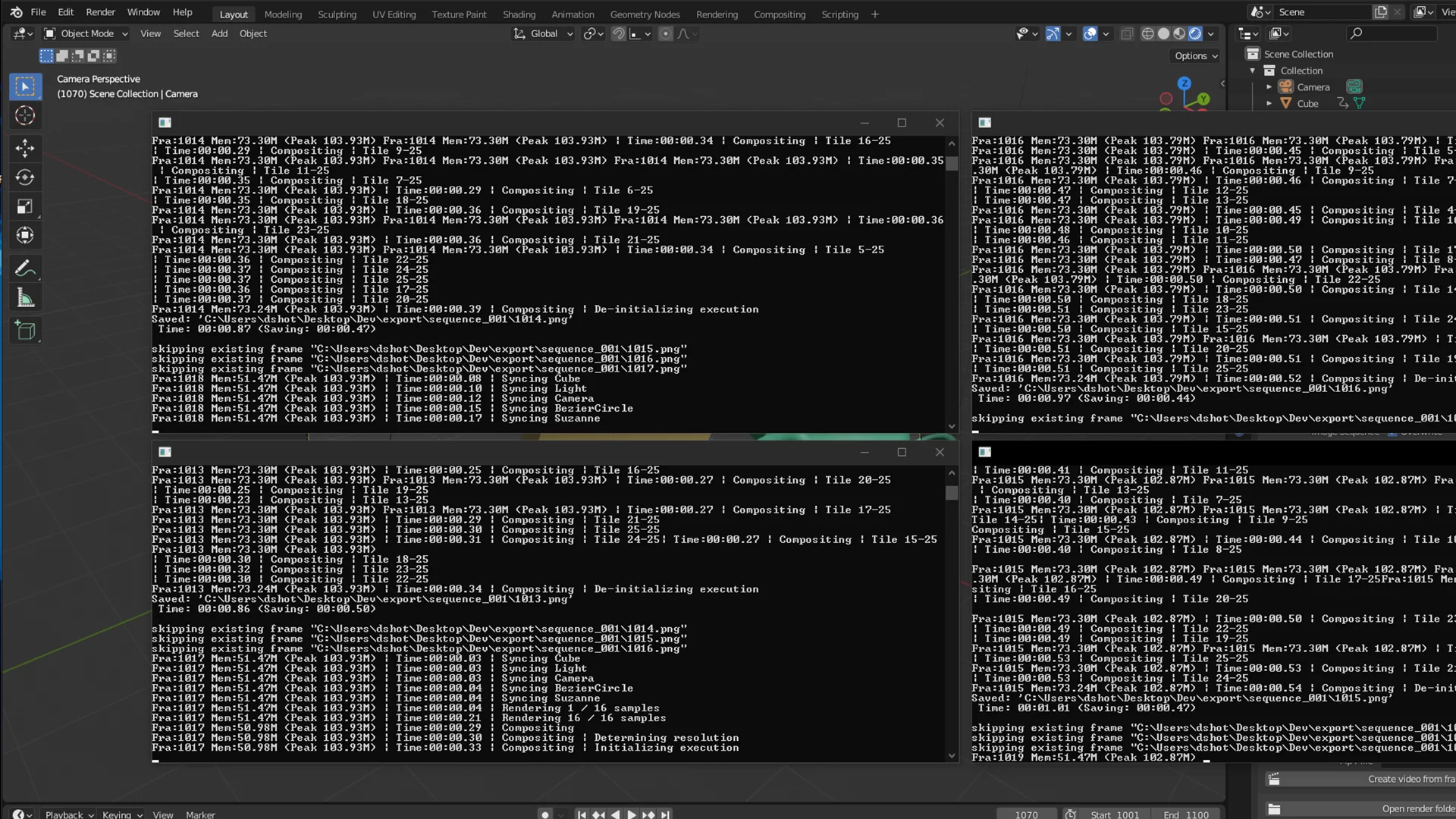
Render animations and Flipbooks faster with multiple instances
Compatibility: Blender 4.2.0+
官方介绍(中文整理)
成像动画和翻页速度要快得多。
成像多实例(RMI)
Blender 的 Render 多重实例( RMI) addon 提供了一种方便的方式,通过在背景中利用多个实例来加快动画的速度。 以下是该补充的关键特征 :
试案动画
- 使用指定实例数重命名动画, 减少复制时间
- 使用 Blender 场景的输出设置来绘制动画
- Encode 使用 FFmpeg 向 MP4 视频导出框架( 如果选择了 JPG 输出的 PNG)
Flipbook 查看站
- 重调在视图port 中的页本动画
- 允许超越框架范围并调整分辨率百分比
- 使用 FFmpeg 将设定的框架自动编码为 MP4 视频
- 使用自定义的递增目录, 用于基于 adton 设置的 flipbook 图像
Flipbook 翻翻本文件
- 使用指定实例数重命名一个页本动画
- 支持超越框架范围并调整分辨率百分比
- 使用 FFmpeg 将设定的框架自动编码为 MP4 视频
- 使用自定义的递增目录, 用于基于 adton 设置的 flipbook 图像
打开文件目录
- 提供一个按钮, 以快速打开 Geal 目录
查看官方原文摘要(English)
Render Multiple Instances (RMI) Addon for Blender
The Render Multiple Instances (RMI) addon for Blender provides a convenient way to render animations faster by utilizing multiple instances in background. Here are the key features of the addon:
Render Animation with Instances
- Renders the animation using the specified number of instances, reducing rendering time
- Uses the Blender scene's render output settings for the animation rendering
- Encode exported frames to MP4 video using FFmpeg (if PNG of JPG output is selected)
Flipbook Viewport
- Renders a flipbook animation in the viewport
- Allows overriding the frame range and adjusting resolution percentage
- Automatically encodes the rendered frames into an MP4 video using FFmpeg
- Uses a custom incremental directory for the flipbook rendering based on the addon settings
Flipbook Render
- Renders a flipbook animation using the specified number of instances
- Supports overriding the frame range and adjusting resolution percentage
- Automatically encodes the rendered frames into an MP4 video using FFmpeg
- Uses a custom incremental directory for the flipbook rendering based on the addon settings
Open Render Directory
- Provides a button to quickly open the render directory
安装方法
- 打开 Blender「编辑 → 偏好设置 → 获取扩展(Get Extensions)」,搜索 Render Multiple Instances,可直接从官方库安装。
- 手动安装时,选择适合当前 Blender 版本与系统的 ZIP 包,在「获取扩展」右上角菜单选择「从磁盘安装(Install from Disk)」,选中 ZIP 文件,无需解压。
- 安装后,在偏好设置的「插件(Add-ons)」中确认已启用,并按作者说明使用。
下载安装包
请选择与你的 Blender 版本和操作系统相符的文件,下载由 Blender 官方扩展库提供。
正在加载安装包…
来源与许可
- 作者 / 维护者:DShot92
- 许可:SPDX:GPL-3.0-or-later
- 来源:Blender 官方扩展库
© 版权声明
本站除原创作品外的资源均收集于网络,只做学习和交流使用,版权归原作者所有,请在下载后24小时之内自觉删除。若作商业用途,请购买正版。
THE END


![[搬运]超级粘液资产合集-魔酷网](https://i.blender.kim/wp-content/uploads/2026/01/20260131142748712.png)


暂无评论内容