

资源介绍
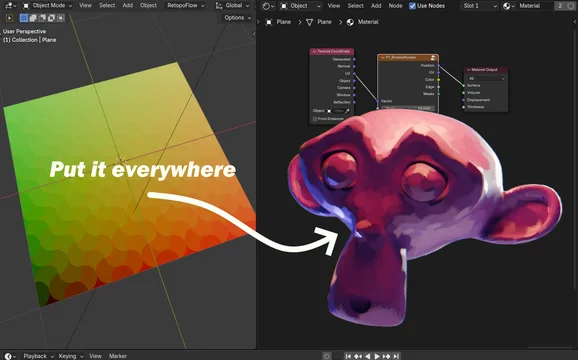
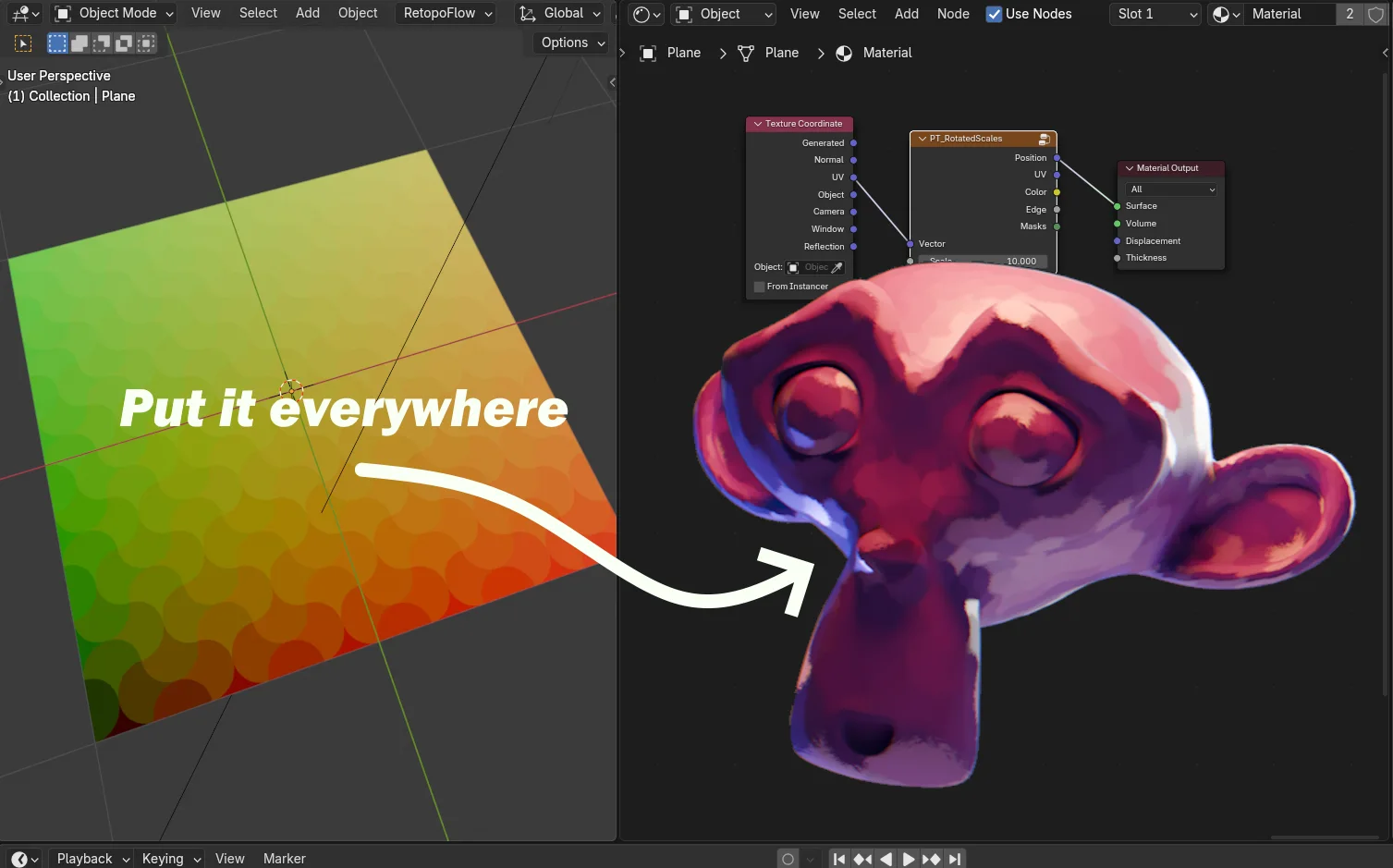
A library of shader nodes. +100 NEW NODES
Compatibility: Blender 4.2.0+
官方介绍(中文整理)
树荫节点图书馆。+100新诺瓦底。
创建无数新材料!
这个添加点提供越来越多的结点库, 与瓷砖相似, 界面既简单又直观, 就像Voronoi纹理或砖纹理一样使用。
使用案例(无)
仅举几个例子:
- 作为地表或墙壁中的核心定型板。
- 作为表面的噪音。
- 打破对称和重复的砖块
- 以隐藏纹理的硬边缘 当铺砖时。
随你怎么说 由你的创造力决定
我需要学点东西吗?
不用,你所有的暗节点知识都直接传输
嘿 等等 想帮忙吗?
如果你喜欢配方, 你可以支持我, 即AisunTang。你可以通过建议/请求新瓷砖来帮助我,
另外,有些像缩略图中的…blend文件一样的…bled文件,可以在那里下载
查看官方原文摘要(English)
Create countless new materials!
This addon provides a growing library of nodes that emulate tiles, with interfaces easy and intuitive to use just like the Voronoi texture or the brick texture.
Use Cases (endless)
But to name a few :
- As core defining patters in floor or walls.
- As noise for surfaces.
- To break symmetry and repetitive tiling.
- To hide texture's hard edges when tiling.
Literally whatever. Up to your creativity 😎.
Do I need to learn something?
No need, all your shader node knowledge transfers directly.
🍀🍀 HEY WAIT! Wanna help??
If you liked the addon, you can support me on patron: AisunTang. You will be able to help me and help the add-on by suggesting/requesting new tiles!
Also, some .blend files like the one in the thumbnail are FREE to download there
安装方法
- 打开 Blender「编辑 → 偏好设置 → 获取扩展(Get Extensions)」,搜索 Procedural Tiles,可直接从官方库安装。
- 手动安装时,选择适合当前 Blender 版本与系统的 ZIP 包,在「获取扩展」右上角菜单选择「从磁盘安装(Install from Disk)」,选中 ZIP 文件,无需解压。
- 安装后,在偏好设置的「插件(Add-ons)」中确认已启用,并按作者说明使用。
下载安装包
请选择与你的 Blender 版本和操作系统相符的文件,下载由 Blender 官方扩展库提供。
正在加载安装包…
来源与许可
- 作者 / 维护者:Aisun-Tang
- 许可:SPDX:GPL-3.0-or-later
- 来源:Blender 官方扩展库


暂无评论内容