

资源介绍
Every camera should have its resolution
Compatibility: Blender 4.2.0+
官方介绍(中文整理)
每个摄像头应有其分辨率。
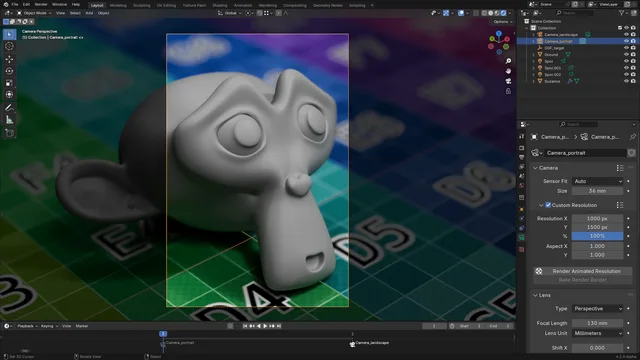
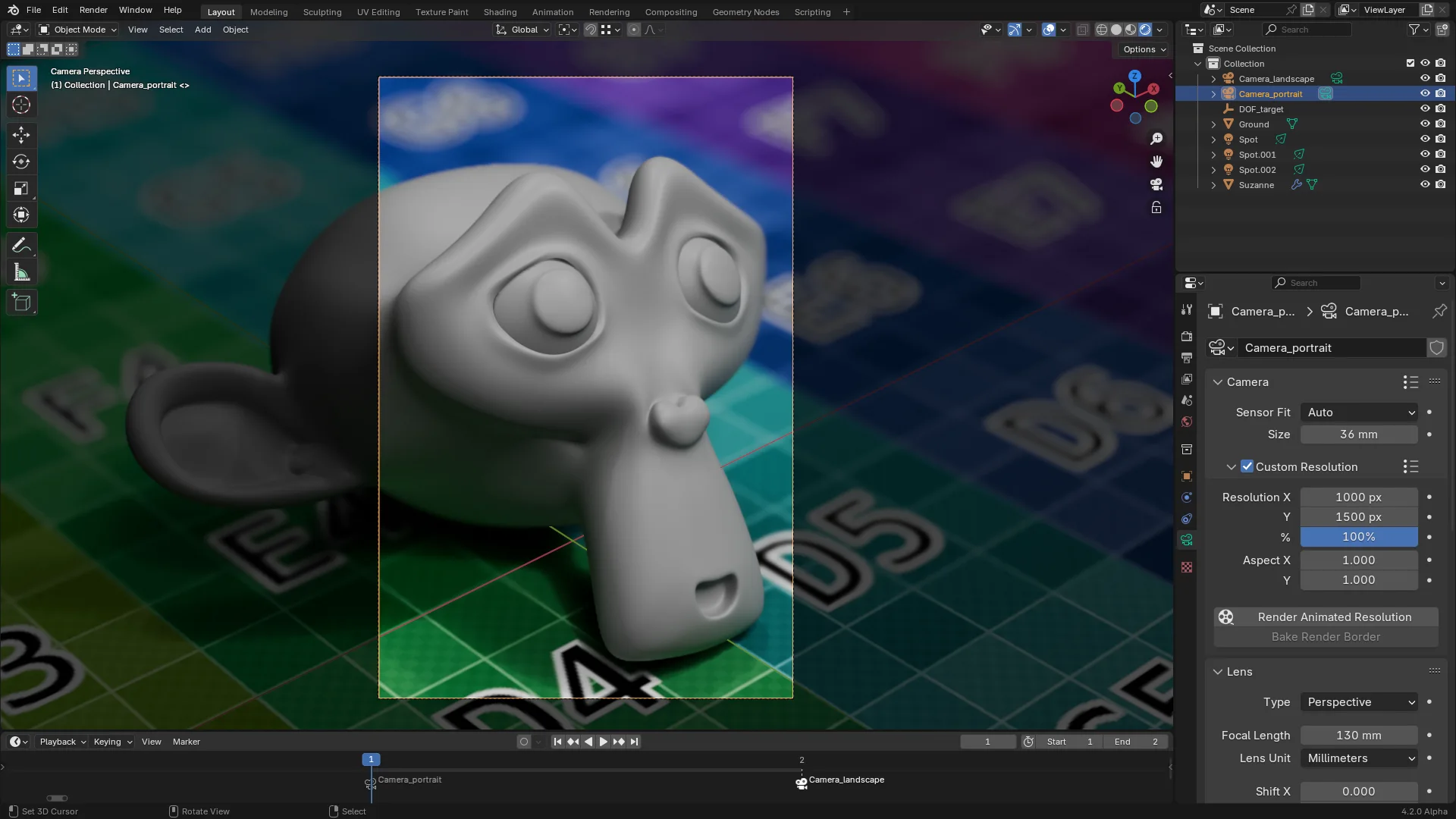
与全球定义的场景分辨率相比,该插件允许您为每个相机设定分辨率。 每当您手动或通过时间标记转换相机时,场景分辨率将更新到相机上。
您可以在相机面板下,在对象数据属性中找到相机分辨率设置。
投标
在 Blender 中不默认支持动画解答, 而常规动画投影只会在开始时使用解析。 此附加提供一个新的 Render 动画解析操作器, 围绕此限制运行。 但请注意, 启动此选项将锁定接口, 直到转换完成, 或者直到 Blender 删除。
烧烤使边界成为边界
除了为每个相机的分辨率提供直接控制外,该附加功能还允许您在 3D 视图( Ctrl + B) 的相机视图中设置一个边界,并在自定义解析面板中单击 Bake Render Bront。 新建相机, 使用边界定义的确切区域。 这允许您在相机中选择多块区域。
已知问题
添加时使用一种变通方法来激活相机分辨率,这有时会造成稳定性问题。 如果您遇到这类问题, 请尝试取消添加。
笔译翻译
添加的内容目前以英文、法文和简化中文提供。 如果您想帮助将其翻译为您的语言,请打开一个问题。
笔译笔译笔译员
- 简化中文:死血。
查看官方原文摘要(English)
Instead of having a globally-defined scene resolution, this add-on allows you to set a resolution for each camera. Whenever you switch cameras, either manually or through timeline markers, the scene resolution will get updated to the camera’s.
You can find the camera resolution settings in the Object Data properties, under the Camera panel.
Rendering
Animating the resolution is not supported by default in Blender, and regular animation rendering will only use the resolution at render start. This add-on provides a new Render Animated Resolution operator which works around this limitation. Note however that starting a render this way will lock the interface until the render is complete, or until Blender is killed.
Baking render borders
In addition to providing direct controls for each camera’s resolution, this add-on allows you to create a new camera by setting a render border inside the camera view in the 3D viewport (Ctrl + B), and clicking Bake Render Border in the Custom Resolution panel. A new camera is created, which uses the exact area defined by the border. This allows you to select multiple cropped areas in a camera.
Known issues
This add-on uses a workaround to animate the camera resolution, which can sometimes cause stability issues. If you encounter such issues, try disabling the add-on.
Translations
The add-on is currently available in English, French, and simplified Chinese. If you’d like to help translate it to your language, please open an issue.
Translators
- Simplified Chinese: deathblood.
安装方法
- 打开 Blender「编辑 → 偏好设置 → 获取扩展(Get Extensions)」,搜索 Per-Camera Resolution,可直接从官方库安装。
- 手动安装时,选择适合当前 Blender 版本与系统的 ZIP 包,在「获取扩展」右上角菜单选择「从磁盘安装(Install from Disk)」,选中 ZIP 文件,无需解压。
- 安装后,在偏好设置的「插件(Add-ons)」中确认已启用,并按作者说明使用。
下载安装包
请选择与你的 Blender 版本和操作系统相符的文件,下载由 Blender 官方扩展库提供。
正在加载安装包…
来源与许可
- 作者 / 维护者:pioverfour
- 许可:SPDX:GPL-3.0-or-later
- 来源:Blender 官方扩展库


暂无评论内容