

资源介绍
Improve your workflow with smarter linking tools
Compatibility: Blender 4.2.0+
官方介绍(中文整理)
用更聪明的连接工具改进您的工作流程。
GetPoptiPloy Pro 5美元
点击视频!
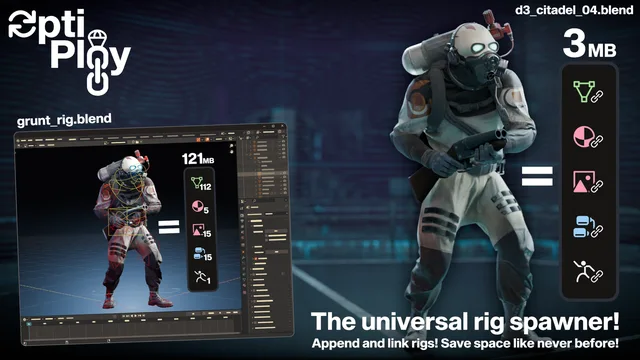
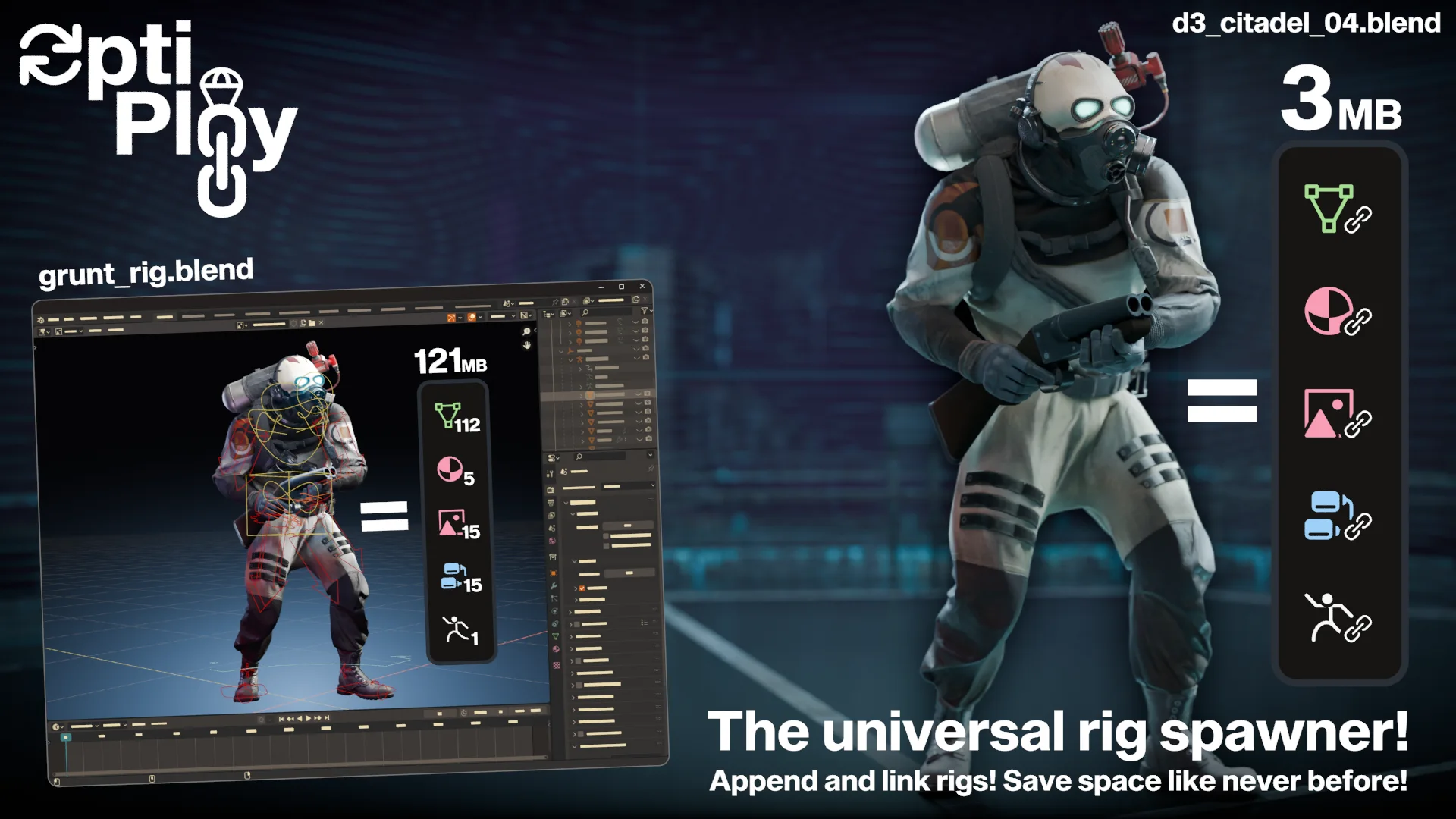
优化: 附加/链接升级
你会把GIGABYTES保存在仓库里 少重复!
“OptiPlot”引入了附加和链接之间的平衡,但还没有作为单击解决方案存在。它仅限于对象和收藏。
关键特点
混合导入 选择 从 15 个数据类型到本地化或离开与源文件链接。 对象和收藏类型默认启用。
节省全球导入优惠,每个文件夹,或每个分包。
直接来自侧面的Spawn资产,没有手工连接/补充。
没有复制的骨骼形状不会重复, 即使您选择将手臂本地化, 也不会重复。
自动执行脚本 & 脚本 Hook OptiPlot 将自动执行与您导入相关的数据块。 这样可以确保, 例如, 将 UI 脚本的 Rigify 功能直接从球棒上运行。
对于您自己的脚本, 通过 bpy. context. sceen [“ new_ sawn”] 访问新产卵对象
还要多得多 真的 排队排队吧
为什么不只是附加或链接?
快速启动
安装安装
Blender 4. 1- : 编辑“ 首选项 ” 和“ 添加 ” 安装 ” 选择optiploy.zip
Blender4.2+: 编辑“ 首选项 ” 获取扩展 ” 搜索“ optiPlot ”
查看官方原文摘要(English)
Get OptiPloy Pro for $5
Click for the video!
✨ OptiPloy: The Appending/Linking Upgrade
TL;DR: You WILL save GIGABYTES in storage. Less duplication!
OptiPloy introduces a balance between appending and linking, something that has not yet existed as a one-click solution. This is limited to objects and collections.
🚀 Key Features
Hybrid Importing Choose from 15 data types to localize or to leave linked to the source file. Object and Collection types are enabled by default.
Fine‑Grained Control Save importing preferences globally, per-folder, or per-blend.
One‑Click Workflow Spawn assets directly from the side‑panel without manual linking/appending.
No Duplicating Boneshapes Boneshapes do not duplicate, not even if you choose to localize armatures.
Auto-Execute Scripts & Scriptable Hook OptiPloy will automatically execute data blocks associated with your import. This ensures, for example, that Rigify UI scripts work right off the bat.
For your own scripts, access newly spawned objects via bpy.context.scene['new_spawn']
And so much more! Really! Scroll down for the full list!
❔ Why not just append or link?
📥 Quick Start
Install
Blender 4.1-: Edit → Preferences → Add-ons → Install → Select optiploy.zip
Blender 4.2+: Edit → Preferences → Get Extensions → Search "OptiPloy"
安装方法
- 打开 Blender「编辑 → 偏好设置 → 获取扩展(Get Extensions)」,搜索 OptiPloy: Rig Spawner,可直接从官方库安装。
- 手动安装时,选择适合当前 Blender 版本与系统的 ZIP 包,在「获取扩展」右上角菜单选择「从磁盘安装(Install from Disk)」,选中 ZIP 文件,无需解压。
- 安装后,在偏好设置的「插件(Add-ons)」中确认已启用,并按作者说明使用。
下载安装包
请选择与你的 Blender 版本和操作系统相符的文件,下载由 Blender 官方扩展库提供。
正在加载安装包…
来源与许可
- 作者 / 维护者:hisanimations
- 许可:SPDX:GPL-3.0-or-later
- 来源:Blender 官方扩展库


![[搬运]超级粘液资产合集-魔酷网](https://i.blender.kim/wp-content/uploads/2026/01/20260131142748712.png)


暂无评论内容