

资源介绍
Easily create good documentation of your node trees
Compatibility: Blender 4.2.0+
官方介绍(中文整理)
方便地创建好的文件记录 您的节点树。
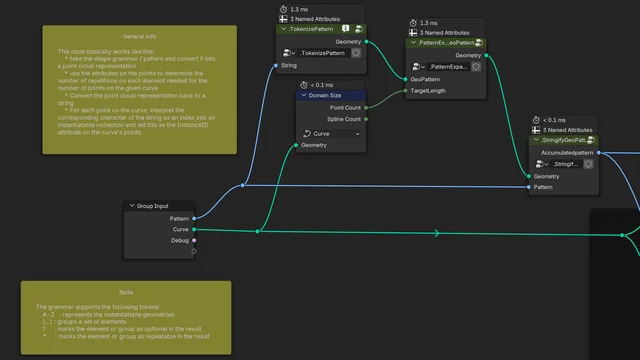
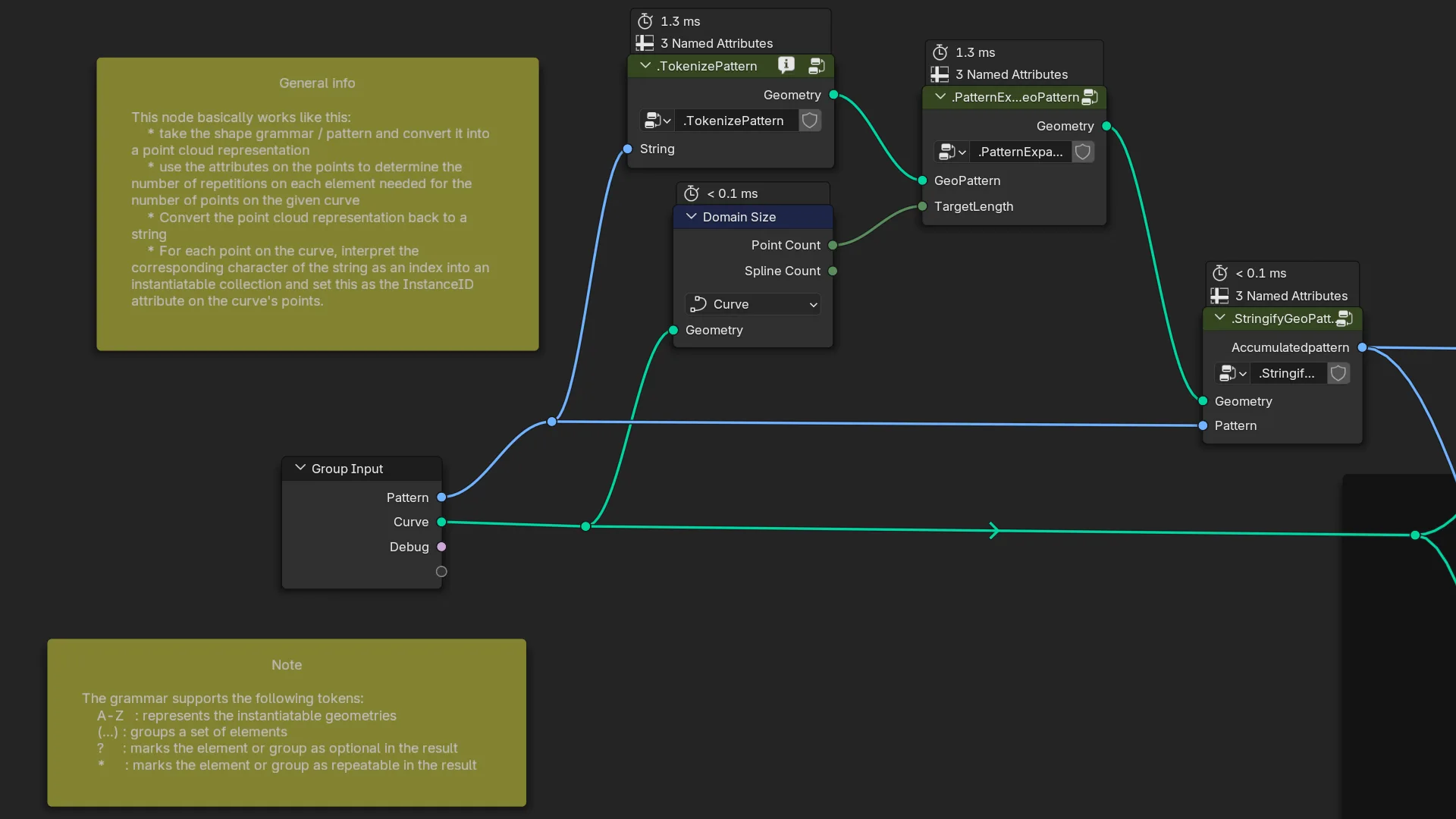
节点注解器
工具添加, 方便记录和保存节点图形。 它支持轻松的单击创建和编辑带有文本块的注释框架。 在任何图形编辑器的侧面面板上, 此添加在节点标签中创建一个新的区域“ 节点注释 ”。
注释说明部分
简介
新引入的节点组工具提示的 Blender 4. 2 属性的方便编辑字段。 此属性通常在组标签中找到。 添加时将一个小信息图标漆入节点组的页眉, 这些节点组有描述, 因而是一个工具提示。 此行为可以在首选项中关闭。
创建注解
此命令在当前视图中间的节点图形中创建一个新的黄色注释框。 它还创建一个新的文字块并将其与注释联系起来。 作为最后一步,它打开一个新的窗口, 由文本编辑器输入注释文本。
编辑注释
编辑注释命令打开一个新窗口, 由文本编辑器编辑选中的注释文字。
重新设置区域
重构部分可用于查找图形中自定义节点组的用法。
搜索类型
下移框, 以指定当前编辑过的节点树中要搜索的节点组。
替换类型
类似的下划框, 但此框指定要替换找到的节点的节点组的类型。
搜索分组
开始搜索并在下面的列表框中列出结果。每个条目都有两个按钮,一个用“替换类型”取代找到的节点,一个跳到该节点。
全部替换
查看官方原文摘要(English)
Node Annotator
A utility add-on, that eases documenting and maintaining node graphs. It supports easy one-click creation and editing of annotation frames with text blocks. On the side panel of any graph editor, this add-on creates a new section "Node annotator" within the Node tab.
Annotation section
Description
A convenience edit field for the newly introduced Blender 4.2 property for the node group's tool-tip. This property is usually found on the Group tab. The add-on paints a small info icon into the header of node groups, that have a description and thus a tooltip. This behavior can be turned off in the preferences.
Create annotation
This command creates a new yellow annotation box in the current node graph in the middle of the view. It also creates a new text block and associates it with the annotation. As a last step it opens a new window with the text editor to enter the annotation text.
Edit annotation
The edit annotation command opens a new window with the text editor to edit the selected annotation text.
Refactoring section
The refactoring section can be used to find usages of custom node groups within the graph.
Search type
A drop down box, that allows to specify which node groups to search within the currently edited node tree.
Replacement type
A similar drop down box, but this one specifies the type of the node group to use for replacing a found node.
Search subgroup
Starts the search and lists the results in the list box below. Every entry has 2 buttons, one to replace the found node with the "Replacement type" and one to jump to that node.
Replace all
安装方法
- 打开 Blender「编辑 → 偏好设置 → 获取扩展(Get Extensions)」,搜索 Node Annotator,可直接从官方库安装。
- 手动安装时,选择适合当前 Blender 版本与系统的 ZIP 包,在「获取扩展」右上角菜单选择「从磁盘安装(Install from Disk)」,选中 ZIP 文件,无需解压。
- 安装后,在偏好设置的「插件(Add-ons)」中确认已启用,并按作者说明使用。
下载安装包
请选择与你的 Blender 版本和操作系统相符的文件,下载由 Blender 官方扩展库提供。
正在加载安装包…
来源与许可
- 作者 / 维护者:FrankFirsching
- 许可:SPDX:GPL-3.0-or-later
- 来源:Blender 官方扩展库


暂无评论内容