

资源介绍
Create motion paths for bones, vertices, empties and objects
Compatibility: Blender 4.2.0+
官方介绍(中文整理)
为骨头、顶点、空洞和物体创建运动路径。
此添加允许您生成骨头、 空格、 顶点和物体的运动路径。
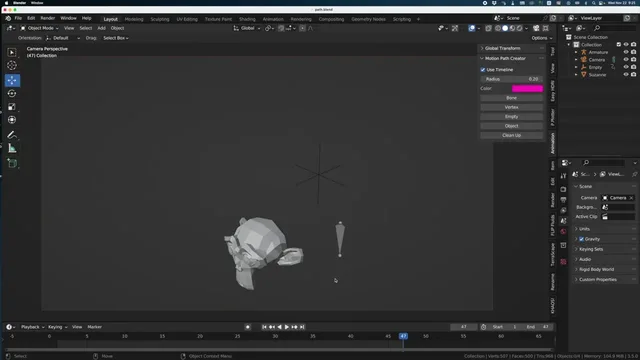
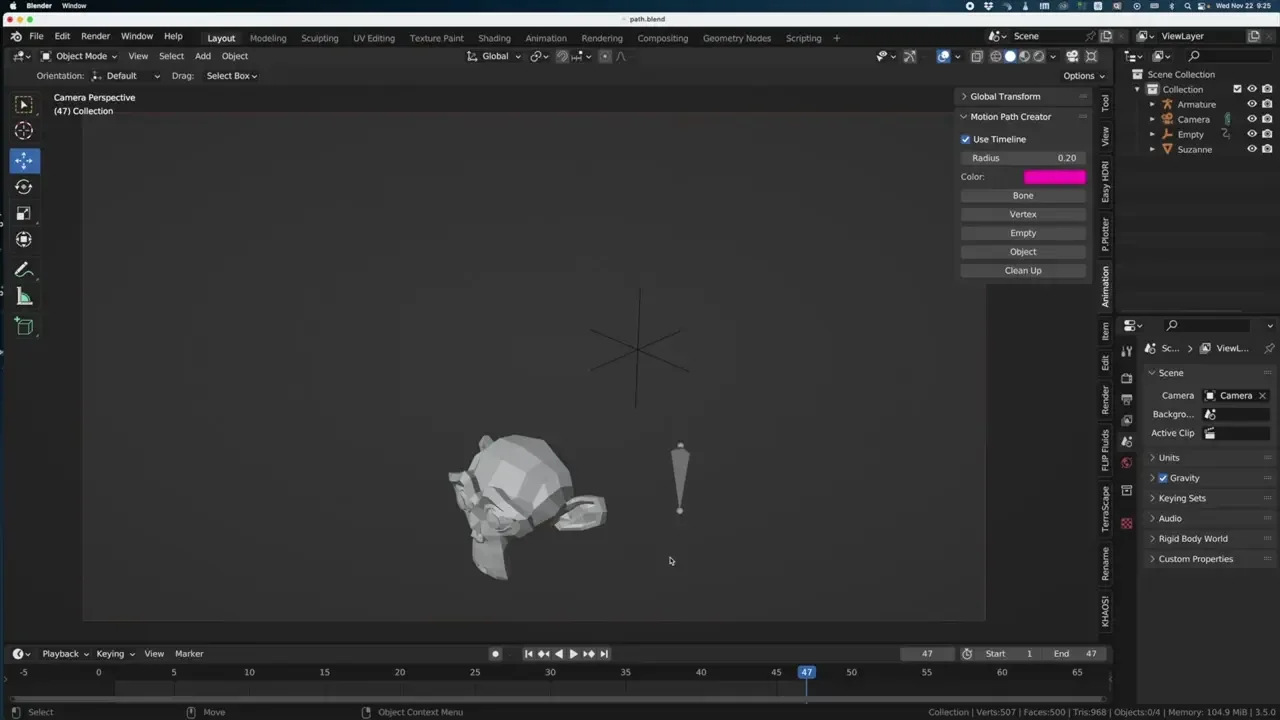
一旦安装, adon 将出现在查看端点的动画标签中。
这将在整个时间线上生成路径, 您将关闭时间线复选框。 然后您可以自行决定开始和结束框架。
您可以更改点的半径。 您也可以更改每个路径的颜色。
简单选择骨头、空、顶点或对象,然后按相应的按钮来生成路径。重置将全部删除。
详情请见此影片:https://www.youtube.com/watch?v=lR8JgtDh-QI
查看官方原文摘要(English)
This addon allows you to generate motion path for bones, empties, vertices and objects.
Once installed, the addon will appear in the viewport's animation tab.
It will generate the path on the entire timeline uless you turn off the Timeline check box. Then you can decide your own start and end frame.
You can change to radius of the dots. You can also change the color per path.
Simple select the bone, empty, vertex or object then press on the corresponding button to generate the path. Reset will delete them all.
You can see the video here for more information: https://www.youtube.com/watch?v=lR8JgtDh-QI
安装方法
- 打开 Blender「编辑 → 偏好设置 → 获取扩展(Get Extensions)」,搜索 Motion Path Creator,可直接从官方库安装。
- 手动安装时,选择适合当前 Blender 版本与系统的 ZIP 包,在「获取扩展」右上角菜单选择「从磁盘安装(Install from Disk)」,选中 ZIP 文件,无需解压。
- 安装后,在偏好设置的「插件(Add-ons)」中确认已启用,并按作者说明使用。
下载安装包
请选择与你的 Blender 版本和操作系统相符的文件,下载由 Blender 官方扩展库提供。
正在加载安装包…
来源与许可
- 作者 / 维护者:Blenderbob
- 许可:SPDX:GPL-3.0-or-later
- 来源:Blender 官方扩展库


![[搬运]超级粘液资产合集-魔酷网](https://i.blender.kim/wp-content/uploads/2026/01/20260131142748712.png)


暂无评论内容