

资源介绍
Implements a Maya-like pivot system in Blender
Compatibility: Blender 4.2.0+
官方介绍(中文整理)
在Blender实施玛雅式的枢纽系统。
玛雅派
一个简单的Blender加子,用来执行 3D光标的功能 由玛雅的引力系统所启发。
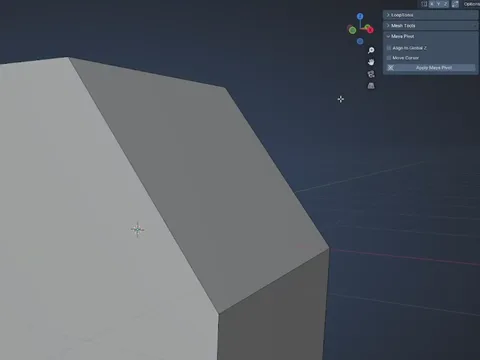
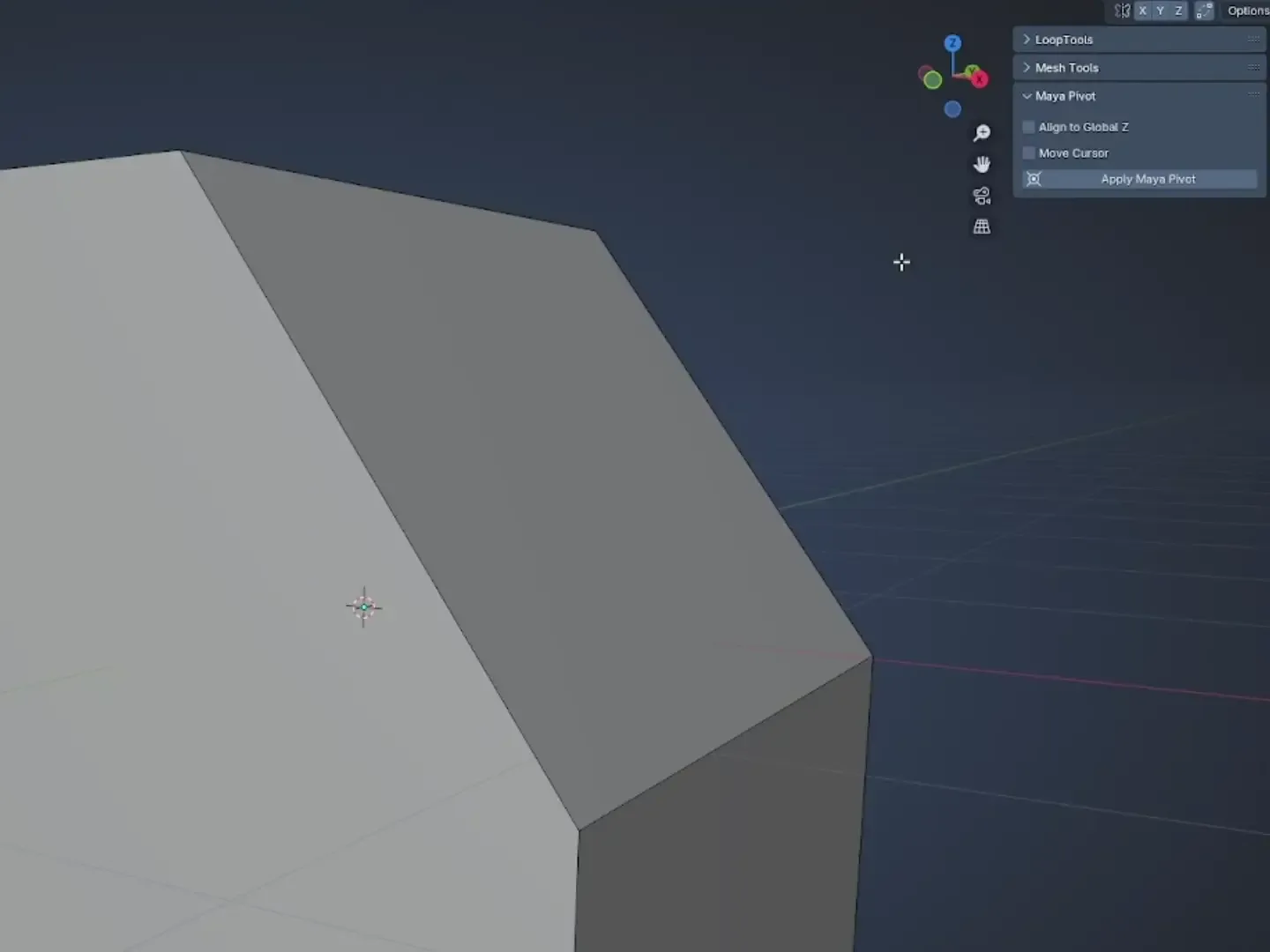
在编辑模式中,编辑区域中有一个面板叫做Maya Pivot, 它允许您修改基于选定面孔的 povot 位置方向和 z 轴。 然后在变换方向菜单中切换到光标。
我总是喜欢马雅处理这件事的方式 并想要一个版本 它在Blender。
光标方向代码受 https://github.com/jlampel/orient_to_selection 的变换方向法启发
查看官方原文摘要(English)
Maya Pivot
A simple blender addon that implements features for the 3D cursor inspired by Maya's pivot system.
When in edit mode theres a panel in the edit section called Maya Pivot which lets you modify the pivot position orientation and z axis based on selected faces. Then just switch to cursor in the transform orientation menu.
I always liked the way maya handled this and wanted a version of it in blender.
The cursor orientation code was inspired by the transform orientation method in https://github.com/jlampel/orient_to_selection
安装方法
- 打开 Blender「编辑 → 偏好设置 → 获取扩展(Get Extensions)」,搜索 Maya Pivot,可直接从官方库安装。
- 手动安装时,选择适合当前 Blender 版本与系统的 ZIP 包,在「获取扩展」右上角菜单选择「从磁盘安装(Install from Disk)」,选中 ZIP 文件,无需解压。
- 安装后,在偏好设置的「插件(Add-ons)」中确认已启用,并按作者说明使用。
下载安装包
请选择与你的 Blender 版本和操作系统相符的文件,下载由 Blender 官方扩展库提供。
正在加载安装包…
来源与许可
- 作者 / 维护者:Zinkenite
- 许可:SPDX:GPL-3.0-or-later
- 来源:Blender 官方扩展库


暂无评论内容