

资源介绍
Lattice-based deforming tools
Compatibility: Blender 4.2.0+
官方介绍(中文整理)
以拉蒂为主的变形工具
加上这加起来,增加了两套主要基于衬垫的变形工具,以及一些少量的附加设施,用于Blender的拉梯。
文件可在此找到。
特维克·拉蒂塞
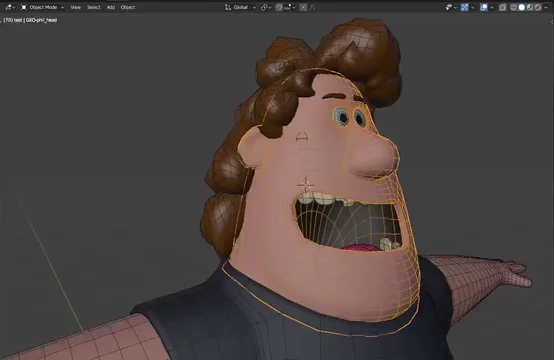
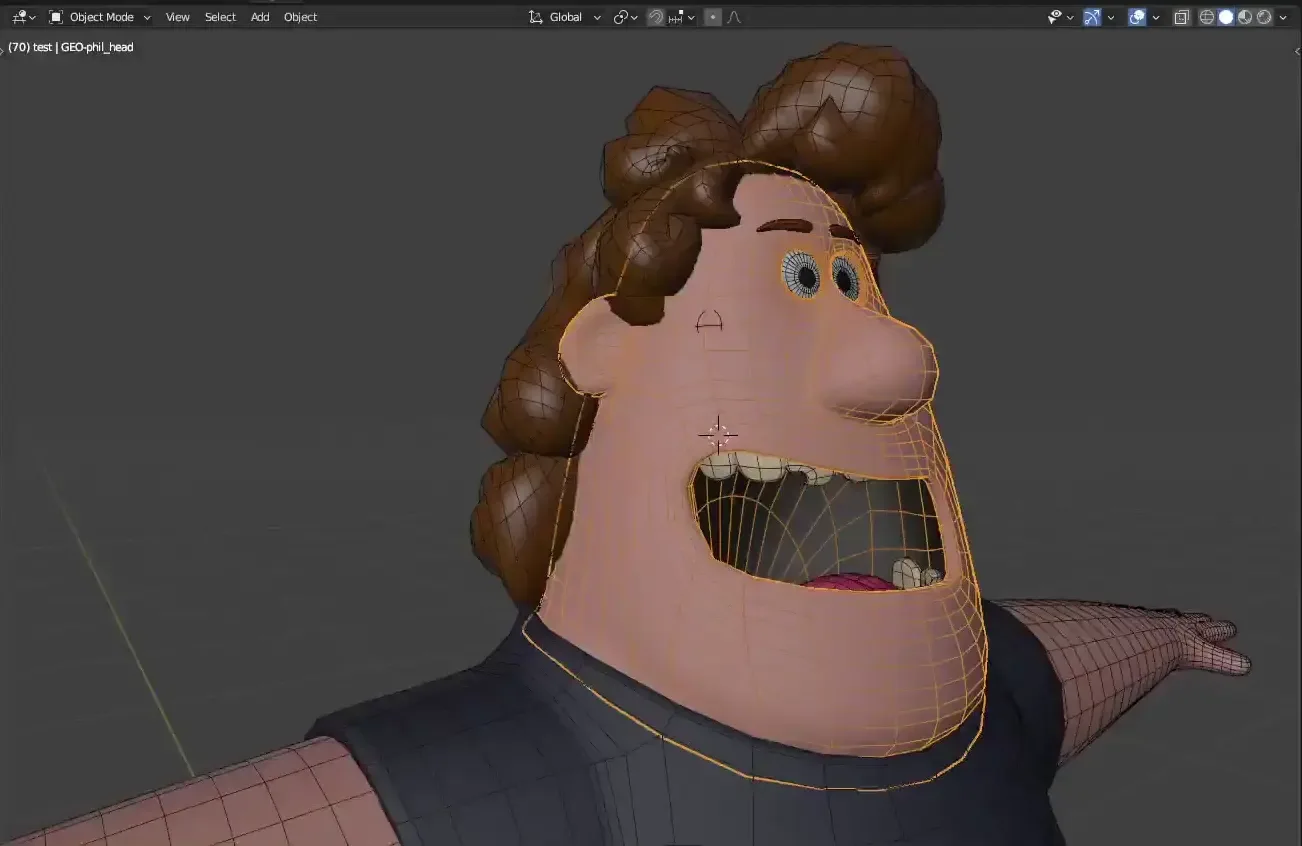
此工具允许您快速变形一组网状对象, 类似于比例编辑。 除了一个火灾和忘记操作之外, 它将使用三维空间中的天体进行, 该天体可以嵌入您的变形字符, 跟踪它们的形状变形, 并被动画化 !
Lattice 照相机
此工具允许您从特定相机角度对对象的集合进行变形, 基本上是像液化一样, 但它在顶部而不是像素上运行。 虽然 挂式点无法动画, 但添加点提供了一个流程, 方便地管理一组形状钥匙及其键盘, 帮助您在动画中处理此精度。
这两种工具的设计都是为了用于制作环境中的字符动画节奏,因此它们与链接和覆盖的动画字符充分合作。
查看官方原文摘要(English)
This add-on adds two major lattice-based deformation tools as well as some minor additional utilities for lattices to Blender.
Documentation can be found here.
Tweak Lattice
This tool lets you quickly deform a set of mesh objects, similar to Proportional Editing. Except instead of just a fire-and-forget operation, this is done with an object in 3D space, which can be parented to your deforming character, follow their armature deformation, and be animated!
Camera Lattice
This tool lets you deform a collection of objects from a particular camera perspective, essentially like Liquify, except it's operating on vertices instead of pixels. Although lattice points cannot be animated, the add-on provides a workflow for easily managing a set of shapekeys and their keyframes, to help you work with this liquification in an animation.
Both tools were designed to be used for character animation tweaks in a production environment, and so they fully work with linked and overridden animated characters.
安装方法
- 打开 Blender「编辑 → 偏好设置 → 获取扩展(Get Extensions)」,搜索 Lattice Magic,可直接从官方库安装。
- 手动安装时,选择适合当前 Blender 版本与系统的 ZIP 包,在「获取扩展」右上角菜单选择「从磁盘安装(Install from Disk)」,选中 ZIP 文件,无需解压。
- 安装后,在偏好设置的「插件(Add-ons)」中确认已启用,并按作者说明使用。
下载安装包
请选择与你的 Blender 版本和操作系统相符的文件,下载由 Blender 官方扩展库提供。
正在加载安装包…
来源与许可
- 作者 / 维护者:Mets
- 许可:SPDX:GPL-3.0-or-later
- 来源:Blender 官方扩展库


![[搬运]超级粘液资产合集-魔酷网](https://i.blender.kim/wp-content/uploads/2026/01/20260131142748712.png)


暂无评论内容