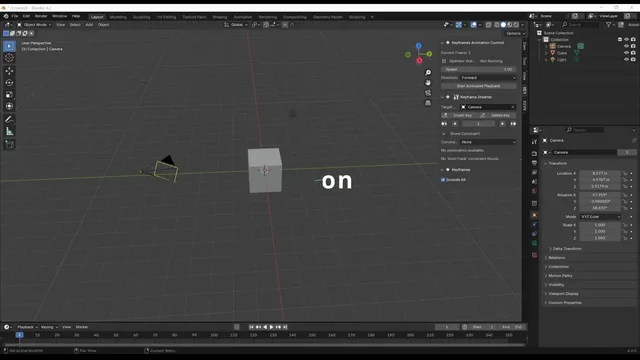


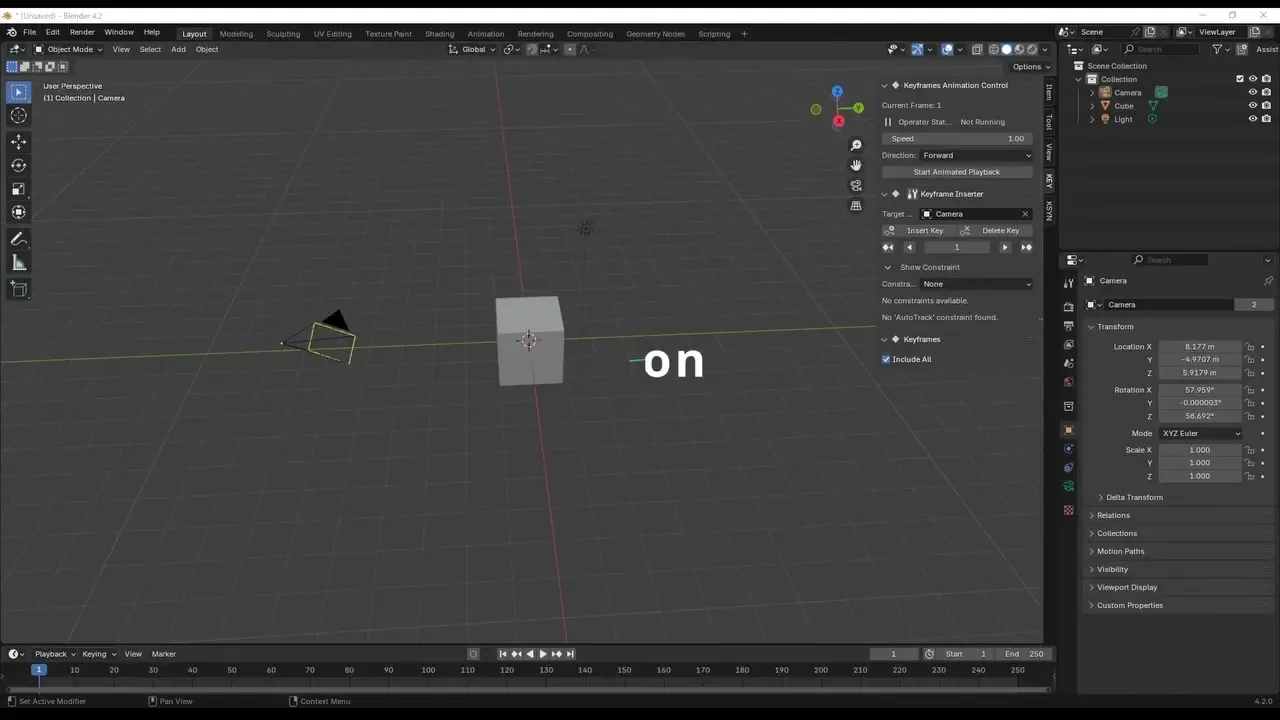
资源介绍
A set of tools for inserting, deleting, and moving keyframes
Compatibility: Blender 4.2.0+
官方介绍(中文整理)
一套用于插入、删除和移动键盘的工具。
关于此添加
此插件允许您插入特定对象在任何地点的旋转、缩放和移动的键盘。
创建此添加的动机
Demo 动态
当您想要将一个对象( 或其他参数) 与一个动画中的相机链接时, 每次将相机从一个对象切换到另一个对象是一个麻烦。 我创建了此函数来简化该过程。 这个添加功能也用于其他相机, 但主要是为您目前使用的相机设计的。
功能特点
键图也显示在附加面板中。 选中对象的键图将显示在带有 Blender 功能的时线中, 但这会让时间线更拥挤。 此添加图会简化键图显示, 更容易检查。
如何使用(或许有用)
例如,插入照相机的视图角度,该角度与几何节点参数所改变对象的放大值不符。此插件便于对相机和对象键进行更方便的操作。
此外,您还可以在移动相机时通过锁定视图方便操作鼠标的相机。
轨道约束特性关键帧的影响值现已显示在面板上。
通过执行实时动画操作员,可以观察到影响财产价值的变化如下所示。
这就是它是如何使用的(而且可能有用)。
例如,插入相机的视图角度,该角度不适合根据几何节点参数改变的对象放大。 相机和对象键可以通过这一添加来更方便地操作。
查看官方原文摘要(English)
About This Add-On
This add-on allows you to insert keyframes for the rotation, scaling, and movement of specified objects at any location.
Motivation for Creating This Add-On
Demo Anime
When you want to link an object (or another parameter) with a camera in an animation, it was a hassle to switch the camera from one object to another every time. I created this function to simplify that process. This add-on works for other cameras as well, but it is mainly designed for the camera you are currently using.
Features
The keymap is also displayed in the add-on panel. The keymap of the selected object will appear in the timeline with Blender's functionality, but this makes the timeline more crowded. This add-on simplifies the keymap display, making it easier to check.
How It Is Used (and May Be Useful)
For example, to insert the angle of view of the camera that does not fit the magnification of the object changed by the parameters of the geometry node. This add-on allows for more convenient manipulation of the camera and object keys.
Additionally, you can conveniently operate the camera with the mouse when moving the camera by locking the view.
The influence values of the track constraint feature keyframes are now displayed in the panel.
By executing the real-time animation operator, changes in the influence property values can be observed as shown below.
This is how it is used (and may be useful).
For example, to insert the angle of view of the camera that does not fit in the magnification of the object changed by the parameters of the geometry node. The camera and object keys can be manipulated a little more conveniently via this add-on.
安装方法
- 打开 Blender「编辑 → 偏好设置 → 获取扩展(Get Extensions)」,搜索 Keyframe Tools,可直接从官方库安装。
- 手动安装时,选择适合当前 Blender 版本与系统的 ZIP 包,在「获取扩展」右上角菜单选择「从磁盘安装(Install from Disk)」,选中 ZIP 文件,无需解压。
- 安装后,在偏好设置的「插件(Add-ons)」中确认已启用,并按作者说明使用。
下载安装包
请选择与你的 Blender 版本和操作系统相符的文件,下载由 Blender 官方扩展库提供。
正在加载安装包…
来源与许可
- 作者 / 维护者:Hydrocallis
- 许可:SPDX:GPL-3.0-or-later
- 来源:Blender 官方扩展库


![[搬运]超级粘液资产合集-魔酷网](https://i.blender.kim/wp-content/uploads/2026/01/20260131142748712.png)


暂无评论内容