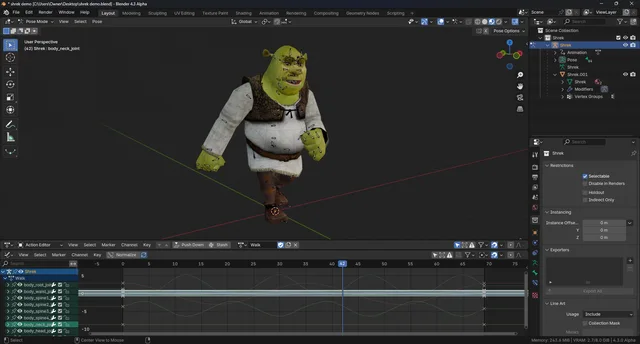


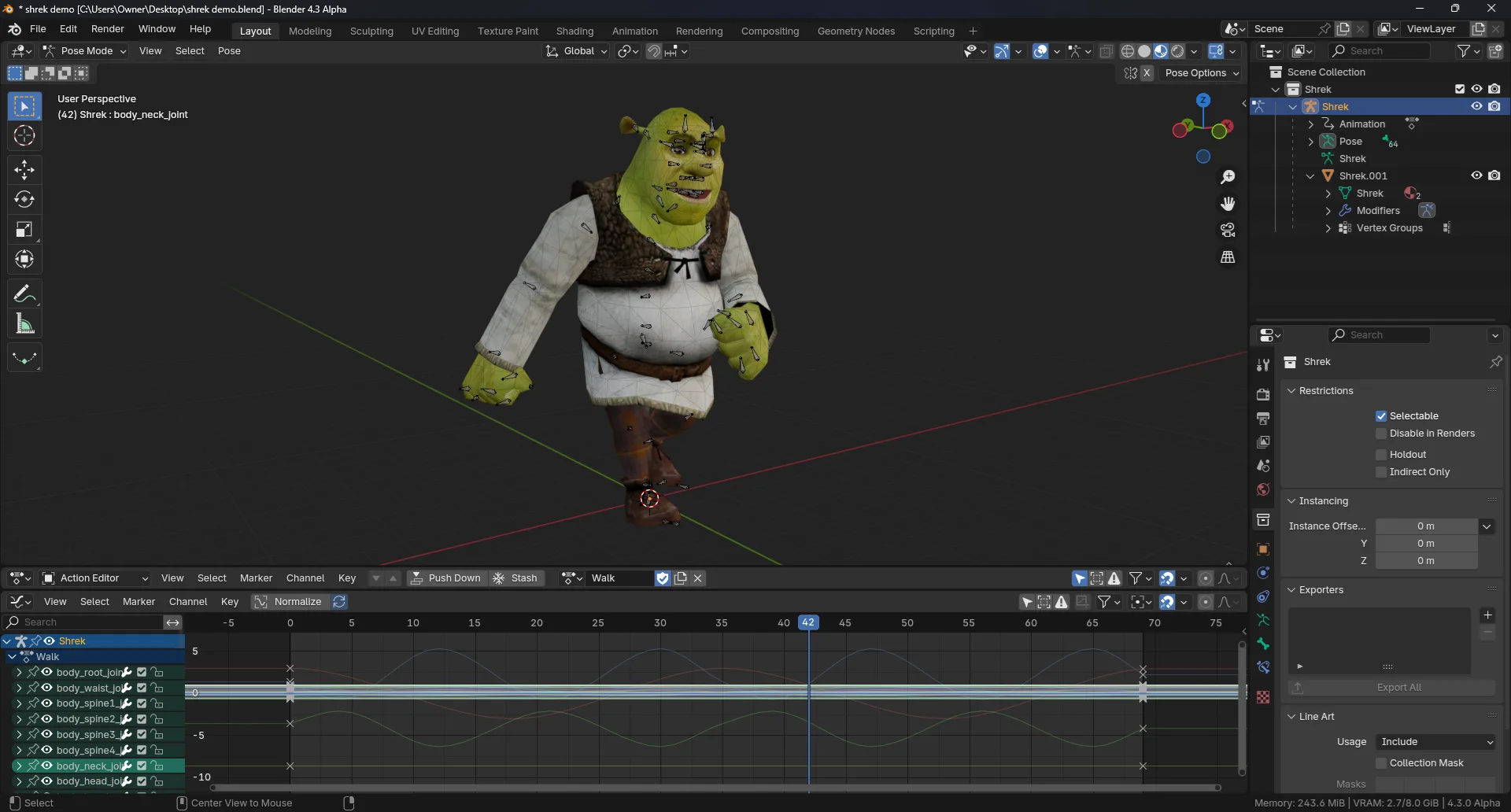
资源介绍
Import and export PSK and PSA files used in Unreal Engine
Compatibility: Blender 5.0.0+
官方介绍(中文整理)
导入和导出用于不真实引擎的 PSK 和 PSA 文件。
此 Blender addon 允许您从 PSK 和 PSA 文件格式中导入并导出 meshes 和 动画。
功能特点
- PSK/PSA完全的进导出能力。
- 仅支持输入非标准文件节数据( 顶点正常、 额外的UV频道、 顶点颜色、 形状键 )。
- 精细的PSA序列导入,用于处理大型PSA文件时的高效工作流程。
- Batch PSA 导入功能( 从文件系统拖放)。
- PSA序列元数据(例如框架率、序列名称)在导入时保留,允许在导出时再利用这些数据。
- 具体骨骼采集可排除在PSK/PSA导出之外(用于排除非捐献骨骼,如IK控制器)。
- PSA序列可直接从行动中导出,或使用场景时间标记或NLA轨迹条进行划定,从而允许在设定序列时直接使用NLA。
- 在导出多个网状物体时,对材料槽进行手工重新排序。
重要通知
这个加起来正在寻找一个新的维护者!
如果您想要接管此插件的维护事宜, 请在 github.com.catty550@passmail.net 与我联系。
与此同时,我将不增加简单的兼容性办法以外的任何新特征,以确保它与最新的Blender版本合作。
查看官方原文摘要(English)
This Blender addon allows you to import and export meshes and animations to and from the PSK and PSA file formats used in many versions of the Unreal Engine.
Features
- Full PSK/PSA import and export capabilities.
- Non-standard file section data is supported for import only (vertex normals, extra UV channels, vertex colors, shape keys).
- Fine-grained PSA sequence importing for efficient workflow when working with large PSA files.
- Batch PSA import functionality (drag & drop from file system).
- PSA sequence metadata (e.g., frame rate, sequence name) is preserved on import, allowing this data to be reused on export.
- Specific bone collections can be excluded from PSK/PSA export (useful for excluding non-contributing bones such as IK controllers).
- PSA sequences can be exported directly from actions or delineated using a scene's timeline markers or NLA track strips, allowing direct use of the NLA when creating sequences.
- Manual re-ordering of material slots when exporting multiple mesh objects.
Important Notice
This add-on is looking for a new maintainer!
Please contact me at github.com.catty550@passmail.net if you want to take over maintenance of this add-on.
In the meantime, I will not be adding any new features beyond simple compatibility fixes to ensure it works with the latest Blender versions.
安装方法
- 打开 Blender「编辑 → 偏好设置 → 获取扩展(Get Extensions)」,搜索 Unreal PSK/PSA (.psk/.psa),可直接从官方库安装。
- 手动安装时,选择适合当前 Blender 版本与系统的 ZIP 包,在「获取扩展」右上角菜单选择「从磁盘安装(Install from Disk)」,选中 ZIP 文件,无需解压。
- 安装后,在偏好设置的「插件(Add-ons)」中确认已启用,并按作者说明使用。
下载安装包
请选择与你的 Blender 版本和操作系统相符的文件,下载由 Blender 官方扩展库提供。
正在加载安装包…
来源与许可
- 作者 / 维护者:darknation
- 许可:SPDX:GPL-3.0-or-later
- 来源:Blender 官方扩展库


暂无评论内容