

资源介绍
My Virtual Rig and General Device Type Format
Compatibility: Blender 4.2.0+
官方介绍(中文整理)
我的虚拟和通用设备类型格式。
Blender的MVR(.mvr)和GDTF(.gdtf)
我的虚拟 Rig (.mvr) 和一般设备类型格式 (.gdtf)
类别:
- 导入-导出
地点:
- 文件 — > import-export — > 我的虚拟 Ri (.mvr)
- 文件 — > 导入 — > 通用设备类型格式 (.gdtf)
手册 :
- – >文件 < –
作者 :
- 塞巴斯蒂安·施兰德、瓦努斯、乌戈·阿穆德
维护者 :
- 塞巴斯蒂安·西耶(尼泊尔)
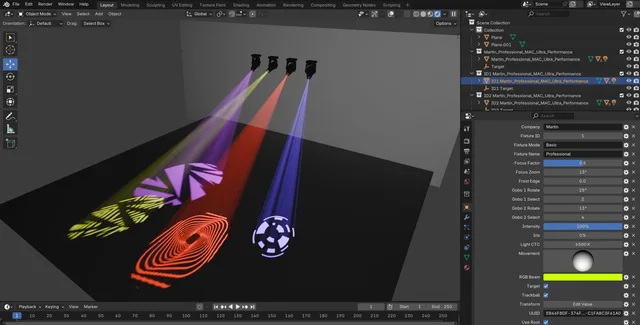
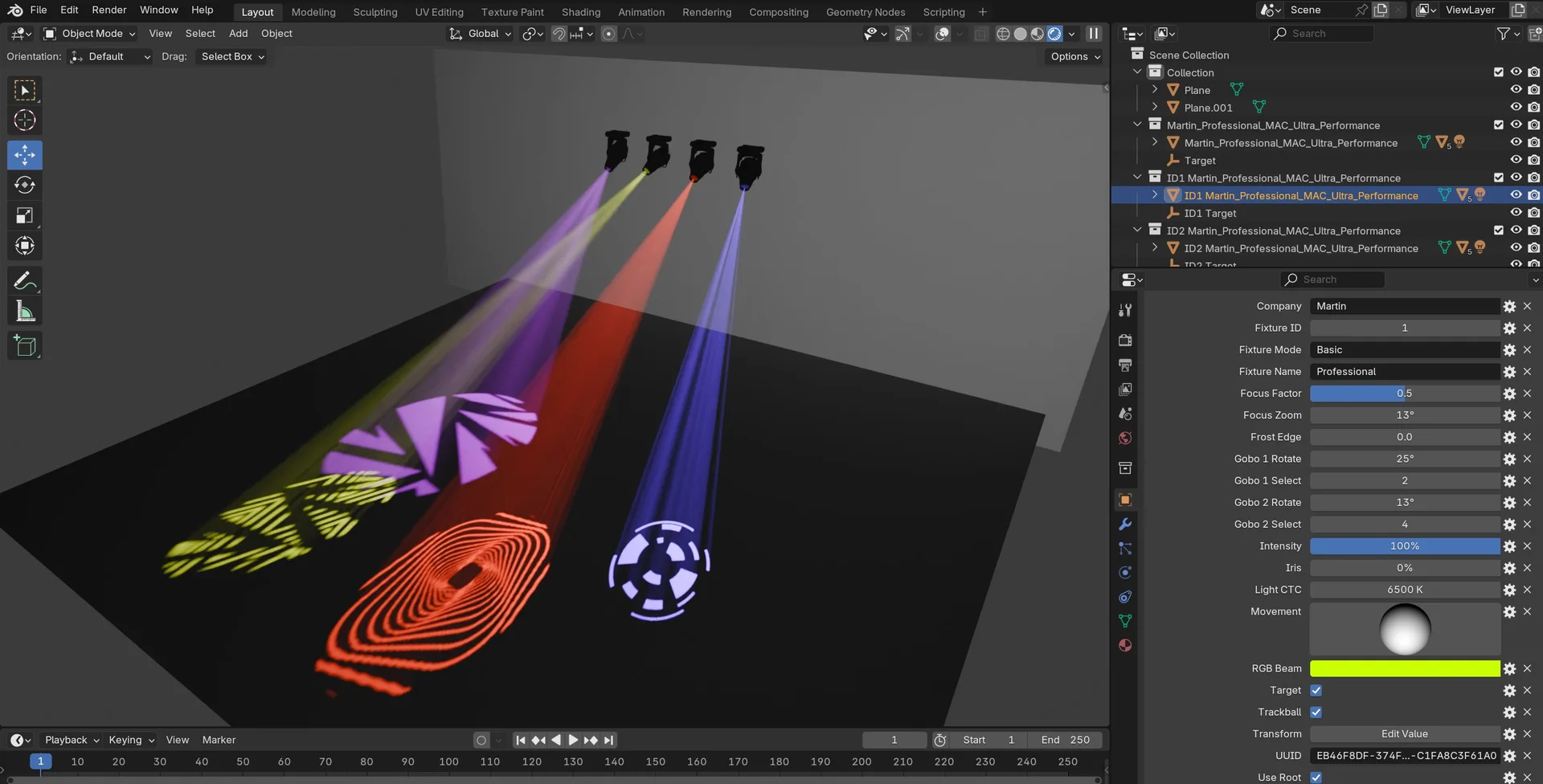
用于导入和导出我的虚拟 Rig (.mvr) 文件及用于导入通用设备类型格式(.gdtf.) 的扩展文件。 GDTF 文件将被导入, 目标将方便地聚焦固定点, 或以轨球控制它们。 固定的属性和特性可以从基准模型的自定义属性面板中控制。 支持的属性是 Pan、 Tilt、 RGB、 CTC、 Focus、 Frost、 Zom、 强度、 Iris、 Gobo和 Gobo 旋转。 每一个固定都有自己的索引, 如果导入了同一索引的另一个固定则将被替换。 MVR 文件不包括 GDTF 文件, 将会为占位符导入一个通用的默认固定。 导出者导出层收藏品为图层,儿童收藏品中以儿童为群体目标,儿童收藏物中以物品为对象,儿童没有儿童为景点。 收藏品网状物体将作为几何3D导出,实例物品将作为符号作为实例收藏品Symdef导出。 固定收藏品将作为定着物导出,目标将作为焦点点导出。 GDTF固定装置可在MVR文件内导出,如果它们处于预定义路径中,可以在配方偏好或收集导出商中设定 wich。
查看官方原文摘要(English)
MVR (.mvr) and GDTF (.gdtf) for Blender
My Virtual Rig (.mvr) and General Device Type Format (.gdtf)
Category:
- Import-Export
Location:
- File –> Import-Export –> My Virtual Rig (.mvr)
- File –> Import –> General Device Type Format (.gdtf)
Manual:
- ->Documentation<-
Authors:
- Sebastian Schrand, Vanous, Hugo Aboud
Maintainer:
- Sebastian Sille (NRGSille)
Extension for importing and exporting My Virtual Rig (.mvr ) files and for importing General Device Type Format (.gdtf ). GDTF files will be imported with targets to easily focus the fixture or they can be controlled with a trackball. The attributes and features of a fixture can be controlled from the custom property panel of the base model. Supported attributes are Pan, Tilt, RGB, CTC, Focus, Frost, Zoom, Intensity, Iris, Gobo and Gobo Rotate. Each fixture has its own index and will be replaced if another fixture with the same index is imported. MVR files wich are not including GDTF files will import a generic default fixture for the placeholders. The Exporter exports layer collections as Layer, the child collections with children as GroupObject and collections with objects and no children as SceneObject. The mesh objects of a collection will be exported as Geometry3D and instance objects will be exported as Symbol with the instance collection as Symdef. Fixture collections will be exported as Fixture and the targets will be exported as FocusPoint. Children of a target will be exported as Geometries. GDTF fixtures can be exported within a MVR file if they are in the predefined path wich can be setted in the addon preferences or the collection exporter.
安装方法
- 打开 Blender「编辑 → 偏好设置 → 获取扩展(Get Extensions)」,搜索 Scene MVR (.mvr) and GDTF (.gdtf),可直接从官方库安装。
- 手动安装时,选择适合当前 Blender 版本与系统的 ZIP 包,在「获取扩展」右上角菜单选择「从磁盘安装(Install from Disk)」,选中 ZIP 文件,无需解压。
- 安装后,在偏好设置的「插件(Add-ons)」中确认已启用,并按作者说明使用。
下载安装包
请选择与你的 Blender 版本和操作系统相符的文件,下载由 Blender 官方扩展库提供。
正在加载安装包…
来源与许可
- 作者 / 维护者:NRGSille
- 许可:SPDX:GPL-3.0-or-later
- 来源:Blender 官方扩展库


暂无评论内容