

资源介绍
Tools to perform IK to FK and FK to IK snapping
Compatibility: Blender 4.2.0+
官方介绍(中文整理)
执行 IK 至 FK 和 FK 至 IK 断开操作的工具。
IK-FK 抓取工具是一个简单的 Blender 添加框, 使您能够匹配 IK/FK 控件之间的配置。 此添加框是密斯特菲特的 IK- FK 抓抓添加框的叉式版本, 添加额外的抓取选项和改进 UI。
使用此工具, 您可以轻而易举地从 IK 到 FK 和 FK 到 IK , 只需按下按钮即可。 此添加选项还允许您保存预设, 使您能够将预设从一个断开预设切换到另一个。
如果您遇到错误或问题, 您可以在 Github 库中提出问题, 或者加入我的 Discord 服务器。
如何使用?
- 确保您的钻机被选中。
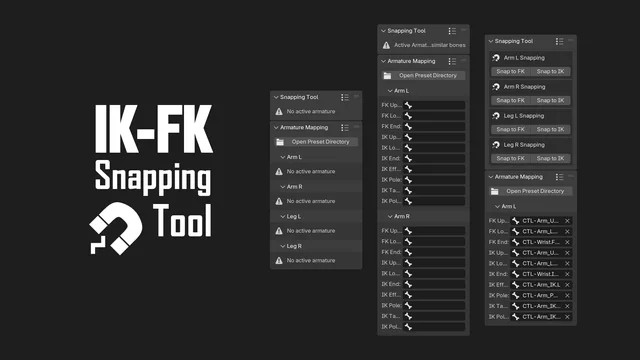
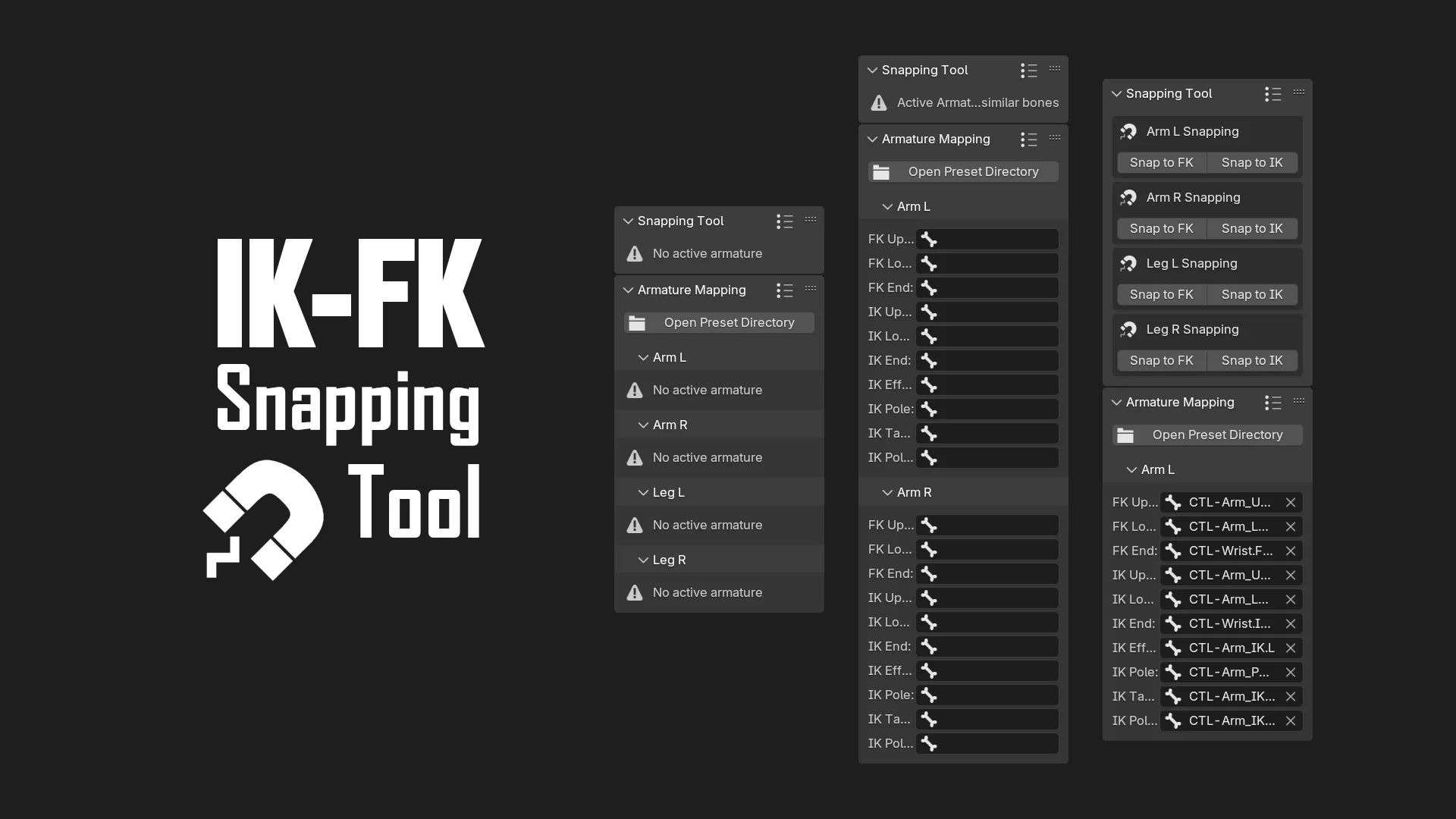
- 填充相应的骨头输入字段。 例如, FK 上方有CTL- Arm_Upper.FK.L, FK Lower有CTL – Arm_Lower.Fk.L,FK 端端有CTL — Wrist.FKL, IK Control有 CTL-Arm_IK.L; IK Poland 有CTL- Arm_Pole.L 等( 请注意, 如果您的钻机没有 CTL 目标 和 IK Pool 目标骨, 您需要自己添加一个。 您可以复制 IK 控制器和 IK Pole 骨头, 将骨形改变为其他形状, 并将其嵌入 FK 下骨 来做到这一点。
- 打开预设菜单, 单击添加面板头( 带有点和条纹的) 上的图标。
- 设置您抓取预设的名称, 并单击 + 图标保存它。
查看官方原文摘要(English)
IK-FK Snapping Tool is a simple Blender add-on that lets you match poses between IK/FK controls. This add-on is a fork version of the IK-FK Snapping add-on by Mystfit that adds additional snapping options and improved UI.
With this tool, you can easily snap from IK to FK and FK to IK with just a press of a button. This add-on also allows you to save presets that enable you to switch from one snapping preset to another.
If you encounter a bug or problems, you can raise an issue on the Github repository or join my Discord server.
How to use?
- Make sure that your rig is selected.
- Fill the bone input fields with the corresponding bones. For example, FK Upper with CTL-Arm_Upper.FK.L, FK Lower with CTL-Arm_Lower.FK.L, FK End with CTL-Wrist.FK.L, IK Control with CTL-Arm_IK.L, IK Pole with CTL-Arm_Pole.L, etc (note that if your rig doesn't have the IK Target and IK Pole Target bone, you need to add one yourself. You can do this by duplicating the IK Control and IK Pole bone, changing the bone shape to something else, and parent it to the FK lower bone).
- Open the preset menu by clicking an icon on the add-on panel header (the one with the dots and stripes).
- Set a name for your snapping preset and save it by clicking the + icon.
安装方法
- 打开 Blender「编辑 → 偏好设置 → 获取扩展(Get Extensions)」,搜索 IK-FK Snapping Tool,可直接从官方库安装。
- 手动安装时,选择适合当前 Blender 版本与系统的 ZIP 包,在「获取扩展」右上角菜单选择「从磁盘安装(Install from Disk)」,选中 ZIP 文件,无需解压。
- 安装后,在偏好设置的「插件(Add-ons)」中确认已启用,并按作者说明使用。
下载安装包
请选择与你的 Blender 版本和操作系统相符的文件,下载由 Blender 官方扩展库提供。
正在加载安装包…
来源与许可
- 作者 / 维护者:Endertainer007
- 许可:SPDX:GPL-3.0-or-later
- 来源:Blender 官方扩展库


![[搬运]超级粘液资产合集-魔酷网](https://i.blender.kim/wp-content/uploads/2026/01/20260131142748712.png)


暂无评论内容