

资源介绍
Syntax highlighting for text objects
Compatibility: Blender 4.2.0+
官方介绍(中文整理)
文本对象的语法突出显示。
使用方法
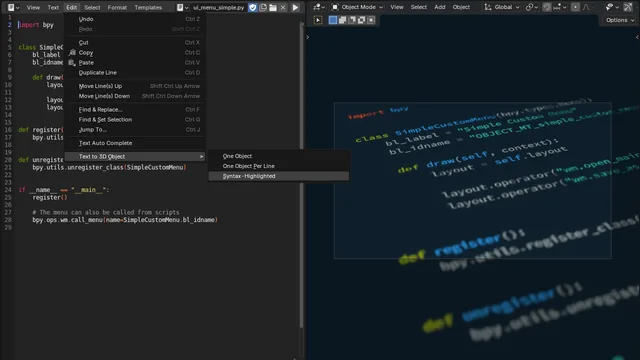
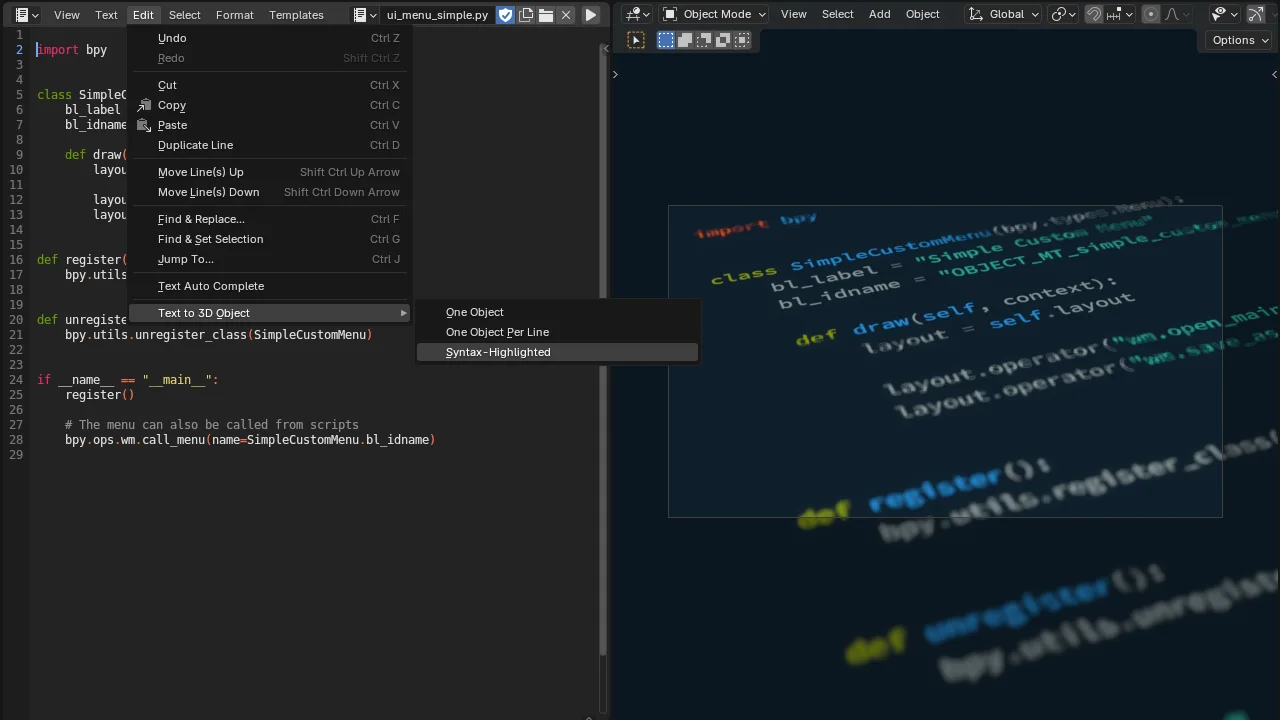
在文本编辑器中,转到编辑菜单 > text 到 3D 对象 > 语法高度。选择您想要的样式。添加时试图自动检测语法,但如果它失败了,则选择正确的。确认,文本将出现在视图端口中!
文本对象创建后,您可以通过在 F3 菜单中或编辑模式中搜索语法高亮对象,或者在编辑模式中,文本菜单 > 应用语法插件,再次突出显示它。
首首首选项
相对于为每个对象选择字体,您可以在添加对象的首选项中设置默认字体。
致谢
高亮点几乎完全依赖 Pygments 库来进行语法突出显示。 感谢您的惊人的 lib!
查看官方原文摘要(English)
Usage
In the text editor, go to the Edit menu > Text to 3D Object > Syntax-Highlighted. Select the style you want. The add-on tries to detect the syntax automatically, but if it fails, select the proper one. Confirm, and the text will appear in the viewport!
Once a text object is created, you can highlight it again by searching for Syntax Highlight Object in the F3 menu, or in Edit mode, Text menu > Apply Syntax Highlighting.
Preferences
Instead of selecting fonts for each object, you can set default ones in the preferences of the add-on.
Acknowledgement
Highlighter relies almost entirely on the Pygments library to do the syntax highlighting. Thanks for that amazing lib!
安装方法
- 打开 Blender「编辑 → 偏好设置 → 获取扩展(Get Extensions)」,搜索 Highlighter,可直接从官方库安装。
- 手动安装时,选择适合当前 Blender 版本与系统的 ZIP 包,在「获取扩展」右上角菜单选择「从磁盘安装(Install from Disk)」,选中 ZIP 文件,无需解压。
- 安装后,在偏好设置的「插件(Add-ons)」中确认已启用,并按作者说明使用。
下载安装包
请选择与你的 Blender 版本和操作系统相符的文件,下载由 Blender 官方扩展库提供。
正在加载安装包…
来源与许可
- 作者 / 维护者:pioverfour
- 许可:SPDX:GPL-3.0-or-later
- 来源:Blender 官方扩展库


暂无评论内容