

资源介绍
Display UI warnings to avoid and resolve common mistakes
Compatibility: Blender 4.2.0+
官方介绍(中文整理)
显示界面警告以避免和解决常见错误。
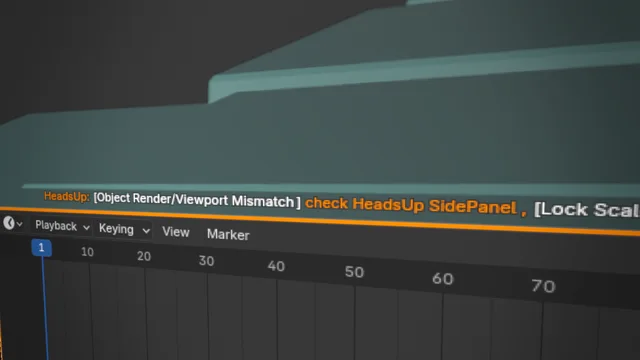
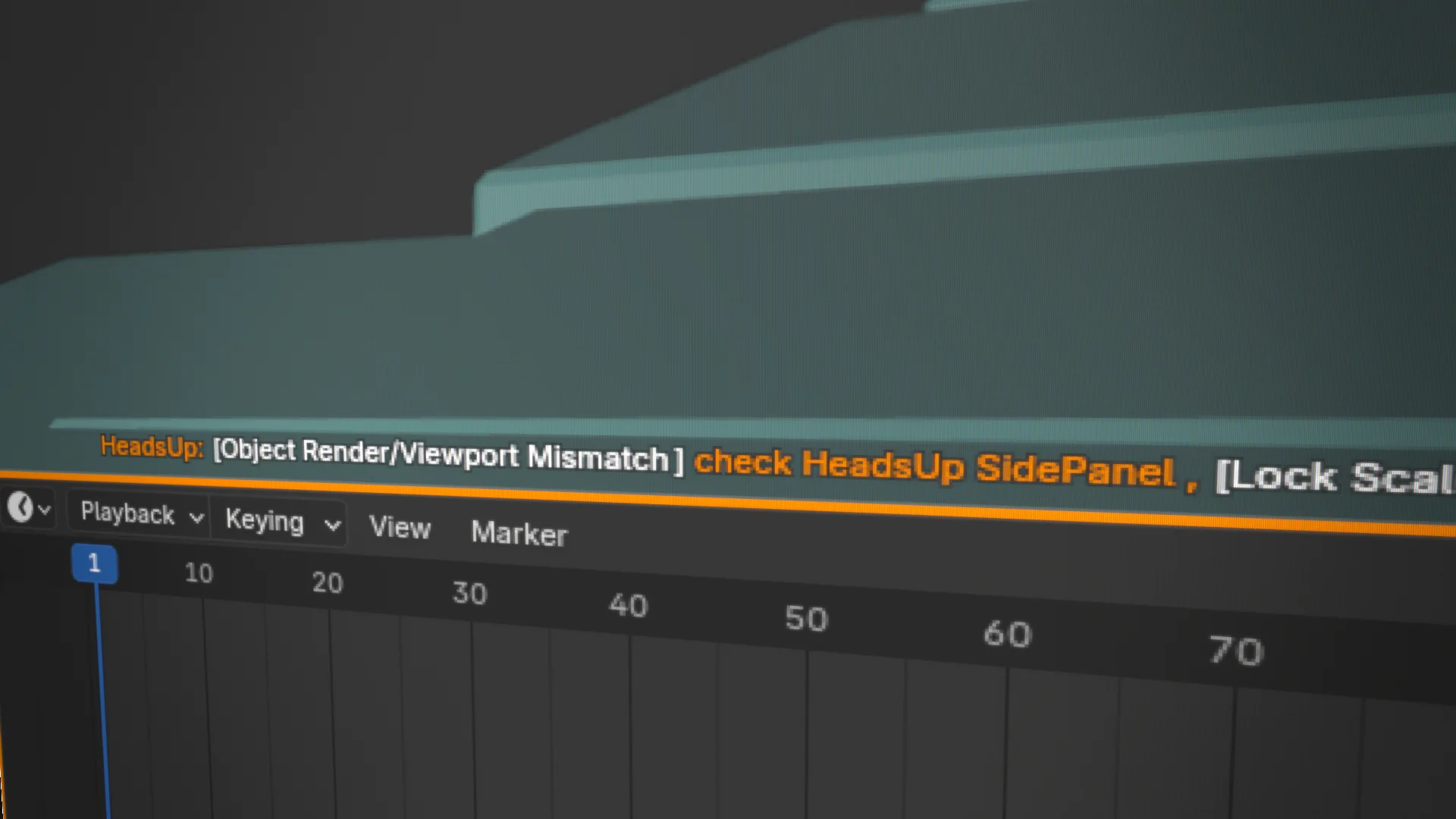
名为“ 头部警告 ” , 旨在帮助用户避免常见错误, 通过直观地显示潜在破坏性设置。 它覆盖了 3D 视图port 和 compositor 中的重要警告, 确保用户随时了解可能影响工作流程的设置。 加上彩色编码的用户界面边框和直接的屏幕信息,该插件提供实时反馈,帮助防止意外错误造成问题。
它伴随着需要警告的50+条件, 每一个条件都可以通过 Adon 首选项混合。 许多警告只在相关上下文适用时才突然出现。 例如, 编辑- 模式特定警告只有在编辑- 方式时才会显示。
提高警示,你可以更自信地在Blender工作,减少错误,提高效率。
这加子应该让您了解奇特的环境, 并且让您了解其中的一些环境是自愿的, 但很容易忘记, 从而导致错误。
本插件做什么 :
- 显示警告
- 提供关于警告和如何解决的信息
此添加不包含的内容 :
- 单点解决问题
注: Addon 也可以安装低版本的 Blender。 测试到 Blender 3. 3. 3 !
查看官方原文摘要(English)
'HeadsUp Warnings' is designed to help users avoid common mistakes by visually highlighting potentially destructive settings. It overlays important warnings in the 3D viewport and compositor, ensuring users stay informed about settings that might impact their workflow. With color-coded UI borders and direct on-screen messages, this add-on provides real-time feedback to help prevent accidental errors before they cause problems.
It comes with 50+ conditions to be warned about, each can be toggled via the Addon Preferences. Many warnings are only popping up when the relevant context applies. For example, Edit-Mode specific warnings will only show while being in Edit-Mode.
With HeadsUp Warnings, you can work more confidently in Blender, reducing mistakes and improving efficiency.
This addon should make and keep you aware of odd settings. Some of those are often applied willingly, but are very easy to forget about, therefore leading to mistakes.
What this Add-on does:
- Display warning
- Offer information about the warning and how to resolve
What this Add-on does not:
- One-Click resolve issues
Note: The Addon can be installed in lower versions of Blender as well. Tested down to Blender 3.3!
安装方法
- 打开 Blender「编辑 → 偏好设置 → 获取扩展(Get Extensions)」,搜索 HeadsUp Warnings,可直接从官方库安装。
- 手动安装时,选择适合当前 Blender 版本与系统的 ZIP 包,在「获取扩展」右上角菜单选择「从磁盘安装(Install from Disk)」,选中 ZIP 文件,无需解压。
- 安装后,在偏好设置的「插件(Add-ons)」中确认已启用,并按作者说明使用。
下载安装包
请选择与你的 Blender 版本和操作系统相符的文件,下载由 Blender 官方扩展库提供。
正在加载安装包…
来源与许可
- 作者 / 维护者:ManuelLuellau
- 许可:SPDX:GPL-3.0-or-later
- 来源:Blender 官方扩展库


暂无评论内容