

资源介绍
Quickly convert Grease Pencil strokes to simple curves and hair
Compatibility: Blender 4.3.0+
官方介绍(中文整理)
快速将Grease Pencils中风转换为简单的曲线和头发。
与Blender 4.5 和 5.01 (Blender4.2 和 Blender 4.2 和 Brender 4.2 (以下)使用 v.1.2)
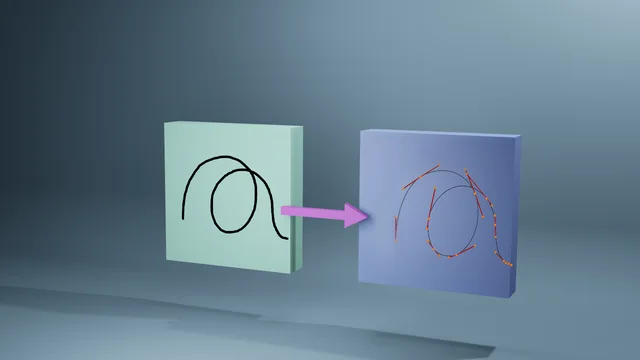
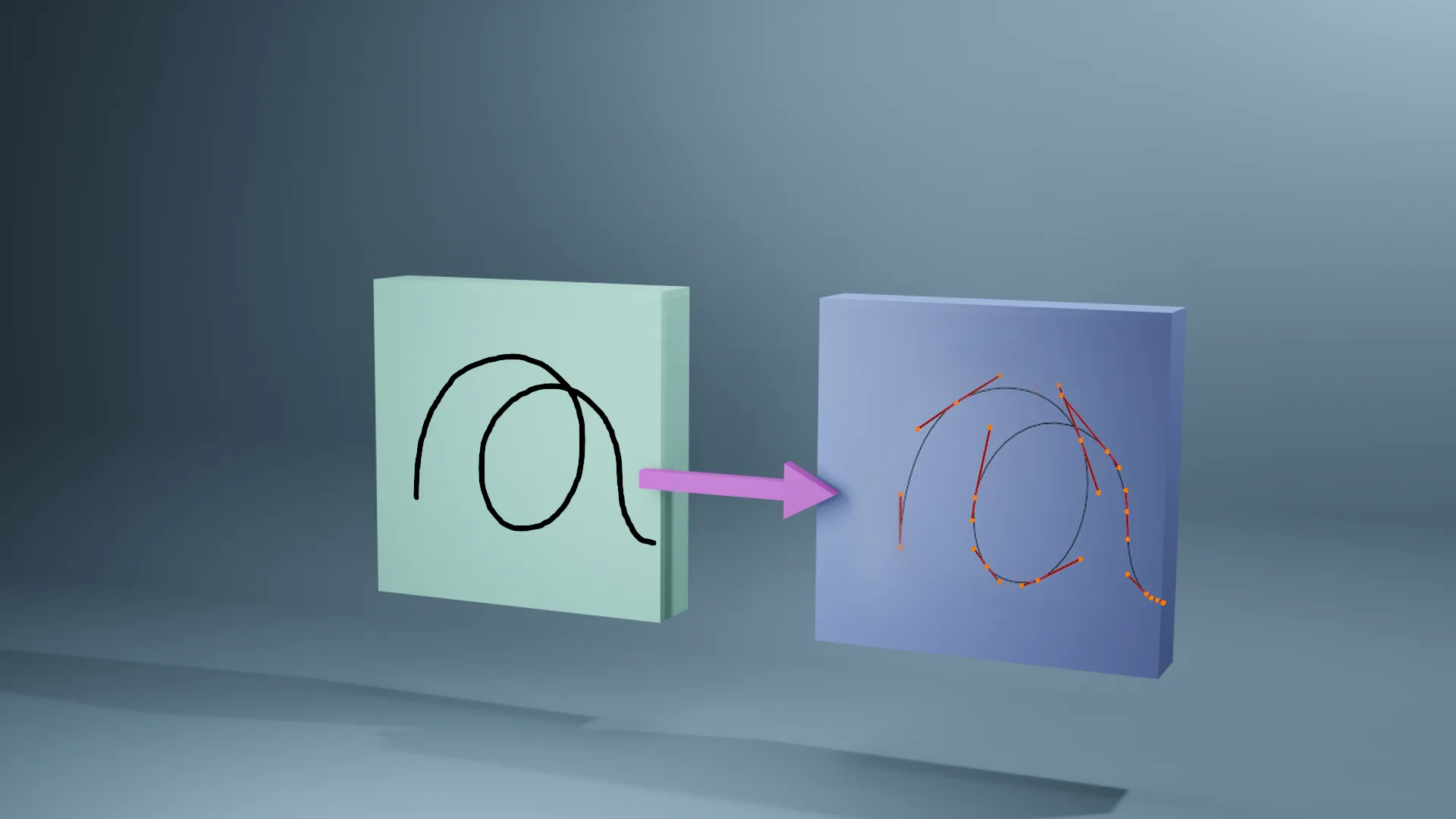
Grease Pencil 到 Curves 添加一页, 使您能够轻松地平滑在 Blender 中用 Grease pencil 绘制的线条, 减少顶点的数量, 并用一个按钮转换为曲线。 这样就可以从头到尾地消除许多塑造贝塞尔曲线的工作。 您也可以用单击将由此产生的曲线转换成与表面相连的毛线曲线, 使您能够将多次油脂铅笔划线转换成已经与表面对齐的毛线( 使您在梳妆时有一个头开始)。 每个油脂铅铅笔层都创建了单独的曲线。 您还可以选择重塑生成的曲线来增加点。 添加菜单出现在“编辑”标签内的 N小组中。
您可以手动做所有这些, 但是这个添加子可以做所有转换, 调整片段数量, 平滑, 并更容易在单菜单中附加。 在 adon v. 4. 3 中, 光滑菜单被替换为按钮以援引 Grease Pencil 平滑修饰器。 IMPORT : 您需要先“ 应用” 平滑的修饰器, 然后再转换为曲线, 因为它是一个非破坏性的修饰符。
在Youtube的附加概览中,我展示了一条由Grease Pencil 转换曲线以快速创建链条和一连串灯光的线条所绘制的线条。然后,我用铅笔笔笔划出一整头头发。
查看官方原文摘要(English)
NOTE Works with Blender 4.5 and 5.01 (use v0.1.2 for Blender 4.2 and below)
Grease Pencil to Curves add-on allows you to easily smooth the lines drawn with Grease Pencil in Blender, reduce the number of vertices, and convert to curves with one button. This eliminates a lot of work in shaping Bezier curves from scratch. You can also convert the resulting curve to a hair curve attached to a surface with a single click, allowing you to turn multiple grease pencil strokes into hair curves that are already aligned to the surface (giving you a head start in grooming). Each grease pencil layer creates a separate curve. You also have the option to resample generated curves to increase points. The add-on menu appears in the N-Panel within the "Edit" tab.
You can do all of this manually, but this addon does all the conversion, adjusting number of segments, smoothing, and attaching more easily in a single menu. In v0.4.3 of the addon, the smoothing menu was replaced with a button to invoke the Grease Pencil Smooth modifier. IMPORTANT: you need to 'apply' the smoothing modifier prior to converting to a curve since it's a non-destructive modifier.
In the addon overview on Youtube, I demonstrate a line drawn with Grease Pencil converted a curve to quickly create a chain and a string of lights. I then generate a whole head of hair from grease pencil strokes.
安装方法
- 打开 Blender「编辑 → 偏好设置 → 获取扩展(Get Extensions)」,搜索 Grease Pencil to Curves,可直接从官方库安装。
- 手动安装时,选择适合当前 Blender 版本与系统的 ZIP 包,在「获取扩展」右上角菜单选择「从磁盘安装(Install from Disk)」,选中 ZIP 文件,无需解压。
- 安装后,在偏好设置的「插件(Add-ons)」中确认已启用,并按作者说明使用。
下载安装包
请选择与你的 Blender 版本和操作系统相符的文件,下载由 Blender 官方扩展库提供。
正在加载安装包…
来源与许可
- 作者 / 维护者:DadsCastle
- 许可:SPDX:GPL-3.0-or-later
- 来源:Blender 官方扩展库


暂无评论内容