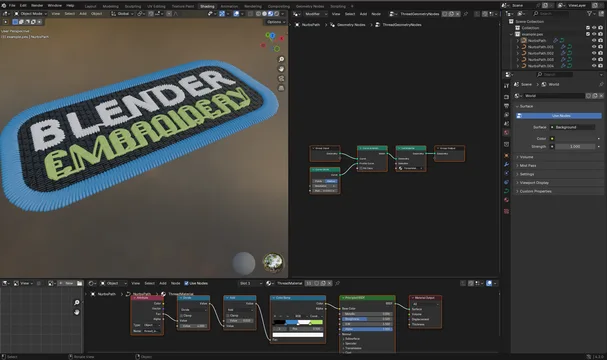


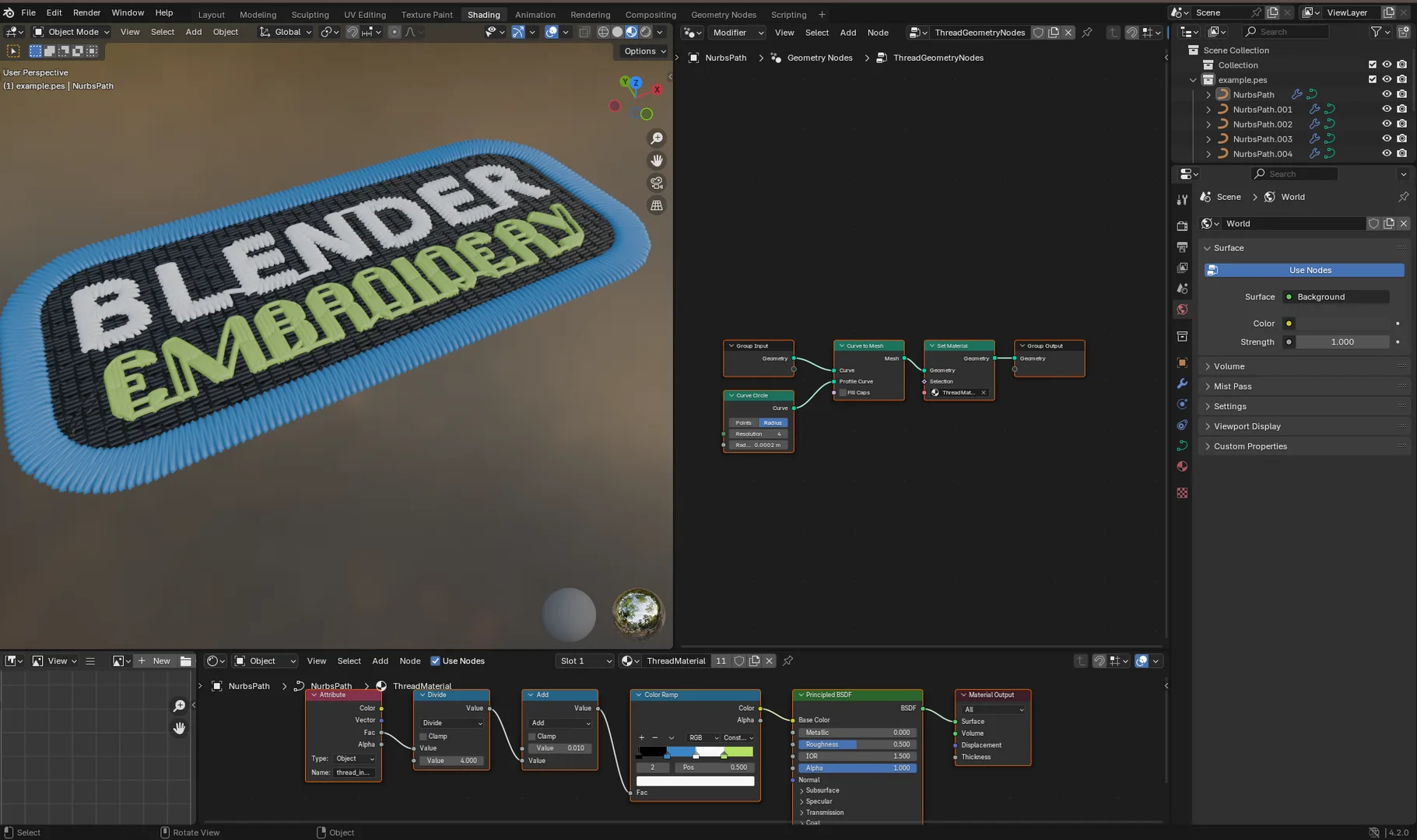
资源介绍
Import embroidery files into Blender
Compatibility: Blender 4.2.0+
官方介绍(中文整理)
将刺绣文件导入 Blender。
这是一个 Blender 扩展名, 允许您通过 Bevel 或几何节点, 将刺绣机器的文件导入为曲线, 带有可选几何( 厚度)。 它还可以检测并显示您线条的颜色。
许可证许可证许可证
包括商业资源在内,这加子可以自由使用,但如果你认为有用,请考虑支持我的自由和开放源码项目:
信用和支持的文档类型
此添加点严重依赖类比类固醇, 并且应该支持与该库相同的文件格式。 您可以在类比类的文档中找到全部支持的文件类型列表。
我个人只用 .pes 文件测试过它, 我用 Inkscape 的 Ink/ Stitch adton 创建了这种文件。 此页面顶部显示的图案可以在 Github 上方找到。 请在这里获取 example.pes files 和 examples. svg 此处( 使用 Inkcape 打开 Ink/ stitch adon 安装 Ink/ Stitch adcon )。
如何使用
安装后,您可以在文件 " 导入 " 下的文件菜单中找到导入商。
导入设置
在导入对话框中, 您可以调整一些设置 :
导入跳线
是否在导入对象中包含跳线。 跳线是机器跳转到您的图案下一部分时生成的线条, 通常您手动删除。 不导入这些线条会导致更清洁的外观, 但不会完全精确到原始图案。
创建创建材料
此选项将创建导入对象的材料( 使用节点)。 此材料将使用刺绣文件中所用线条的颜色。
创建收藏收藏
启用此功能后, 您导入时的所有生成曲线都将放在单个收藏中。
厚度类型
这里有三种选择:
查看官方原文摘要(English)
This is a Blender extension that allows you to import files to be used with embroidery machines as curves with optional geometry (thickness) via a bevel or geometry nodes. It also detects and displays the color of your threads.
License
This addon is free to use, including commercially, but if you find it useful please consider supporting my free and open source projects:
Credit and supported file types
This addon relies heavily on pyembroidery and should support the same file formats as that library. You can find the whole list of supported file types in the pyembroidery documentation.
Personally I've only tested it with .pes files which I've created using the Ink/Stitch addon for Inkscape. The pattern shown at the top of this page can be found on Github. Get the example.pes file here and the example.svg here (open using Inkscape with Ink/Stitch addon installed).
How to use
After installation you can find the importer in the file menu under File > Import > Embroidery Import.
Import settings
In the import dialog there are a few settings you can adjust:
Import jump wires
Whether to include jump wires in the imported object. Jump wires are lines that the machine creates when jumping to the next part of your pattern and which you normally remove manually. Not importing them leads to a cleaner look, but will not be completely accurate to the original pattern.
Create material
With this selected a material (using nodes) will be created for the imported object. This material will use the colors of the threads used in the embroidery file.
Create collection
With this enabled all generated curves for your import will be place in a single collection.
Thickness type
There are three options here:
安装方法
- 打开 Blender「编辑 → 偏好设置 → 获取扩展(Get Extensions)」,搜索 Embroidery Importer,可直接从官方库安装。
- 手动安装时,选择适合当前 Blender 版本与系统的 ZIP 包,在「获取扩展」右上角菜单选择「从磁盘安装(Install from Disk)」,选中 ZIP 文件,无需解压。
- 安装后,在偏好设置的「插件(Add-ons)」中确认已启用,并按作者说明使用。
下载安装包
请选择与你的 Blender 版本和操作系统相符的文件,下载由 Blender 官方扩展库提供。
正在加载安装包…
来源与许可
- 作者 / 维护者:javl
- 许可:SPDX:GPL-3.0-or-later
- 来源:Blender 官方扩展库


![[搬运]超级粘液资产合集-魔酷网](https://i.blender.kim/wp-content/uploads/2026/01/20260131142748712.png)


暂无评论内容