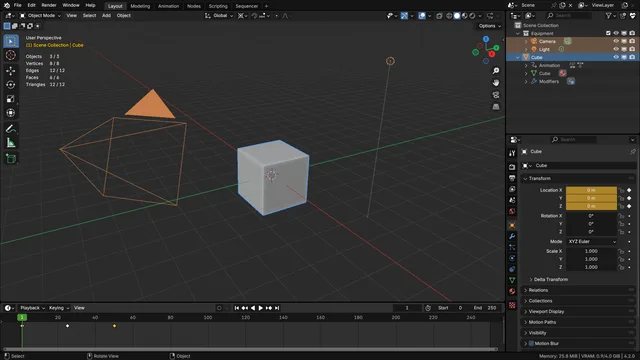


Blender 官方扩展库收录Blender 主题
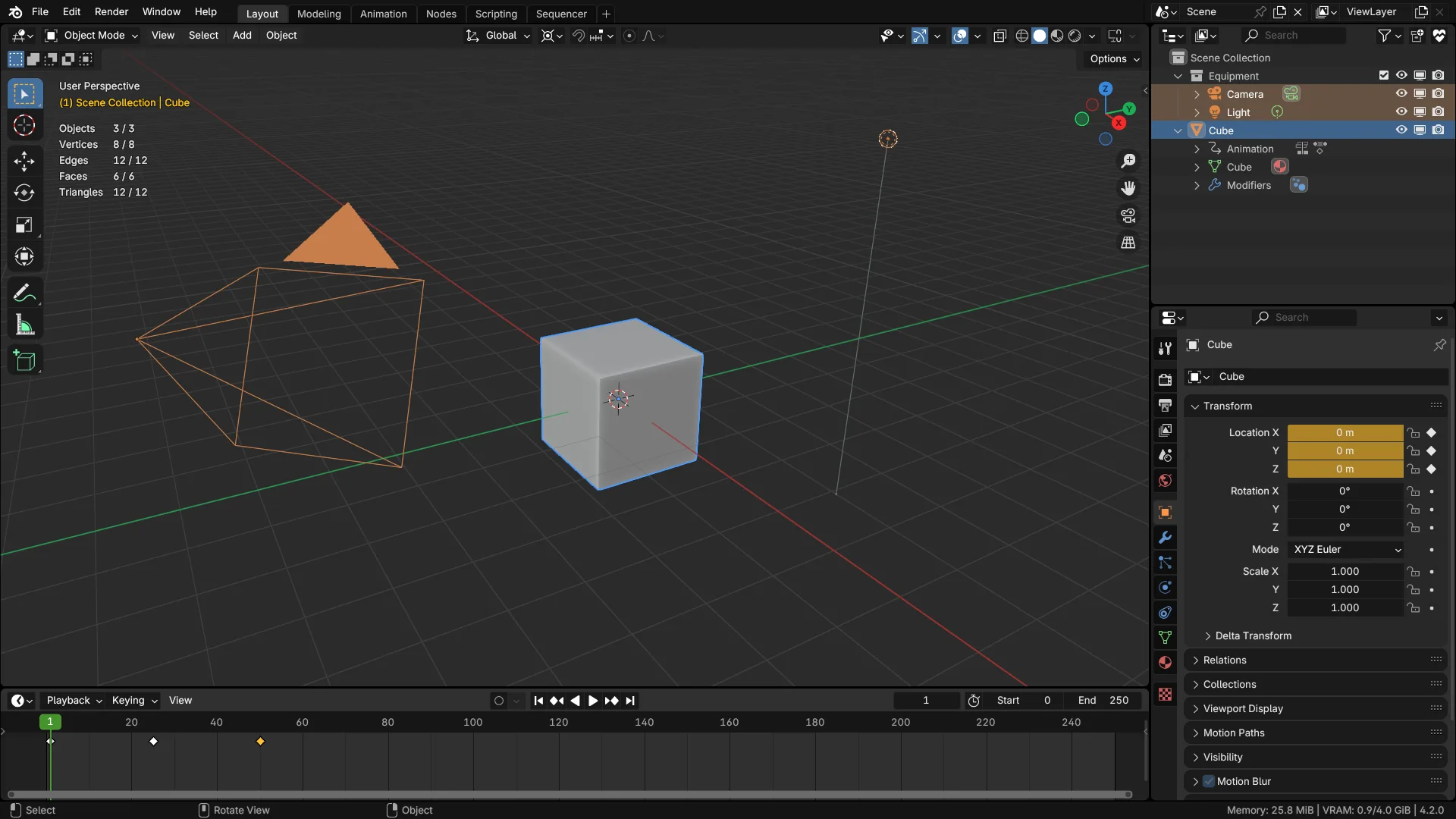
资源介绍
Darker than the default dark
Compatibility: Blender 5.0.0+
官方介绍(中文整理)
比默认的黑暗更黑暗。
比 Blenders 默认暗主题更暗, 有更高的对比度和更好的颜色编码。 界面区域在视觉上更好区分, 并改进可读性。 文本白色也比默认值更白, 并且 Blender 的许多区域都使用正确的颜色编码 :
- 编辑模式覆盖( Vertex、 边缘、 Face、 Point) 是绿色的, 以匹配 Blenders 对象数据图标的颜色。 Green 是用于编辑模式 !
- 所有编辑以及其它与动画有关的彩色覆盖都统一了曲线控色颜色。
- “ 脸朝前端” 已经不存在了。 您无法从 3D 视图端前端的覆盖中看到蓝色的覆盖。 您总是可以打开它, 并且只能看到有红色覆盖的不正确面孔。 不需要继续打开和关闭它 !
- 顶点,边缘,f-曲线点…
- 活动部件( 数字字段、 幻灯片、 文本输入) 与其他许多软件一样, 变白。 写入时更容易读性。 还会让它们从无穷无尽的属性列表中弹出更多。
- 还有很多…
查看官方原文摘要(English)
Darker than Blenders default dark theme with higher contrast and better colour coding. UI areas are better distinguished visually and improves readability. Text whites are also whiter than default, and a lot of areas of Blender are color-coded properly:
- Edit Mode overlays (Vertex, Edge, Face, Point) are green, to match the colour of Blenders object data icons. Green is for edit mode!
- Curve handle colours are unified across all editors, as well as other animation-related coloured overlays.
- 'Face Orientation Front' is gone. You can't see the blue overlay when you enable it from 3D viewport overlays. You can always have it turned on and you'll only see incorrect faces with red overlay. No need to keep switching it on and off!
- Vertices, edges, f-curve points… they're all thicker. Why do we keep stressing our eyes looking for them?
- Active widgets (number fields, sliders, text inputs) get white like many other software. Better readability when writing. Also makes them pop more from the endless list of properties.
- many more…
安装方法
- 打开 Blender「编辑 → 偏好设置 → 获取扩展(Get Extensions)」,搜索 Deep Dark Sea,可直接从官方库安装。
- 手动安装时,选择适合当前 Blender 版本与系统的 ZIP 包,在「获取扩展」右上角菜单选择「从磁盘安装(Install from Disk)」,选中 ZIP 文件,无需解压。
- 安装后,在偏好设置的「主题(Themes)」中选择该主题。
下载安装包
请选择与你的 Blender 版本和操作系统相符的文件,下载由 Blender 官方扩展库提供。
正在加载安装包…
来源与许可
- 作者 / 维护者:nickberckley
- 许可:SPDX:GPL-3.0-or-later
- 来源:Blender 官方扩展库
© 版权声明
本站除原创作品外的资源均收集于网络,只做学习和交流使用,版权归原作者所有,请在下载后24小时之内自觉删除。若作商业用途,请购买正版。
THE END


![[搬运]超级粘液资产合集-魔酷网](https://i.blender.kim/wp-content/uploads/2026/01/20260131142748712.png)


暂无评论内容