

资源介绍
import csv data to meshes in Blender
Compatibility: Blender 4.2.5+
官方介绍(中文整理)
将 csv 数据导入 Blender 中的 meshes。
CSV CSV 导入器
简单快捷的 CSV 文件导入器。
如何使用
选项1: 将您的 CSV 文件直接拖放到 Blender 的视图中。
“CSV Importer”是 Blender 官方扩展库中的插件,本段具体功能请展开查看下方官方原文。
使用数据
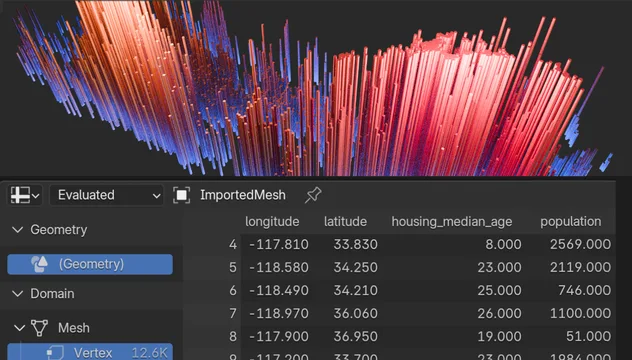
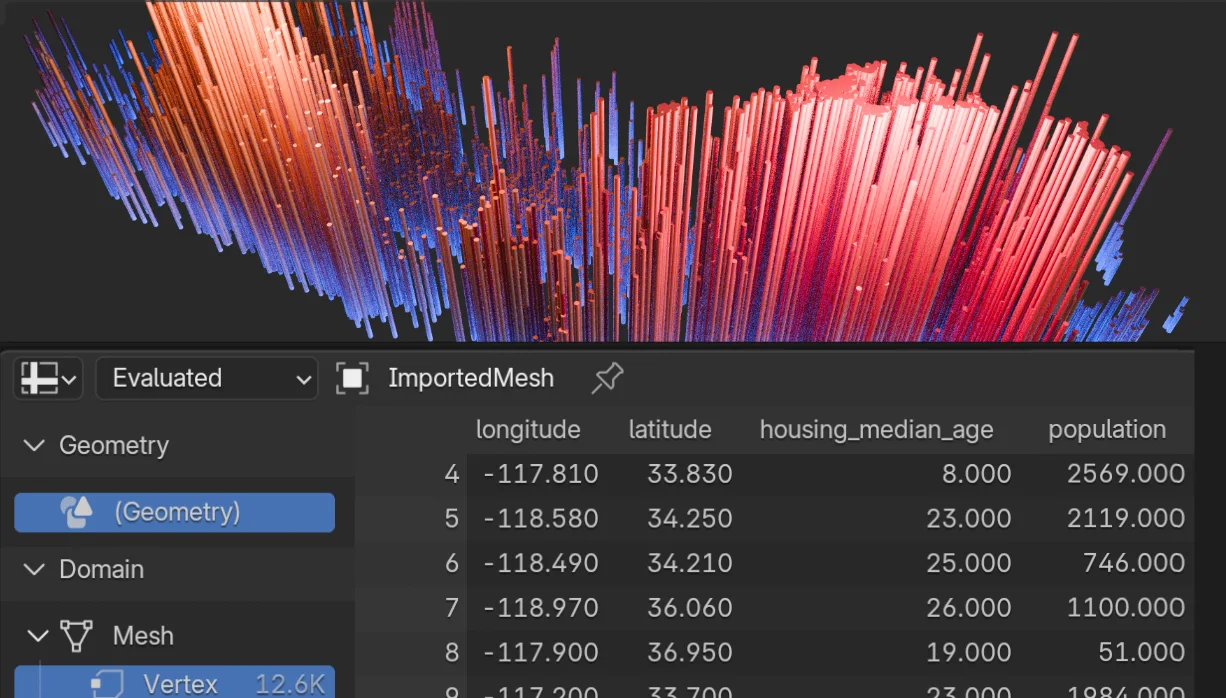
导入的数据将存储在网格中。 网格只由顶部组成, 没有面部, 没有边缘。 所有顶部都放在同一个点上 : 起源( 0,0 )。 每个顶部包含来自导入的数据的属性。 数据将出现在 Blender 的电子表格编辑器中。 使用几何节点和命名属性特性来根据导入的数据设置新的顶部位置。
在 Github README 中查找其他文档。
样本数据集下载:数据_california_house_正常化.csv
如果您看到此信件 : “ Extension bl_ ext. blender_ org. csv_ importer 是不兼容的( 本 Python 版本 (3. 11) 与 (3. 9) 不兼容) ” , 然后更新到 Blender4.3 , 它应该有效。
更多信息 : https://kolibril13.github.io/Table-at-Viz/
查看官方原文摘要(English)
CSV Importer
A simple and fast CSV file importer.
How to Use
Option 1: Drag and drop your CSV file directly into Blender’s viewport.
Option 2: Use the menu: File → Import → CSV
Using the Data
The imported data will be stored in a mesh. The mesh consists of only vertices, with no faces and no edges. All vertices are placed at the same point: the Origin (0,0,0). Each vertex contains attributes from the imported data. The data will appear in Blender’s Spreadsheet Editor. Use Geometry Nodes and the Named Attribute feature to set new vertex positions based on the imported data.
Find additional documentation in the Github README.
Sample dataset download: data_california_housing_normalized.csv
If you see this message: "Extension bl_ext.blender_org.csv_importer is incompatible (This Python version (3.11) isn't compatible with (3.9)" , then update to Blender4.3 and it should work.
More info at: https://kolibril13.github.io/Table-at-Viz/
安装方法
- 打开 Blender「编辑 → 偏好设置 → 获取扩展(Get Extensions)」,搜索 CSV Importer,可直接从官方库安装。
- 手动安装时,选择适合当前 Blender 版本与系统的 ZIP 包,在「获取扩展」右上角菜单选择「从磁盘安装(Install from Disk)」,选中 ZIP 文件,无需解压。
- 安装后,在偏好设置的「插件(Add-ons)」中确认已启用,并按作者说明使用。
下载安装包
请选择与你的 Blender 版本和操作系统相符的文件,下载由 Blender 官方扩展库提供。
正在加载安装包…
来源与许可
- 作者 / 维护者:Jan-Hendrik-Müller
- 许可:SPDX:GPL-3.0-or-later
- 来源:Blender 官方扩展库


暂无评论内容