

资源介绍
Game asset exporter for the Defold game engine
Compatibility: Blender 4.2.0+
官方介绍(中文整理)
Defold游戏引擎的游戏资产导出国。
游戏资产导出国用于 Derfold 游戏引擎。 选项允许用户选择他们想要导出的属性流, 保持网格游戏资产文档的精度。 导出单项资产或批次通过选择导出多个资产。
如何使用 :
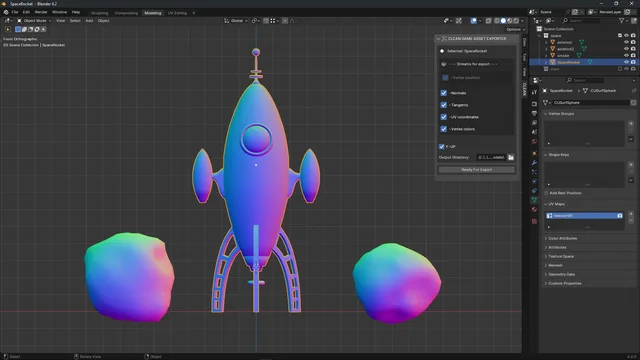
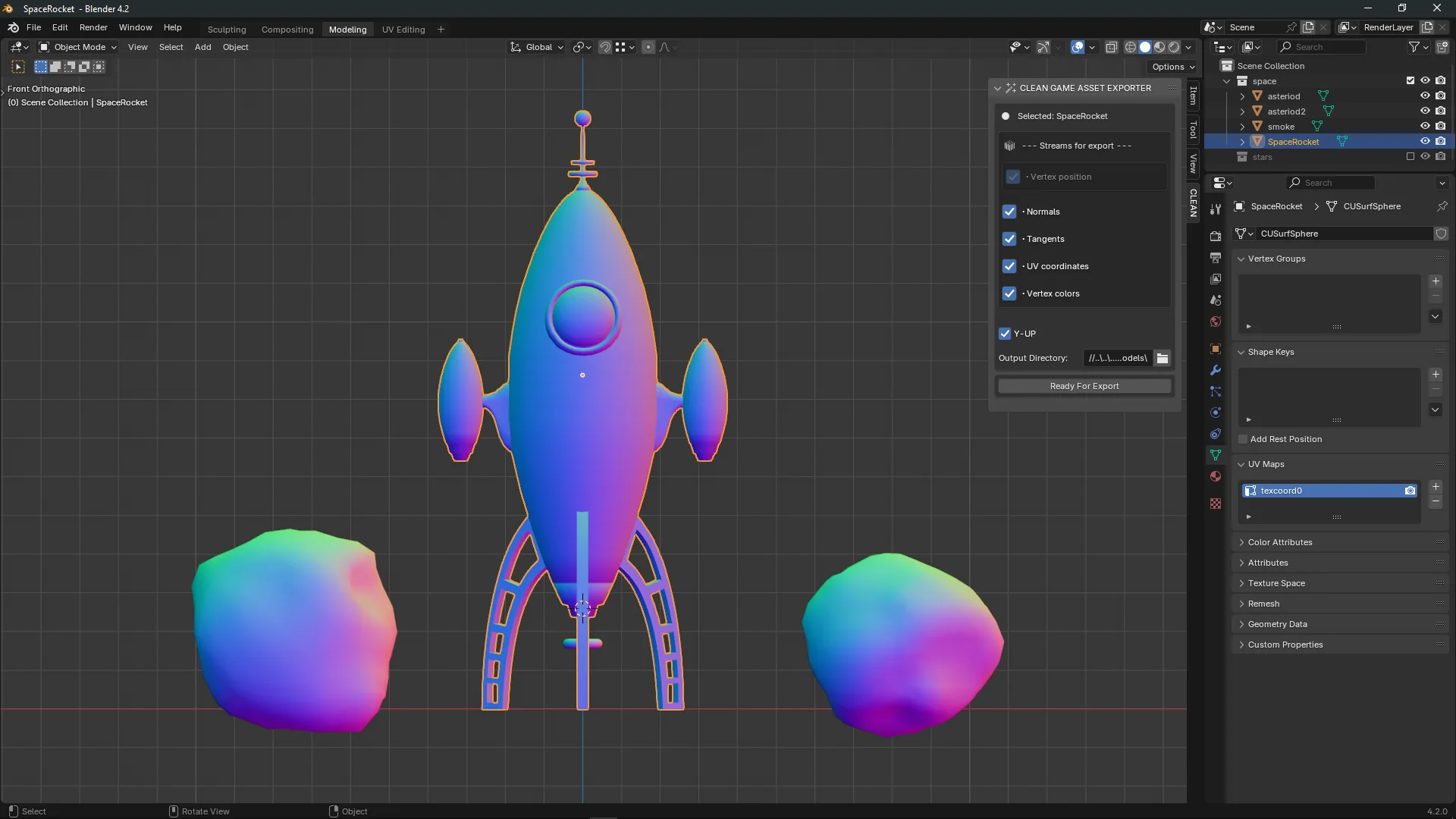
位于 3Dview > N-panel。 在 3d 视图中按下 N 键, 提出财产面板, 然后选择 CLEAN 面板。
下次选择一个或多个网格对象导出( 注意: 每个选中的网格对象将被导出到它自己的. buffer 文件, 并且忽略所有非网格对象 )。 选择要导出哪个属性流。 选择您的工程输出目录。 现在准备导出。
路线图 :
本次添加当前的目标是简化游戏的游戏可用资产,从Blender到拆分游戏项目,让游戏开发者选择导出他们需要的网格组件数据。 未来更新的重点是通过减少手工工作,比如创建和添加.mesh 文档,使资产管道更优化。 完成这些任务的选项应该使小游戏开发项目和大型游戏开发项目的过程更加容易。 插件也应该随着Derfold游戏引擎的需求而变化。
查看官方原文摘要(English)
Game asset exporter for use with the Defold game engine. Options allow the user to choose what attribute streams they wish to export, keeping their mesh game asset files lean. Export single assets or batch export multiple assets by selection.
How to use:
Located in 3Dview > N-panel. While in 3d view press the N key to bring up property panels then choose the CLEAN panel.
Next select one or more mesh objects for export ( Note: each selected mesh object will be exported into it's own .buffer file and all non-mesh objects will be ignored ). Select which attribute streams you would like to export. Choose an output directory to your project. Now ready to export!
Roadmap:
The current goal of this add-on is to streamline game ready assets from blender to defold game projects and give the game developer the options to export what data they need for mesh components. Future updates focused on making the asset pipeline even more optimized by making less manual work like creating and adding the .buffer files to .mesh files. Options to do these tasks should make the process easier for small and large game development projects alike. The add-on should also evolve with the requirements needed by the Defold game engine.
安装方法
- 打开 Blender「编辑 → 偏好设置 → 获取扩展(Get Extensions)」,搜索 Clean Game Asset Exporter,可直接从官方库安装。
- 手动安装时,选择适合当前 Blender 版本与系统的 ZIP 包,在「获取扩展」右上角菜单选择「从磁盘安装(Install from Disk)」,选中 ZIP 文件,无需解压。
- 安装后,在偏好设置的「插件(Add-ons)」中确认已启用,并按作者说明使用。
下载安装包
请选择与你的 Blender 版本和操作系统相符的文件,下载由 Blender 官方扩展库提供。
正在加载安装包…
来源与许可
- 作者 / 维护者:DeBolt
- 许可:SPDX:GPL-3.0-or-later
- 来源:Blender 官方扩展库


暂无评论内容