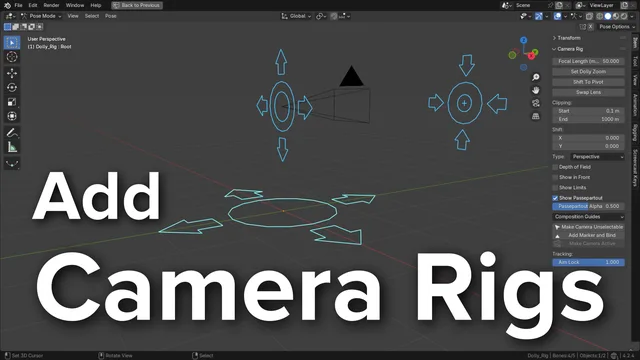


资源介绍
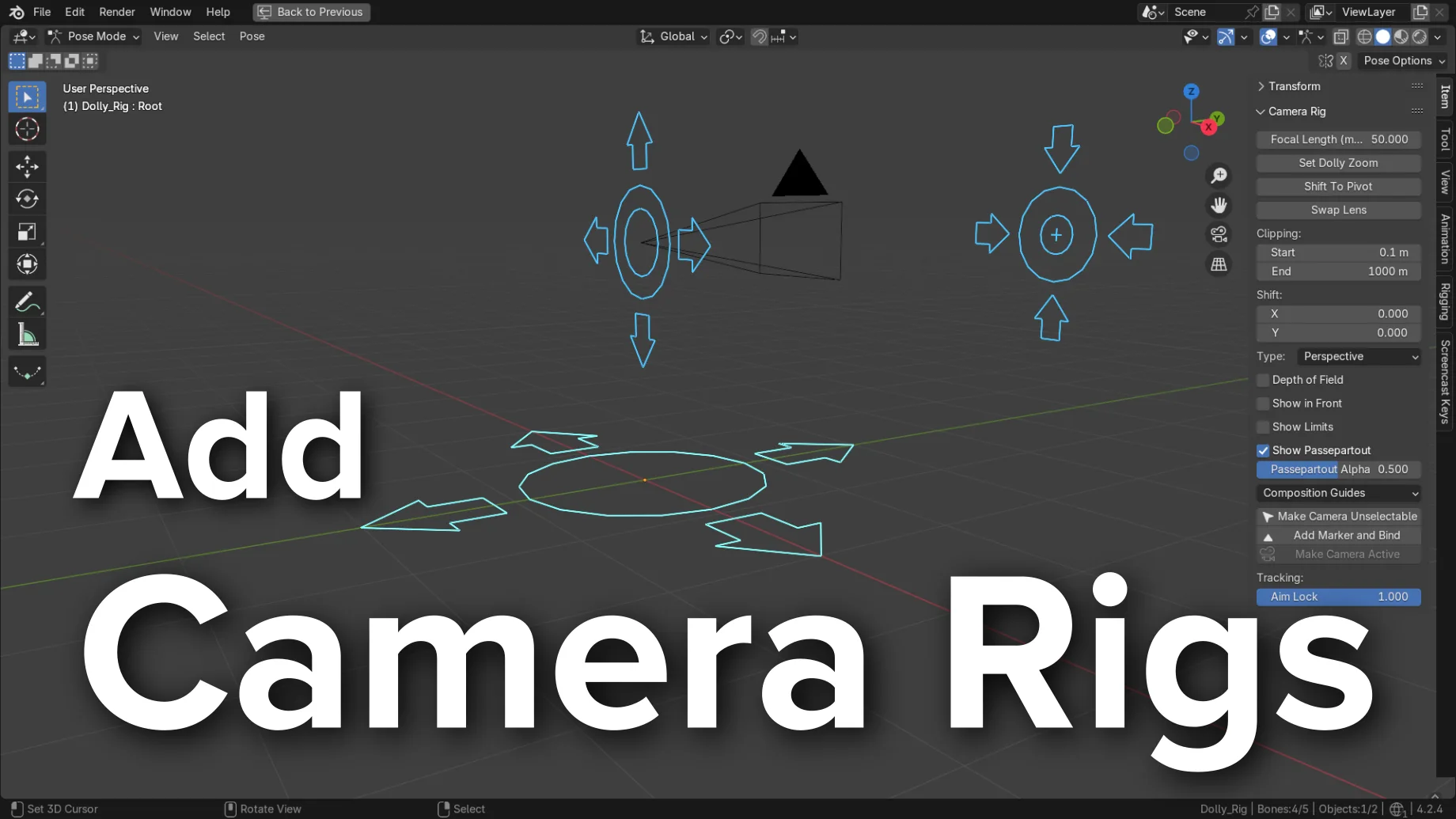
Adds a Camera Rig with UI
Compatibility: Blender 4.2.0+
官方介绍(中文整理)
与 UI 添加相机 Rig。
添加相机内装
并增加一个面板以快速访问3D Viewport的摄像头设置。
1.8 新特色演示
激活
打开 Blender 并转到首选项 然后 Get 扩展标签。
查找添加相机 Rigs, 然后单击安装按钮。
简介
启动添加后, 它会在添加的相机菜单中放置三个菜单项。 它们是 Dolly Rig、 Crane Rig 和 2D 相机 Rig。
前两套钻机非常相似,但“Crane Rig”除外,它有两根额外可调整的骨头(装甲高度和装甲长度),以便更容易取得电影式起重机射击。
2D 相机 Rig 大部分用于 2D 镜头, 当相机是静态的,
使用方法
添加一个添加的“% ” 相机 Dolly 相机 Rig, Crane Camera Rig 或 2D 相机 Ri。 这将在光标位置建造钻机, 添加一个新的相机, 使之成为新的活动场景相机。
当选择 Rig 时,相机属性将在侧边栏中显示。
3D Rigs (Dolly & Crane)
这些钻机的设计是为了更方便地实现实实在在的圆形照相机机和起重机机机的动向,它们也有类似的装置,然而,Crane Rig对起重臂的高度和长度有2个额外的控制装置。
控制控制
根根
这是整个钻机的母体。 将其移动到 3D 空间, 以同时控制全部组件。
查看官方原文摘要(English)
Add Camera Rigs
This add-on extends the functionality of a camera by creating control rigs with widgets and adds a panel to quickly access the camera’s settings from the 3D Viewport.
1.8 New Feature Demo
Activation
Open Blender and go to Preferences then the Get Extensions tab.
Search for Add Camera Rigs and then click the install button.
Description
After activating the add-on, it will place three menu items in the Add ‣ Camera menu. They are Dolly Rig, Crane Rig and 2D Camera Rig.
The first two rigs are very similar except the “Crane Rig” has two extra adjustable bones (Arm Height and Arm Length) to make it easier to achieve a cinematic crane shot.
The 2D Camera Rig is mostly useful for 2D shots, when the camera is static and the action happens in front of it (like a theater stage).
Usage
Add a Add ‣ Camera ‣ Dolly Camera Rig, Crane Camera Rig or 2D Camera Rig. This will build the rig at the cursor location, add a new camera, making it the new active scene camera.
When the Rig is selected, the camera properties will be displayed in the Sidebar.
3D Rigs (Dolly & Crane)
These rigs are designed to make it easier to achieve the motion of a real world dolly camera rig and crane camera rig. They have a similar set up, however, the Crane Rig has 2 extra controls for the height and the length of the crane arm. This arm makes it easier to achieve the arcing motion of the real life crane rig.
Controls
Root
This is the parent of the entire rig. Move this around in 3d space to control all the components at once.
安装方法
- 打开 Blender「编辑 → 偏好设置 → 获取扩展(Get Extensions)」,搜索 Add Camera Rigs,可直接从官方库安装。
- 手动安装时,选择适合当前 Blender 版本与系统的 ZIP 包,在「获取扩展」右上角菜单选择「从磁盘安装(Install from Disk)」,选中 ZIP 文件,无需解压。
- 安装后,在偏好设置的「插件(Add-ons)」中确认已启用,并按作者说明使用。
下载安装包
请选择与你的 Blender 版本和操作系统相符的文件,下载由 Blender 官方扩展库提供。
正在加载安装包…
来源与许可
- 作者 / 维护者:WayneDixon
- 许可:SPDX:GPL-3.0-or-later
- 来源:Blender 官方扩展库


暂无评论内容