

资源介绍
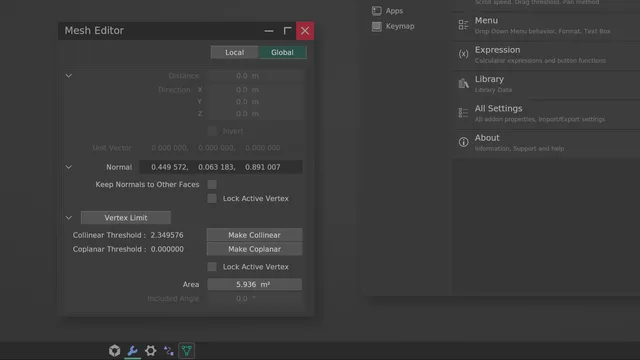
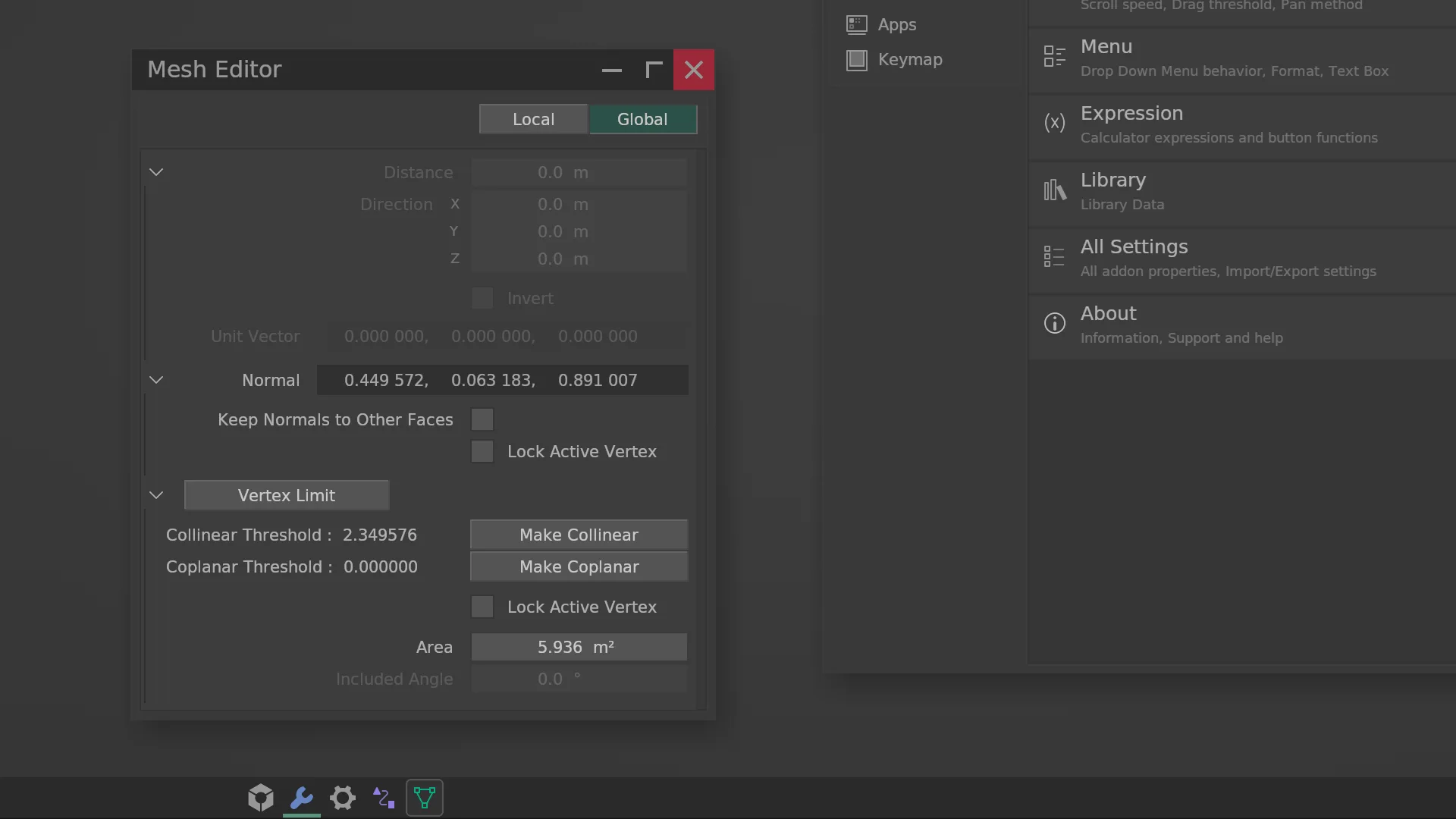
Interactive editor environment in 3D Viewport
Compatibility: Blender 5.1.0–5.2.0
官方介绍(中文整理)
3D Viewport 中的交互式编辑环境。
vmdesk 工作台
3D Viewport 中的交互式编辑器环境
资源资源 资源资源资源 资源资源
- 用户指南
- 几何节点修饰自定义布局
- 下载 GN_ 标记_ dimo. blend
简简简简
交互式多用途处理
在修饰器编辑器中移动单/多个修饰器
自定义
UI 颜色和大小
已知问题和限制
当前版本不支持 IME 输入。 但文本仍然可以粘贴。
当 Blender 主题或 UI 字体被更改时, 您需要手动按“ 重新装入字体 ”。
当工作空间更改 / 装入一个新的.blend 文件 / 切换到本地视图或四面视图时, 子系统将自动关闭。
更改长度单位或单位规模需要重新启动编辑器。
某些颜色的颜色属性预览不准确。 Blender Foundation 证实存在内部错误, 无法在 GPU 模块中显示某些颜色, 有些颜色会在 UI 中错误显示, 直到它们被固定。
查看官方原文摘要(English)
vmdesk
Interactive editor environment in 3D Viewport
Resources
- User Guide
- Geometry Nodes Modifier Custom Layout
- Download GN_indentation_demo.blend
Brief
Interactive multi-purpose processing
Move single/multiple modifiers in the modifier editor
Customization
UI Color and Size
Known issues and limitations
The current version does not support IME input. But text can still be pasted.
When the Blender theme or UI font is changed, you need to manually press "Reload Fonts".
When the workspace changes / load a new blend file / switch to local or quad view, the subsystem will automatically close.
Changing length units or unit scale requires restarting the editor.
The preview of color properties for some colors is inaccurate. Blender Foundation confirms there is an internal bug that prevents certain colors from being displayed in GPU module, some colors will display incorrectly in the UI until they are fixed.
安装方法
- 打开 Blender「编辑 → 偏好设置 → 获取扩展(Get Extensions)」,搜索 vmdesk,可直接从官方库安装。
- 手动安装时,选择适合当前 Blender 版本与系统的 ZIP 包,在「获取扩展」右上角菜单选择「从磁盘安装(Install from Disk)」,选中 ZIP 文件,无需解压。
- 安装后,在偏好设置的「插件(Add-ons)」中确认已启用,并按作者说明使用。
下载安装包
请选择与你的 Blender 版本和操作系统相符的文件,下载由 Blender 官方扩展库提供。
正在加载安装包…
来源与许可
- 作者 / 维护者:Y.T-LAW
- 许可:SPDX:GPL-3.0-or-later
- 来源:Blender 官方扩展库


![[搬运]超级粘液资产合集-魔酷网](https://i.blender.kim/wp-content/uploads/2026/01/20260131142748712.png)


暂无评论内容