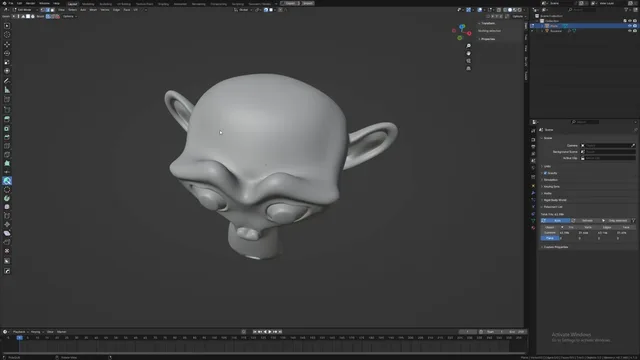


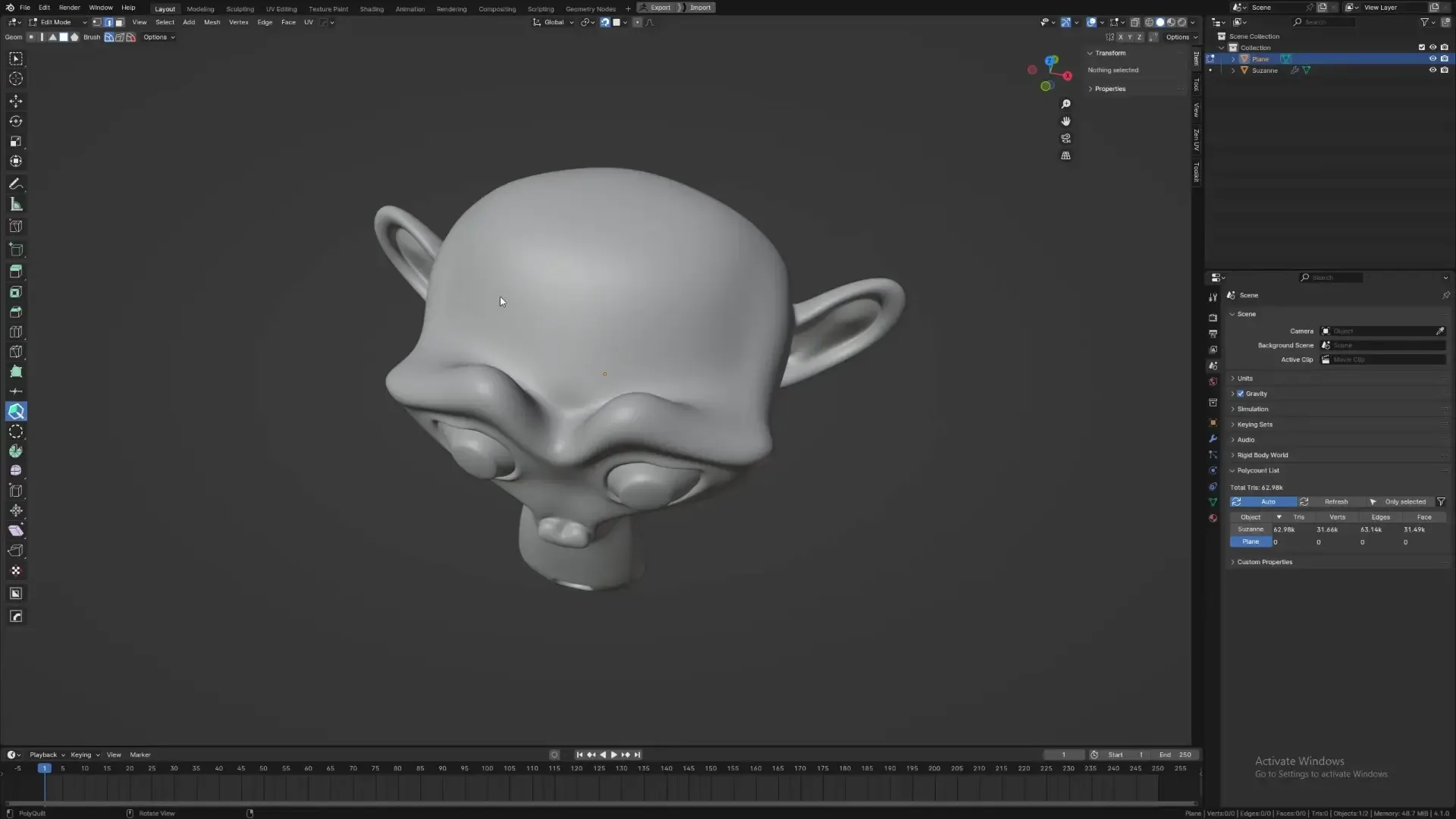
资源介绍
Retopology Tool for Blender
Compatibility: Blender 4.5.0+
官方介绍(中文整理)
Blender 的复古工具。
圆柱形叉
这是Sakana3的PolyQuilt的叉子, 原始的配方可以在这里找到: https://github.com/sakana3/PolyQuilt
和外星语加起来有什么不同?
- 使它与Blender4.2兼容
- 更新以使用新的 GPU 模块, 而不是 BGL
- 删除前发生时的附加更新一节
- 现在,它有了一些不道德的捷径
- 固定了很多错误
插件是做什么的?
它是一个帮助加快手动手动重新构造过程的工具, 类似于“重新构造流程”和“四幅图”等工具。
- Farrukh 3D: https://www.youtube.com/watch?app=desktop&v=1p3u74cMG2A 关于如何使用它的教学
任择
为了更快和更容易地切换重新地形上覆/习惯性重新构造主题、断裂设置等等,可以使用这一添加方式:https://extensions.blender.org/add-ons/key-ops-toolkit/
知识问题
- OpenGl 后端的最佳工作方式是 Vulkan 和 Metal 尚未正式支持, 但可能仍然有效。
查看官方原文摘要(English)
PolyQuilt Fork
This is a fork of PolyQuilt by Sakana3, the original addon can be found here: https://github.com/sakana3/PolyQuilt
What does it change from the orginal add-on?
- Makes it compatible with Blender 4.2
- Updated to use the new GPU Module instead of BGL
- Removde add-on update section of prefrences
- It now has some defualt shortcuts
- Fixed a lot of errors
What does the add-on do?
Its a tool to help speed up the process of manual hand retopology, similar to tools like Retopology Flow and Quad Draw.
- Tutorials on how to use it by Farrukh 3D: https://www.youtube.com/watch?app=desktop&v=1p3u74cMG2A
Optional
For a faster and easier way to toggle retopology overlays/custome retopology themes, snapping settings and more, this add-on can be used: https://extensions.blender.org/add-ons/key-ops-toolkit/
Know Issues
- Works best on OpenGl Backend – Vulkan and Metal not officially supported yet, but might still work.
安装方法
- 打开 Blender「编辑 → 偏好设置 → 获取扩展(Get Extensions)」,搜索 PolyQuilt Retopology Tool,可直接从官方库安装。
- 手动安装时,选择适合当前 Blender 版本与系统的 ZIP 包,在「获取扩展」右上角菜单选择「从磁盘安装(Install from Disk)」,选中 ZIP 文件,无需解压。
- 安装后,在偏好设置的「插件(Add-ons)」中确认已启用,并按作者说明使用。
下载安装包
请选择与你的 Blender 版本和操作系统相符的文件,下载由 Blender 官方扩展库提供。
正在加载安装包…
来源与许可
- 作者 / 维护者:Dan-Gry
- 许可:SPDX:GPL-3.0-or-later
- 来源:Blender 官方扩展库


暂无评论内容