

资源介绍
Place, align and scatter objects with ease
Compatibility: Blender 4.2.0+
官方介绍(中文整理)
轻松地放置、对齐和分散对象。
“一个轻巧的、直观的工具包——是为艺术家们建造的,他们想用一只手把物品和另一只手放在咖啡杯上。”
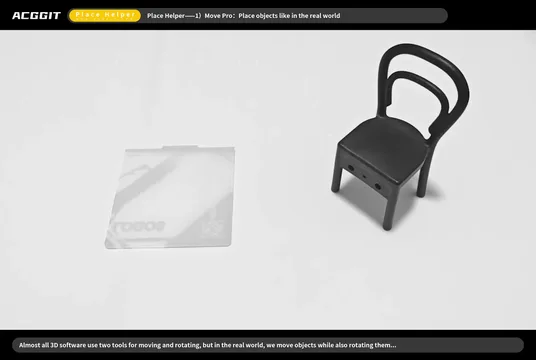
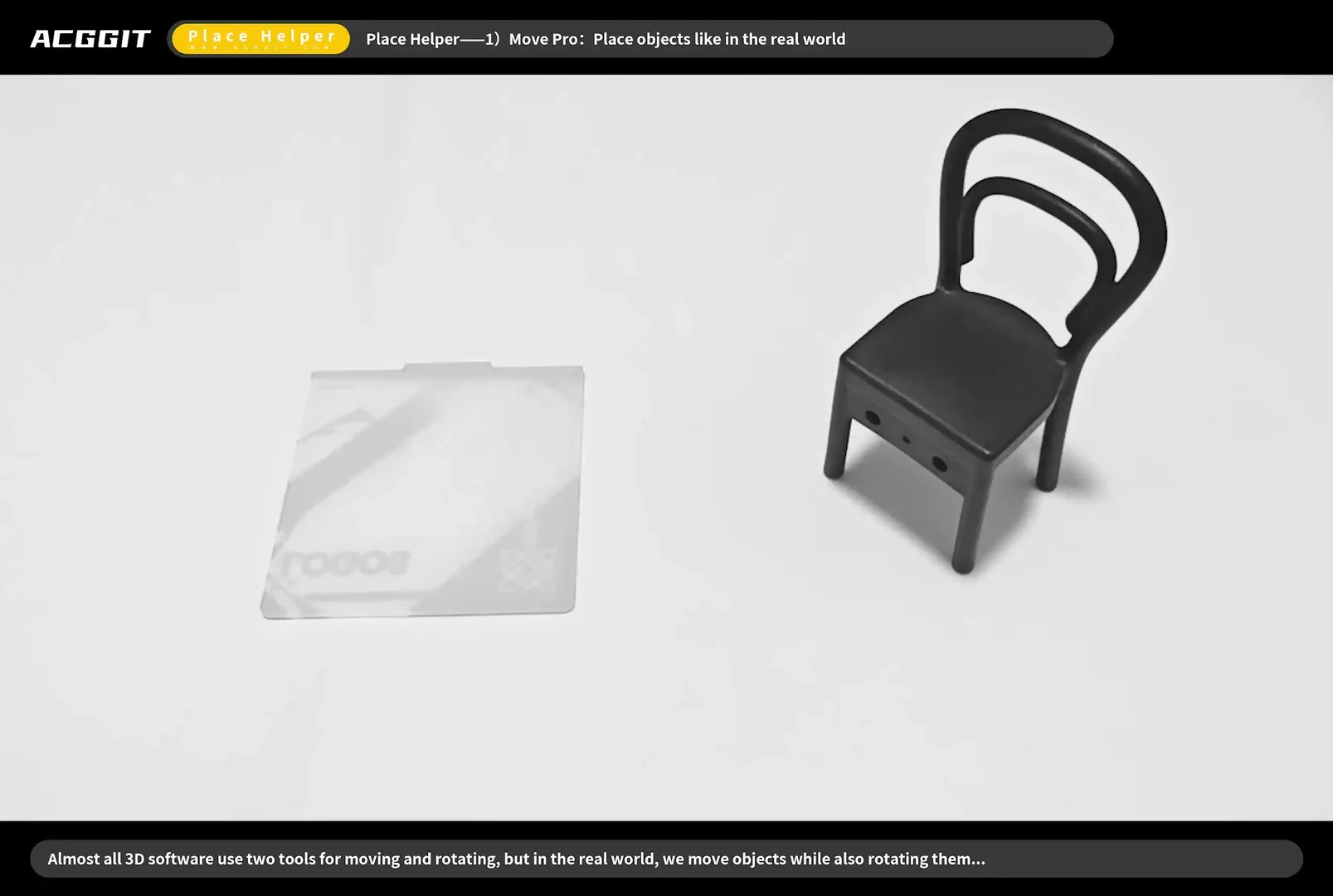
地点辅助器是一个Blender扩展件,它增加了四个专门的工作空间工具——地点、变换Pro、新散射和动态位置——旨在加速日常物体布局、环境建筑和场景布置工作流程。
定位工具
" 定位工具 " 使您能够从图书馆中提取选定的对象,并将其丢到任何表面,仿佛将资产放入图书馆,并附有断裂、定向控制和可选碰撞反馈。
核心工作流程
- 单击 – 选择对象
- 拖曳 – 沿着表面移动选定区域;对象与被击中的正态对齐(当方向被设置到表面时)
- Shift + Drag + 拖动 – 重复(插入或完整对象副本)
- Alt + 单击 – 输入轴设置模式;单击 gizmo 箭头以定义要放置的本地轴点“上”
- NEW Alt + Drag + DRAW – 框选择对象(即使已经选择了某些东西)
- 拖曳 + 滑鼠轮 – 拖曳时围绕放置轴旋转对象
- 拖曳 + Ctrl + Cdrl + Alt + 轮轮-90 度级飞速旋转
工具栏选项
Gizmos 吉兹
- 旋转和缩放控点出现在活动网格对象上
- 当配置向上方向时, 轴设定箭头暂时出现
设置面板( 装备图标)
- 环形框计算模式(准确与快速)
查看官方原文摘要(English)
"A lightweight, intuitive toolkit — built for artists who want one hand placing objects and the other hand on a coffee cup."
Place Helper is a Blender extension that adds four specialized workspace tools — Place, Transform Pro, NEW Scatter, and Dynamic Place — designed to speed up everyday object layout, environment building, and scene dressing workflows.
🧲 Place Tool
The Place Tool lets you pick up selected objects and drop them onto any surface as if placing assets from a library — with snapping, orientation control, and optional collision feedback.
Core workflow
- Click — select an object
- Drag — move the selection along the surface; the object aligns to the hit normal (when Orientation is set to Surface)
- Shift + Drag — duplicate (Instance or full Object copy) while placing
- Alt + Click — enter axis-setting mode; click a gizmo arrow to define which local axis points "up" for placement
- NEW Alt + Drag — box-select objects (even when something is already selected)
- Drag + Mouse Wheel — spin the object around the placement axis while dragging
- Drag + Ctrl + Alt + Wheel — snap spin in 90° steps
Toolbar options
Gizmos
- Rotate and scale handles appear on the active mesh object
- Axis-setting arrows appear temporarily when configuring the up direction
Settings panel (gear icon)
- Bounding-box calculation mode (accurate vs. fast)
安装方法
- 打开 Blender「编辑 → 偏好设置 → 获取扩展(Get Extensions)」,搜索 Place Helper,可直接从官方库安装。
- 手动安装时,选择适合当前 Blender 版本与系统的 ZIP 包,在「获取扩展」右上角菜单选择「从磁盘安装(Install from Disk)」,选中 ZIP 文件,无需解压。
- 安装后,在偏好设置的「插件(Add-ons)」中确认已启用,并按作者说明使用。
下载安装包
请选择与你的 Blender 版本和操作系统相符的文件,下载由 Blender 官方扩展库提供。
正在加载安装包…
来源与许可
- 作者 / 维护者:ACGGIT_LJ
- 许可:SPDX:GPL-3.0-or-later
- 来源:Blender 官方扩展库


暂无评论内容