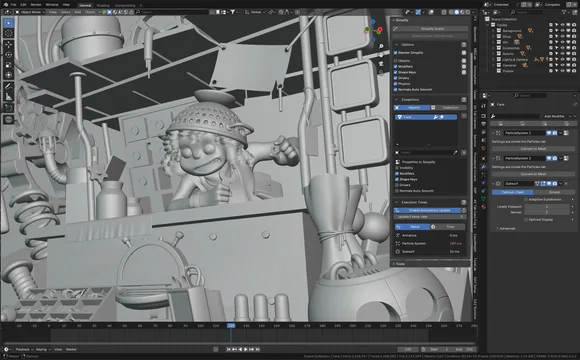


资源介绍
Tool to simplify scenes for improved viewport performance
Compatibility: Blender 4.3.0+
官方介绍(中文整理)
用于简化场景的工具,以改善观景台的性能。
以简化场景并提升Viewport的性能。
添加后, 仅单击即可禁用某些会撞击视图端口性能的场景和对象特征。
这一工具对于提高动画期间的观景性能极为有用,因为在动画期间必须保持高强度的FPS。 事实证明,它对于静态场景也很有用,特别是在关注主场景或臂形时。
它非破坏性地运行, 意思是没有做网格编辑, 并在启用“ 简化” 之前保存设置。 当简化被禁用时, 对象属性( 如修饰可见度和形状密钥状态) 将恢复到原来的状态。
如何使用
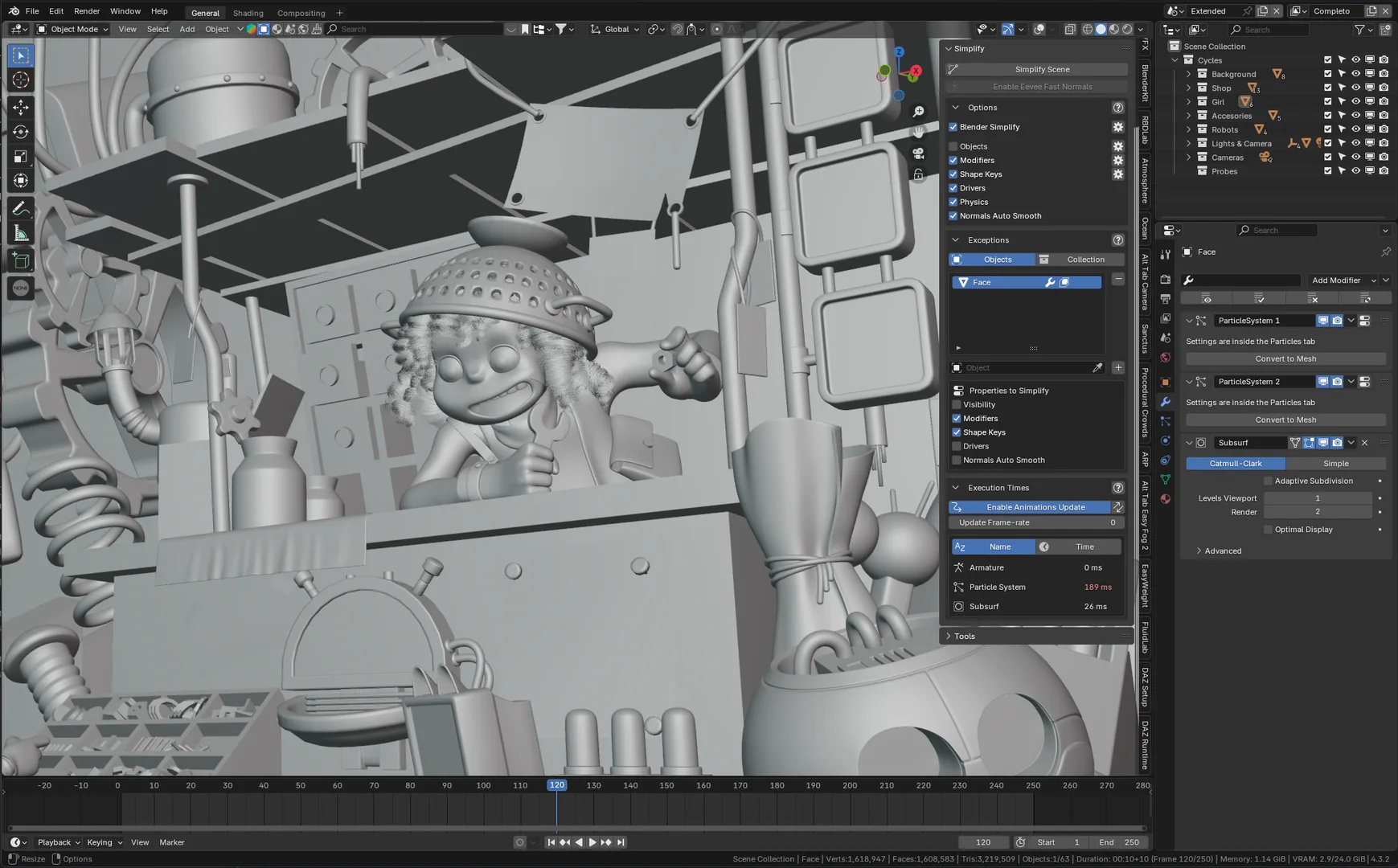
- 单击“ 简化场景 ” , 插件将自动禁用可影响视图性能的重功能。
- 使用“设置”来选择在应用“简化”时应禁用哪些功能。
- 例外清单中添加的对象或收藏不受简化过程的影响(这些对象的物品将不禁用)。
详情请查看后台的 GitHub Wiki。
现有限制
- 启用“ 残疾驱动程序” 将会让所有驱动程序停用( 除非对象在例外列表中)。 当“ 简化” 关闭时, 这些驱动程序将被清除。 为了防止意外停用, 请考虑将受影响的对象加入例外列表。
反馈和臭虫
欢迎所有反馈以及错误报告:请打开关于GitHub的问题。
查看官方原文摘要(English)
Blender add-on to simplify scenes and boost Viewport performance.
This add-on disables certain scene and object features that impact viewport performance with a single click.
This tool can be extremely useful for enhancing viewport performance during animation, where maintaining high FPS is essential. It also proves useful for static scenes, especially when focusing on the main scene or the armature pose.
It operates non-destructively, meaning no mesh edits are made, and preserves the settings before Simplify is enabled. When Simplify is disabled, object properties (such as modifier visibility and shape key status) are restored to their original state.
How to use
- Click "Simplify Scene" and the add-on will automatically disable heavy features that could impact viewport performance.
- Use the Settings to select which features should be disabled when Simplify is applied.
- Objects or Collections added to the exceptions list are unaffected by the simplification process (nothing from those objects will be disabled).
For more details, check the add-on's GitHub wiki.
Current Limitations
- Enabling "Disable Drivers" will mute all drivers (unless the object is in the Exceptions list). When Simplify is turned off, these drivers will be unmuted. To prevent unintended unmuting, consider adding the affected object to the Exceptions list.
Feedback and Bugs
All feedbacks are welcome as well as bug reports: please open an Issue on GitHub.
安装方法
- 打开 Blender「编辑 → 偏好设置 → 获取扩展(Get Extensions)」,搜索 Mustard Simplify,可直接从官方库安装。
- 手动安装时,选择适合当前 Blender 版本与系统的 ZIP 包,在「获取扩展」右上角菜单选择「从磁盘安装(Install from Disk)」,选中 ZIP 文件,无需解压。
- 安装后,在偏好设置的「插件(Add-ons)」中确认已启用,并按作者说明使用。
下载安装包
请选择与你的 Blender 版本和操作系统相符的文件,下载由 Blender 官方扩展库提供。
正在加载安装包…
来源与许可
- 作者 / 维护者:Mustard
- 许可:SPDX:GPL-3.0-or-later
- 来源:Blender 官方扩展库


暂无评论内容