

资源介绍
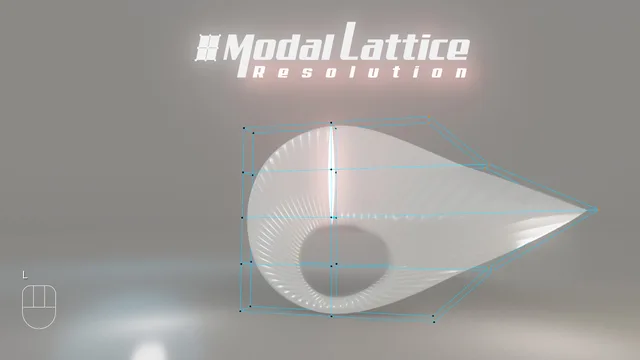
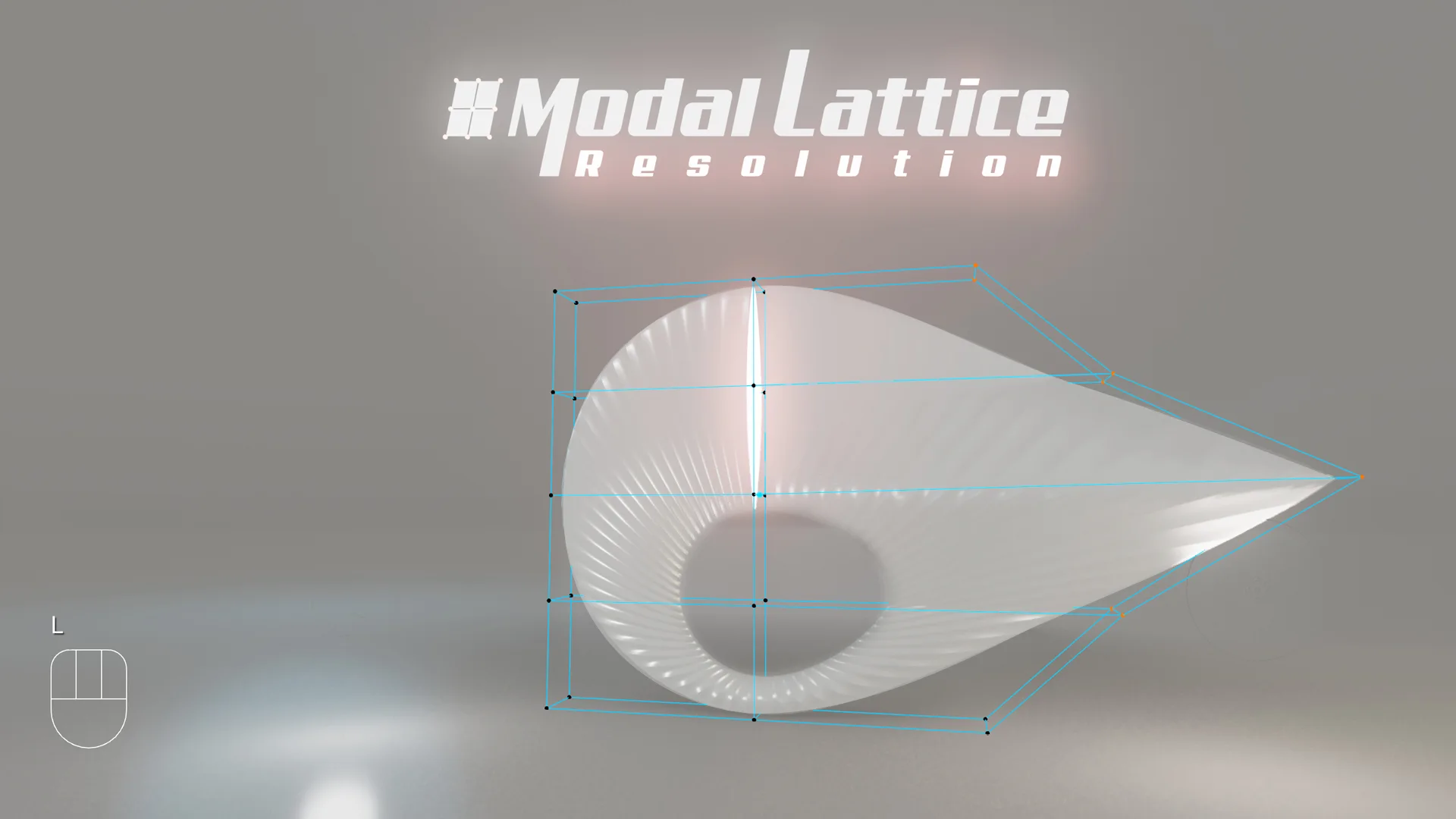
Create Lattice or Tweak Resolution from 3D viewport, 'L' keymap
Compatibility: Blender 4.2.0+
官方介绍(中文整理)
从 3D 视图端口“ L” 键盘映射创建 Lattice 或 Tweak 分辨率。
在您活动对象上创建安装的拉蒂斯, 并直接在 3D 视图端中调整它的设置。
点击 L 密钥图 :
- 如果您的活动对象是一个网格、 曲线、 表面、 Graasepencils、 文本或选中对象 :
活动方的适合位置、 缩放 和 旋转。 您将自动输入 Lattice 的编辑模式, 并运行一个模式来调整其分辨率( U, V, W) 及其不同的模式( 线性、 红衣、 Catmull- Rom、 Bspline )。
- 如果您的活动对象为拉蒂斯 :
它会运行 Modal , 以调整分辨率和模式。 见下面的状态栏, 以查找所有快捷键
- 模式时的快捷键 :
Ctrl+scroll: U Alt+scroll 决议: V Shift+scroill 决议: 第V Shift+skroll 号决议: 第W L号决议: 线性 B : BSpline C 决议: 红衣主教 R : Catmull_ Rom Numpad_0 : 重置为 2_2_2 Numpaad_1 : 平面板 2_2 _1 Numpad_2: 2_2/2 NumpaD_2: 3_3 3等 P: 弹出面板 O: 外面的Tiggle F: 前端Tgggle LMB 或 RETURN: 确认 RMB或 ESC: 取消
在附加用户首选项面板中更改“ L” 键图和模式颜色
查看官方原文摘要(English)
Create a fitted Lattice on your Active Object and Tweak its settings directly in 3D viewport.
Hit L Keymap:
- if your Active object is a Mesh, Curve, Surface, Greasepencil , Text or selected Objects:
A Lattice will be cerated that fit Location, Scale, and Rotation of the Active. You will automatically enter in Edit Mode of the Lattice and run a Modal to tweak the its Resolution (U,V,W) and its different modes ( Linear, Cardinal, Catmull-Rom, Bspline ).
- if your Active Object is a Lattice:
it will run the Modal to tweak the Resolution and modes. See Status Bar at the bottom to find all Shortcuts
- Shortcuts during Modal:
Ctrl+scroll : Resolution U Alt+scroll : Resolution V Shift+scroll : Resolution W L : Linear B : BSpline C : Cardinal R : Catmull_Rom Numpad_0 : reset to 2_2_2 Numpad_1 : Plane 2_2_1 Numpad_2 : 2_2_2 Numpad_3: 3_3_3 and so forth P: Popup Panel O: Outside Toggle F: Front Toggle LMB or RETURN: Confirm RMB or ESC: Cancel
Change the 'L' Keymap' and Modal Color in the add-on User Preferences Panel
安装方法
- 打开 Blender「编辑 → 偏好设置 → 获取扩展(Get Extensions)」,搜索 Modal Lattice Resolution,可直接从官方库安装。
- 手动安装时,选择适合当前 Blender 版本与系统的 ZIP 包,在「获取扩展」右上角菜单选择「从磁盘安装(Install from Disk)」,选中 ZIP 文件,无需解压。
- 安装后,在偏好设置的「插件(Add-ons)」中确认已启用,并按作者说明使用。
下载安装包
请选择与你的 Blender 版本和操作系统相符的文件,下载由 Blender 官方扩展库提供。
正在加载安装包…
来源与许可
- 作者 / 维护者:Tyo79
- 许可:SPDX:GPL-3.0-or-later
- 来源:Blender 官方扩展库


![[搬运]超级粘液资产合集-魔酷网](https://i.blender.kim/wp-content/uploads/2026/01/20260131142748712.png)


暂无评论内容