

资源介绍
Streamlined Asset Management: Import & Export with Connecter DAM
Compatibility: Blender 4.2.0+
官方介绍(中文整理)
简化资产管理:与连接商DAM进导出。
连接器是一个独立的数字资产管理软件,专门设计用于创作和与各种资产打交道。 它与各种软件解决方案合作,因为深层次的整合使得快速和强大的互动成为可能。
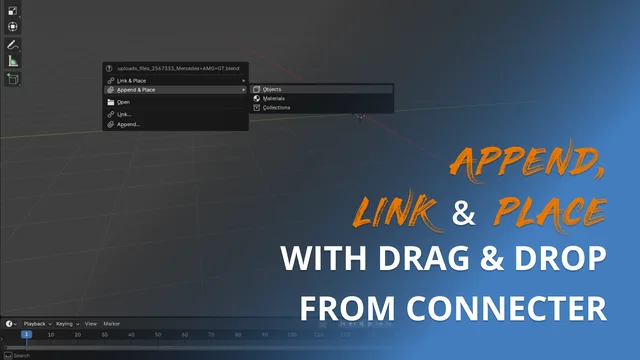
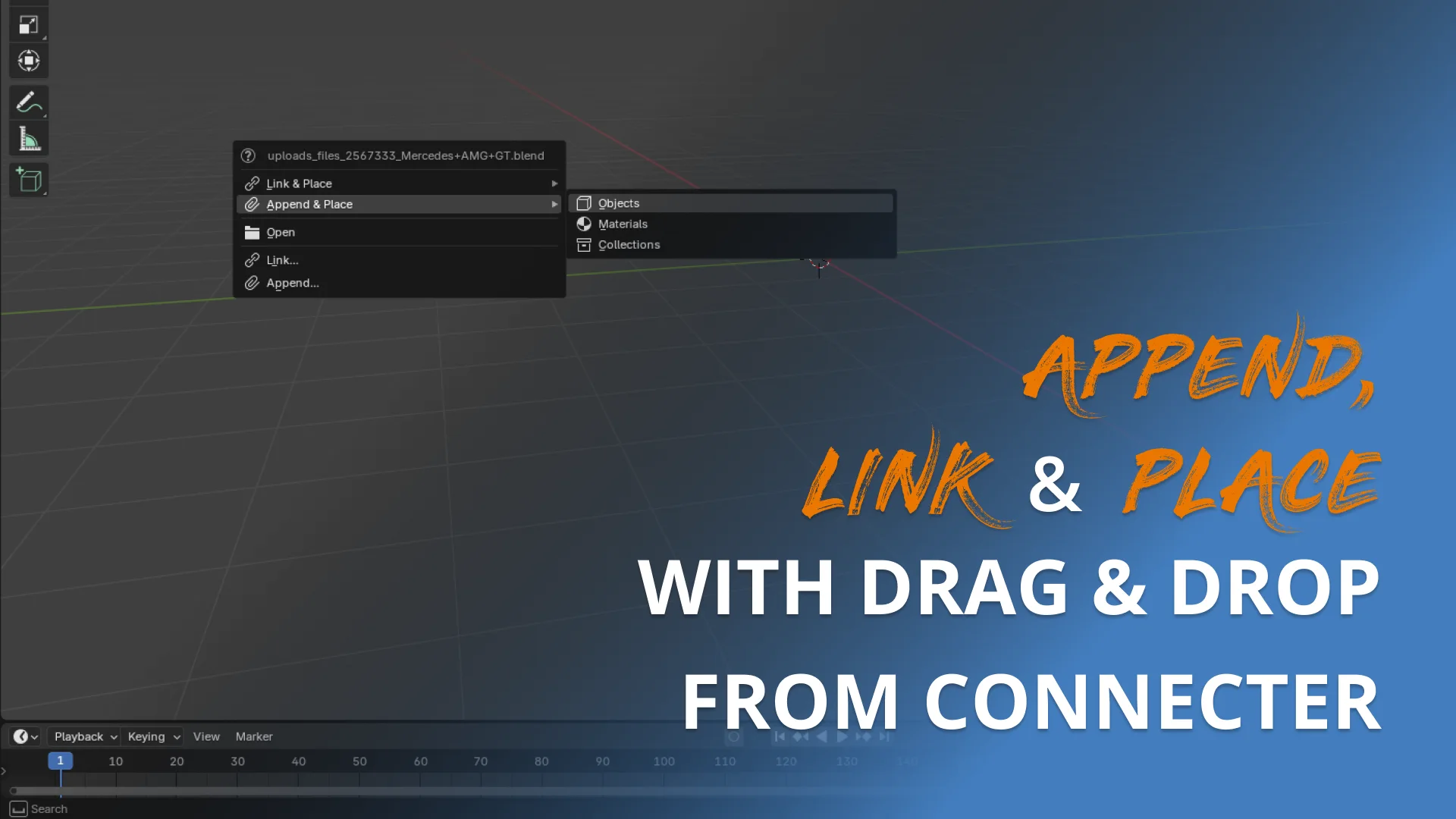
Blender 的连接器添加点促进了附加和连接对象、材料和收藏的简化工作流程。 有了一系列方便的选项, 此添加点让用户能够将资产从 Blender 到连接器保存下来, 同时使用 Cyles 和 EEVEE 转换器生成自定义预览。 当启动添加时,将.blend 资产从连接器拖到 Blender 的视图端可提供额外的“ Link & Place” 和“ 附录和位置” 选项, 提高效率。 这些功能提供了各种功能: 用户可以添加对象及其材料, 从资产中选择和应用材料到场景对象, 或者选择和放置收藏。 目前,这些定制的附加件和链接选项是专用于.blend资产,不支持其他格式,如.FBX或.OBJ。
用户可以从大纲中将收藏保存为.blend 文件, 保存收藏中的所有资产, 并指定名称和过滤对象类型。 “ 添加当前文件” 选项在当前工程中保存所有资产, 类似于带有自定义预览能力的高级“ 保存为” 特性。 此外,选定的对象可以作为单个的或分组的.blend 文件保存,从选定资产中获取的材料可以通过自己的预览保存,在连接器中创建一个画廊。预览生成可以通过集成的“Thumbnails”文件夹中的 Crouds.bled 和 Eevee.belnd 文件自定义。
查看官方原文摘要(English)
Connecter is a standalone digital asset management software that’s designed for creatives and works with all kinds of assets. It works with various software solutions thanks to deep integrations that allow fast and powerful interactions.
The Connecter add-on for Blender facilitates a streamlined workflow for appending and linking objects, materials, and collections. With an array of convenient options, this add-on enables users to save assets from Blender to Connecter while generating custom previews using Cycles and EEVEE renderers. When the add-on is activated, dragging a .blend asset into Blender’s viewport from Connecter provides additional "Link & Place" and "Append & Place" options, enhancing efficiency. These features offer various functionalities: users can add objects along with their materials, choose and apply material from the asset to an object in the scene, or select and place collections. Currently, these customized append and linking options are exclusive to .blend assets and do not support other formats like .FBX or .OBJ.
Users can save collections from the Outliner as .blend files, preserving all assets within the collection, and specify names and filter object types. The "Add Current File" option saves all assets in the current project, akin to an advanced "Save as" feature with custom preview capabilities. Additionally, selected objects can be saved as individual or grouped .blend files, and materials from selected assets can be saved with their own previews, creating a gallery in Connecter. Preview generation is customizable via Cycles.blend and Eevee.blend files in the integration's "Thumbnails" folder.
安装方法
- 打开 Blender「编辑 → 偏好设置 → 获取扩展(Get Extensions)」,搜索 Connecter,可直接从官方库安装。
- 手动安装时,选择适合当前 Blender 版本与系统的 ZIP 包,在「获取扩展」右上角菜单选择「从磁盘安装(Install from Disk)」,选中 ZIP 文件,无需解压。
- 安装后,在偏好设置的「插件(Add-ons)」中确认已启用,并按作者说明使用。
下载安装包
请选择与你的 Blender 版本和操作系统相符的文件,下载由 Blender 官方扩展库提供。
正在加载安装包…
来源与许可
- 作者 / 维护者:DesignConnected
- 许可:SPDX:GPL-3.0-or-later
- 来源:Blender 官方扩展库


![[搬运]超级粘液资产合集-魔酷网](https://i.blender.kim/wp-content/uploads/2026/01/20260131142748712.png)


暂无评论内容