

资源介绍
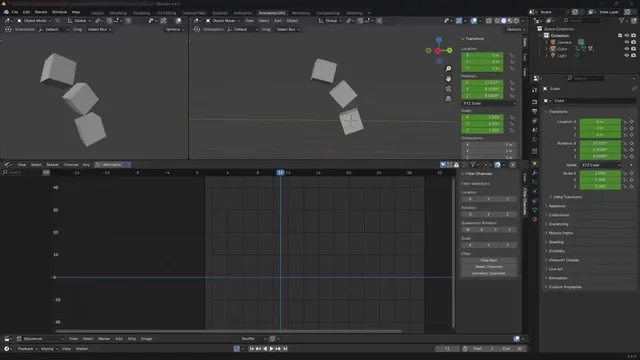
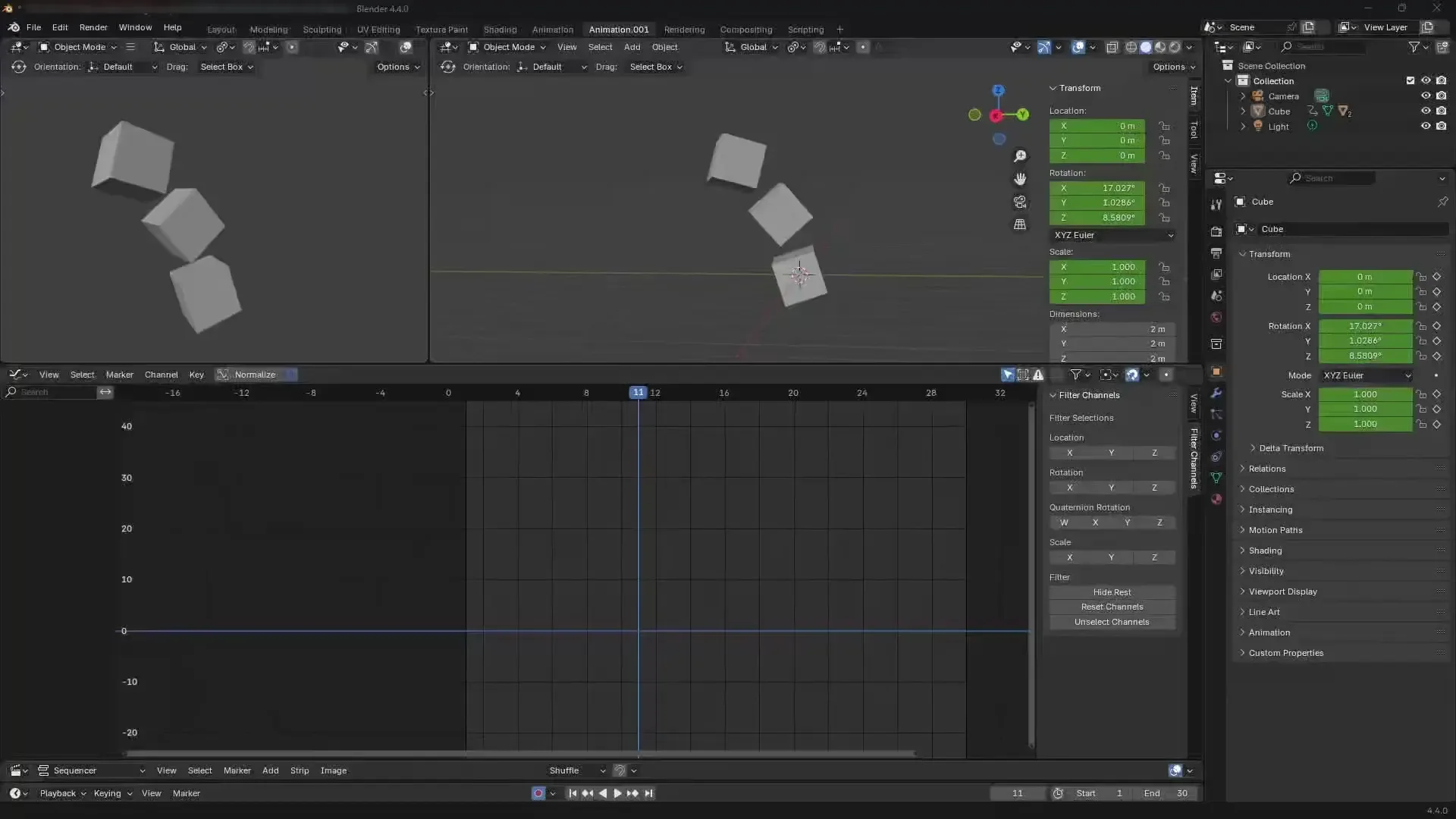
Filter channels in Graph Editor for animation
Compatibility: Blender 4.2.0+
官方介绍(中文整理)
动画图形编辑器中的筛选通道。
图片编辑器中的过滤通道的 Blender 添加
我无法在 Blender 中找到此功能, 所以我为图表编辑器制作了此添加号。 它过滤了 X、 Y、 Z 的翻译、 Euler/ Quaterion * 的旋转和缩放, 以及动作和新的空格动作( 白斑+4. 4)。
Quaterion 旋转默认为不活动, 转到附加首选项以激活它。
添加了隐藏和解隐藏曲线的按钮, 而不是默认的密钥图, 使不熟悉Blender密钥图的用户可以使用这些按钮。 您可以使用 Shift+LMB 来做出多个选择, 并使用 Ctrl+LMP 来减去多个选择。
玩得开心:)
查看官方原文摘要(English)
Blender addon to Filter channels in Graph Editor
I couldn't find this functionality in Blender, so I made this addon for the Graph Editor to solve it. It filters X, Y, Z for Translations, Euler/Quaternion* Rotations and Scales for both, Actions and new Slot actions (blender +4.4)
*Quaternion rotations comes non active by default, go to add-on preferences to activate it.
Added buttons to hide and unhide curves instead of default keymaps, made them for users who are not familiar with blender keymaps. You can use Shift+LMB to make multiple selections and Ctrl+LMB to subtract multiple selections.
Have fun 🙂
安装方法
- 打开 Blender「编辑 → 偏好设置 → 获取扩展(Get Extensions)」,搜索 Filter_Channels,可直接从官方库安装。
- 手动安装时,选择适合当前 Blender 版本与系统的 ZIP 包,在「获取扩展」右上角菜单选择「从磁盘安装(Install from Disk)」,选中 ZIP 文件,无需解压。
- 安装后,在偏好设置的「插件(Add-ons)」中确认已启用,并按作者说明使用。
下载安装包
请选择与你的 Blender 版本和操作系统相符的文件,下载由 Blender 官方扩展库提供。
正在加载安装包…
来源与许可
- 作者 / 维护者:Carles-V
- 许可:SPDX:GPL-3.0-or-later
- 来源:Blender 官方扩展库


![[搬运]超级粘液资产合集-魔酷网](https://i.blender.kim/wp-content/uploads/2026/01/20260131142748712.png)


暂无评论内容