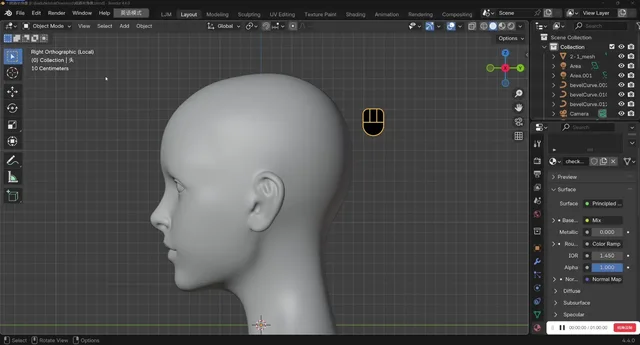


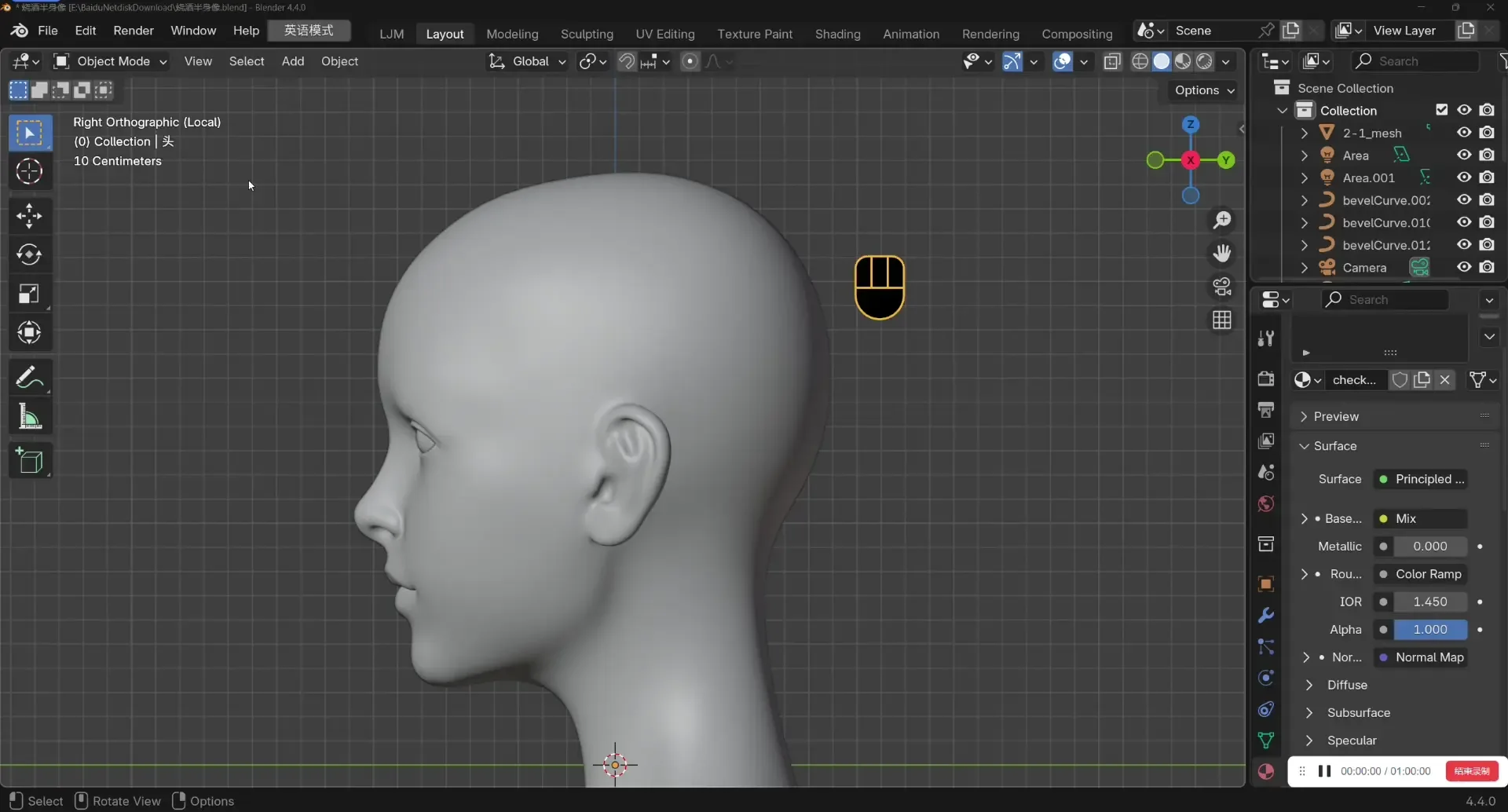
资源介绍
Sculpting using only a pen and keyboard
Compatibility: Blender 4.4.0+
官方介绍(中文整理)
只用笔和键盘雕塑
笔刷
"没有更多的和解 – 建构石板艺术家"
这是用来模拟ZBrush雕塑的薄饼的配方。
也可以显示光影,对平板电脑非常方便。
(光休显示目前不支持4.5版本, 因为 API 尚未准备)
使用方法
选择要输入雕塑模式的网状对象
Enter BBrush 雕刻模式( 在首选项设置中, 它可以用雕塑模式自动打开)
- 显示快捷键
支助支助支助支助支持支助支助支助
如果您遇到任何问题或有好主意,请在我们的“不和”频道留言。
结束
谢谢大家
谢谢大家
“Bbrush”是 Blender 官方扩展库中的插件,本段具体功能请展开查看下方官方原文。
~ , ~ ~
丹克,莱特
Merci, tout le monde( 特命全权)
查看官方原文摘要(English)
BBrush
"No More Compromises—Built for Tablet Artists"
This is an addon for Blender that simulates the way ZBrush sculpts.
Also can display silhouette, much convenient for tablets.
(Silhouette display currently does not support version 4.5 because the API is not ready)
Usage
Select a mesh object to enter sculpt mode
Enter BBrush Sculpting mode(It can be automatically turned on with the sculpt mode in the preference settings)
- Display shortcut keys
Support
If you encounter any problems or have any good ideas, you can leave a message on our Discord channel.
The end
谢谢大家
Thank you everyone
ありがとうございます、みなさん
감사합니다, 여러분
Danke, Leute
Merci, tout le monde
安装方法
- 打开 Blender「编辑 → 偏好设置 → 获取扩展(Get Extensions)」,搜索 Bbrush,可直接从官方库安装。
- 手动安装时,选择适合当前 Blender 版本与系统的 ZIP 包,在「获取扩展」右上角菜单选择「从磁盘安装(Install from Disk)」,选中 ZIP 文件,无需解压。
- 安装后,在偏好设置的「插件(Add-ons)」中确认已启用,并按作者说明使用。
下载安装包
请选择与你的 Blender 版本和操作系统相符的文件,下载由 Blender 官方扩展库提供。
正在加载安装包…
来源与许可
- 作者 / 维护者:ACGGIT_LJ
- 许可:SPDX:GPL-3.0-or-later
- 来源:Blender 官方扩展库


暂无评论内容