

资源介绍
Quick Groups (Instances) 通过 Ctrl+G 使用实例对物体进行分组,适合需要组织和重复使用物体组合的工作流程。
官方介绍(中文整理)
使用实例使用 Ctrl+G 组合对象。
该扩展是 Blender 官方扩展库中的插件,用于辅助 Blender 创作流程。详细功能请查看下方官方原文。
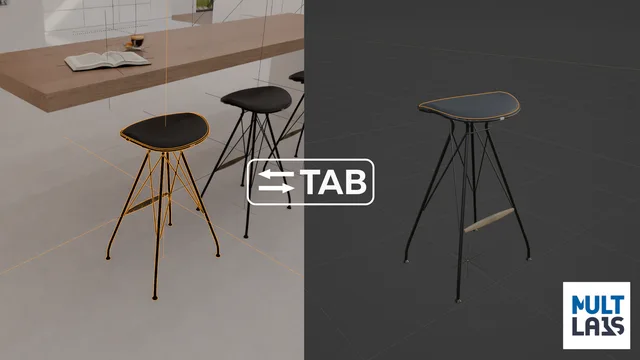
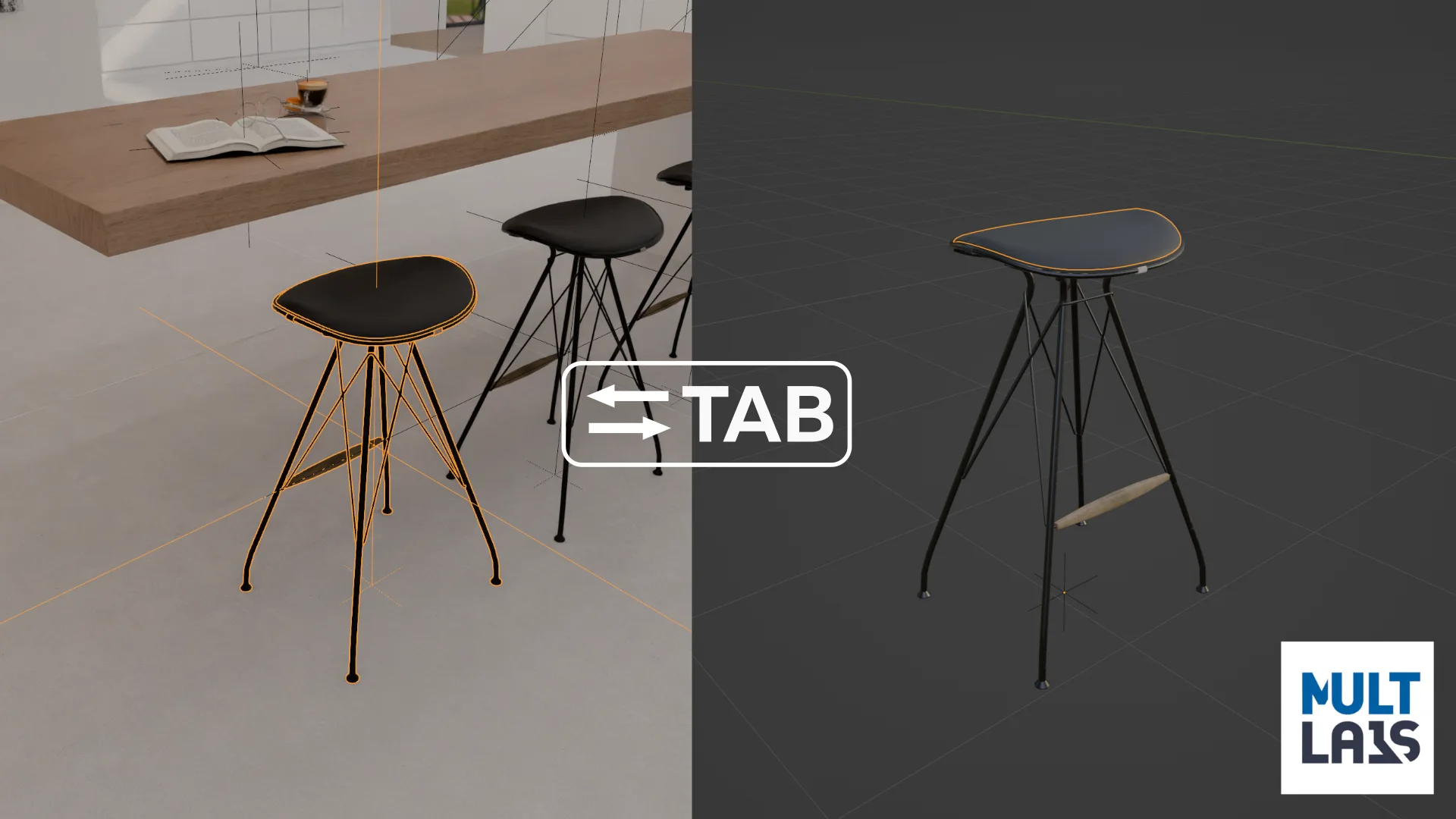
在插件的“组”中,这是一个实例,可以通过按 Tab 编辑(在场景称为“图书馆”)
快捷键:
Ctrl+G – 从选定对象组( Instance) (F9 (调整最后一次操作) 来设定组合的中心并设定名称)
Tab – 打开组编辑模式
取消所有选择, 按 Tab – 返回场景。
Ctrl+Alt+G – 取消分组
Ctrl+Shift+G – 高级选项, 如生成单个用户, 和更改实例( 替换对象)。
添加时使用常规 Blender 实例, 这样您可以发送您的.blend 文件, 包括由此添加时制作的“ 组 ” , 即使您的同事没有安装此添加。
WIP 编辑在位置/ 文本中: 测试并分享您在线索中的想法
“Quick Groups (Instances)”是 Blender 官方扩展库中的插件,本段具体功能请展开查看下方官方原文。
查看官方原文摘要(English)
This add-on replaces Ctrl+G by its own functionality – creating groups using regular instances
In the add-on "Group" – it is an instance, that can be edited (in the scene called "Library") by pressing Tab
Keymap:
Ctrl+G – Make Group (Instance) from selected objects (F9 (adjust last operation) to set center of the group and set a name)
Tab – Opens group edit mode
Deselect everything and press Tab – Return to scene.
Ctrl+Alt+G – Ungroup
Ctrl+Shift+G – Advanced options like make single user, and change instance (Replace chair by another chair).
This add-on uses regular Blender instances, so you can send your blend file with "groups" made by this add-on, even if your co-worker haven't this add-on installed.
WIP Edit in Place/Context: test & share your thoughts in the thread
Take a look at my other goods: Synchronize Workspaces | Folds Modifier | Parallax Node | Staircase Generator
安装方法
- 打开 Blender「编辑 → 偏好设置 → 获取扩展(Get Extensions)」,搜索 Quick Groups (Instances),可直接从官方库安装。
- 手动安装时,选择适合当前 Blender 版本与系统的 ZIP 包,在「获取扩展」右上角菜单选择「从磁盘安装(Install from Disk)」,选中 ZIP 文件,无需解压。
- 安装后,在偏好设置的「插件(Add-ons)」中确认已启用,并按作者说明使用。
下载安装包
请选择与你的 Blender 版本和操作系统相符的文件,下载由 Blender 官方扩展库提供。
正在加载安装包…
来源与许可
- 原名:Quick Groups (Instances)
- 作者 / 提供方:MultLabs
- 许可:SPDX:GPL-3.0-or-later
- 来源:Blender 官方扩展库


暂无评论内容