

资源介绍
Fit primitive shapes to verticies
Compatibility: Blender 4.2.0+
官方介绍(中文整理)
原始形状适合顶点
将原始形状添加到选中的顶点中。 当前手柄有球体、 平面和圆柱形。
气瓶可适合单选一个或两个顶点(单独加在UI中)。
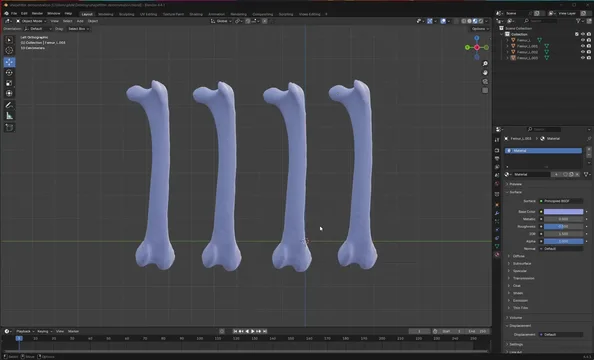
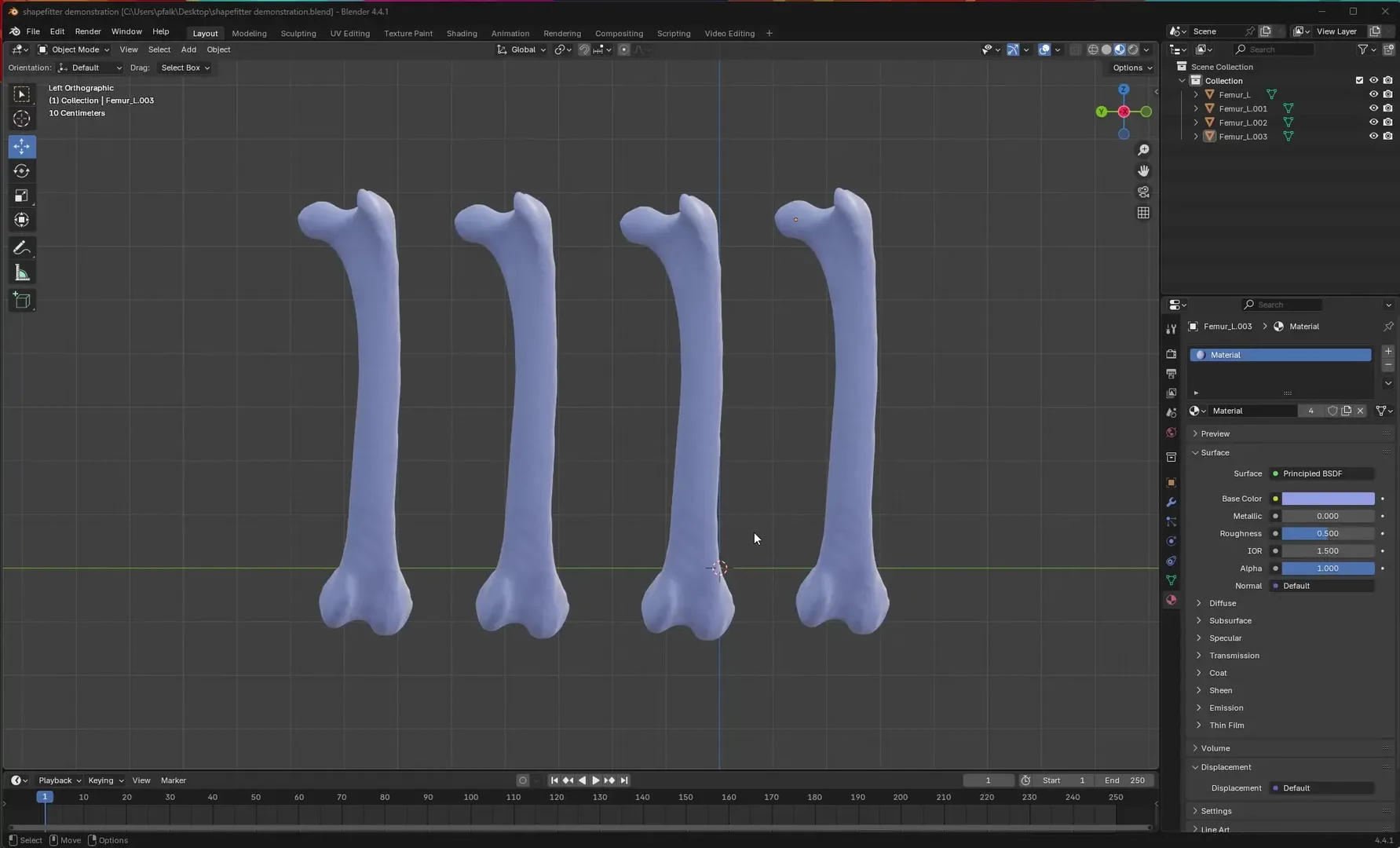
最初是为骨头和生物机械开发的,可能对其他用途有用。
球体 – 选择坐在球体表面或定义其体积的顶点。
平面 – 将搭乘一架飞机,穿过选定的顶点中心,与两个主要轴对齐。
圆柱体 – 将会将一个圆柱体安装到圆柱体侧面所选的顶点上。 请注意, 原则组件是用来引导圆柱体的, 所以如果您选择圆柱体上的顶点, 它会方向错误。
2个圆柱形圆柱状圆柱形- 将使用两组在圆柱形表面并装配圆柱形的顶点。
查看官方原文摘要(English)
An add-on to fit primitive shapes to selected vertices. Current handles Sphere, Plane, and Cylinder.
Cylinder can be fit either to a single selection of vertices or two (added separately in the UI).
Initially developed for Bones and biomechanics, likely useful for other purposes.
Sphere – select verticies that either sit on the surface of a sphere, or define it's volume.
Plane – Will fit a plane through the centre of the selected verticies, aligned with the two major axes.
Cylinder – Will fit a cylinder to a selection of verticies that lie on the side of the cylinder. Note that principle component is uses to orient the cylinder, so if you select verticies across the cylinder, it will be oriented wrong.
2 condyle cylinder – will take two sets of verticies that lie on the cylinder surface and fit a cylinder. Idea for e.g. the distal end of limb bones.
安装方法
- 打开 Blender「编辑 → 偏好设置 → 获取扩展(Get Extensions)」,搜索 Shape Fitter,可直接从官方库安装。
- 手动安装时,选择适合当前 Blender 版本与系统的 ZIP 包,在「获取扩展」右上角菜单选择「从磁盘安装(Install from Disk)」,选中 ZIP 文件,无需解压。
- 安装后,在偏好设置的「插件(Add-ons)」中确认已启用,并按作者说明使用。
下载安装包
请选择与你的 Blender 版本和操作系统相符的文件,下载由 Blender 官方扩展库提供。
正在加载安装包…
来源与许可
- 作者 / 维护者:pfalkingham
- 许可:SPDX:GPL-3.0-or-later
- 来源:Blender 官方扩展库


暂无评论内容